
















What Is a Front End Developer and How to Become One?

When you read this article, front-end developer has become a common job title in the software development industry. Statista predicted that front-end developers will be the fourth most demanded IT role in 2025. But what is a front-end developer, exactly? If you are new to the industry and want to learn more about this job, keep reading this article to find the right answer to this question.
Here in this blog, you’ll learn about:
- What does a front-end developer do?
- What skills do they need to perform this job?
- Where could a beginner learn to become a skilled front-end developer?
- What kind of tools does a front-end developer need?
What Is a Front-End Developer and What Does a Front-End Developer Do?
When you navigate this website, have you ever wondered how the menus, links, and other interactive elements respond to your actions? It’s all thanks to front-end developers. After UI/UX designers build the visual layout and map the user experience of a website, front-end developers make them all alive and interactive by coding languages. In other words, they use code to create all functions that enable you to perform certain actions, like scrolling through content or submitting forms.
1. Produce HTML, CSS, JS
This is the most important task of a front-end developer whether you are a junior or an experienced engineer.
It is worth knowing that everything a user lands eyes on in a browser is a mix of HTML, CSS, and JavaScript. So, practically, a front-end developer will need to use those web technologies and some other ones to build websites and applications. These products will run on the open web platform or perform as compilation input for non-web platform environments.
As a result, users can see and interact with your product directly through content, buttons, images, navigation, and internal links built by those HTML, CSS, and JS lines of code.
2. Ensure the product is easy to use
While creating interactions, a front-end developer has to work with the product’s UI and UX.
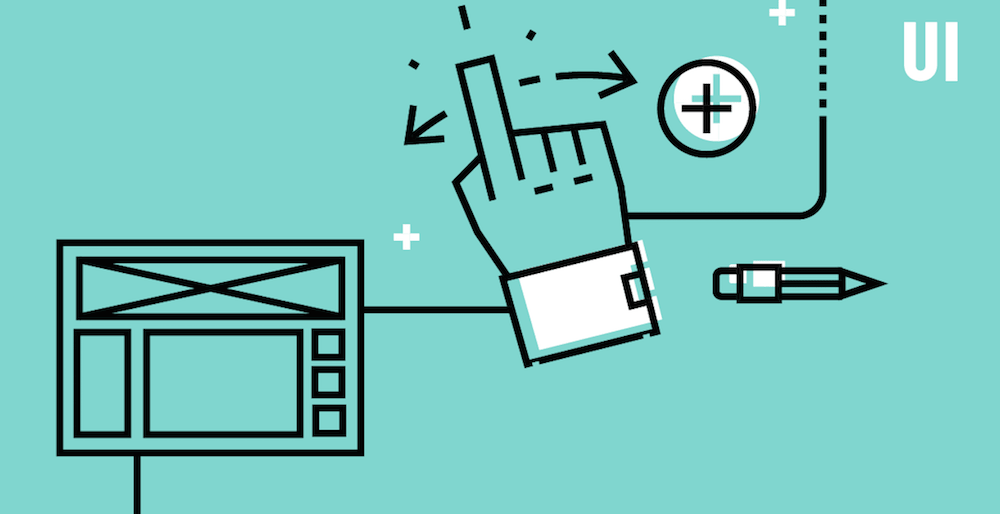

The idea here is to serve a perfect visit to every user who comes to the web. You, as a front-end developer need to work with designers and back-end programmers to make the UI as simple and effective as possible.
Meanwhile, when it comes to UX, a front-end developer’s mission is to improve or enhance the usability, accessibility, and interaction between users and products.
- Besides those two most important tasks, you must:
- Make sure the site appears correctly in different browsers, OS, and devices.
- Implement design for mobile sites.
- Maintain software workflow management.
- Look at SEO best practices.
- Test the site for usability and fix any bugs.
Recommended reading: How Much Does Google Pay Their Software Engineers?
What Skills Do They Need?
1. HTML
HTML is the thing that builds up a website’s structure and content. That’s why every front-end developer needs to be familiar with this language. HTML elements can annotate headers, footers, the display of text, media and images, etc.
Many programmers underestimate the importance of HTML. But little do they know that it takes great skills and practices to deliver lean and clean HTML.
It’s essential to know how to combine all elements correctly and effectively. As a front-end developer, you must have good knowledge of common HTML elements such as default layout rules, styling, HTML semantic,s and contextual usage.
Recommended reading: Top 10 Front End Frameworks for Modern Web Development
2. CSS
CSS is broken into modules and comprises the code for every graphic element—from backgrounds to font—that make up the look and feel of a website.
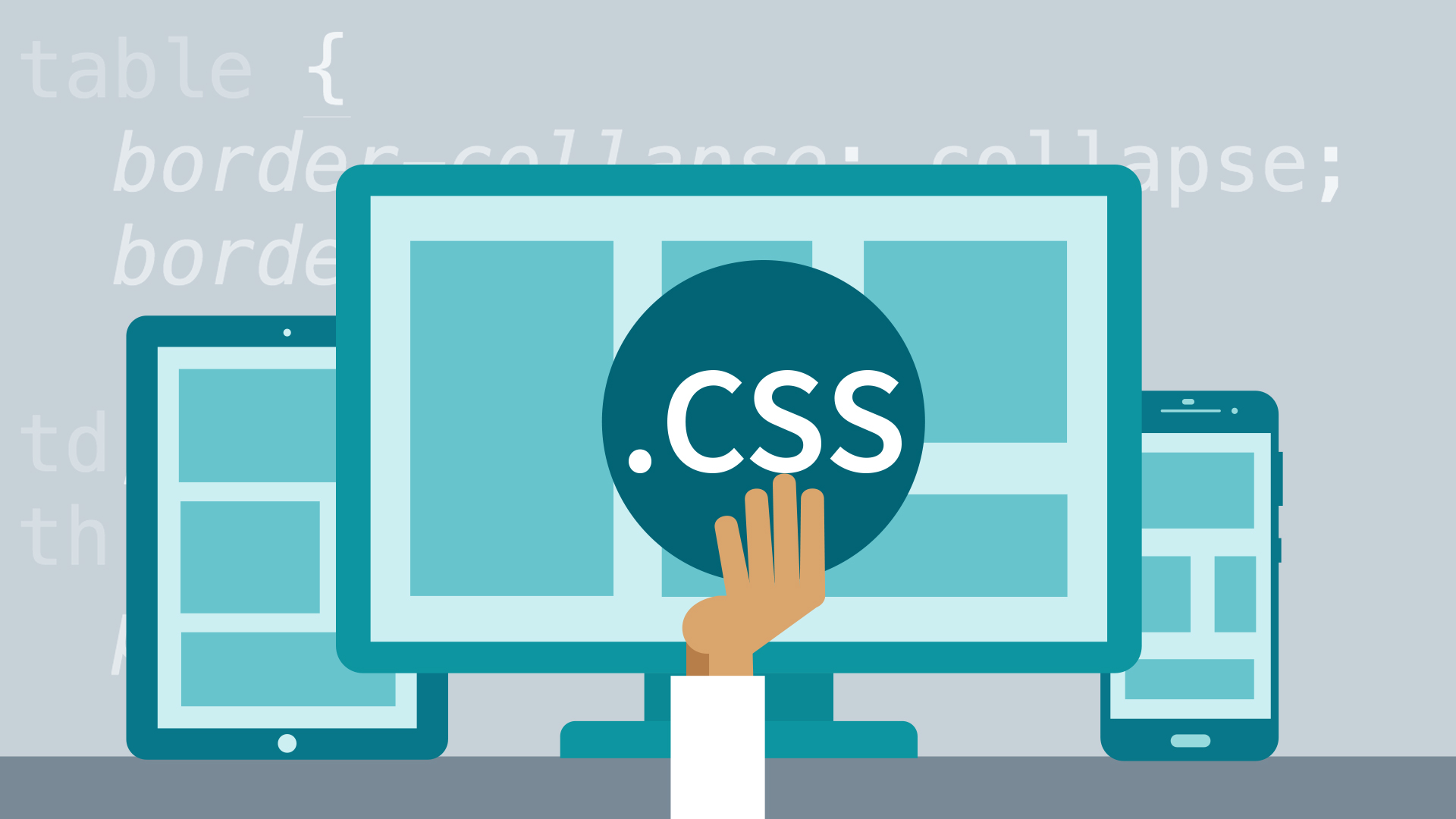
To answer the question “what is a front-end developer” and master CSS, one must understand fundamental concepts of CSS like cascading, specificity rules, selectors, inheritance, box model, and stacking context.
After getting to know all the basics, it’s time to have some ideas about OOCSS (object-oriented CSS) or start practicing some points from CSS guidelines.
On top of that, experienced front-end developers must have some tips and tricks of their own. For example, they must know all the tricks to vertically align content while Flexbox is not yet mainstream. They must also know when to use pseudo-elements, CSS shape tricks, icon fonts, sprite sheets, etc. to achieve the UI designs with the best performance and compatibility results.
And finally, an up-to-date front-end developer should be able to use a CSS preprocessor to enhance maintainability and productivity.
3. JavaScript
Thanks to its huge resources, JavaScript is the core of a front-end development process. This one is the first client-side language and the most ubiquitous front-end script on the web.
At any level, there are three key features of JavaScript that are crucial to your comprehension of the language; they are prototype chain, closures, and ‘this’ keyword. Other main features of the language such as dynamic typing, literal, variable, and function hoisting… should be understood as well.
At the time you want to know more about JavaScript, let’s learn JS idioms, patterns, modules, and maybe an MV* framework all along.
4. Git
With Git, we can keep track of changes. Besides, GitHub gives people the ability to submit the issues that clients have with the product and they can also request a new feature. Furthermore, your code will be better and your skills will be improved due to the fact that we can revise our work and improve it once there’s a bug.
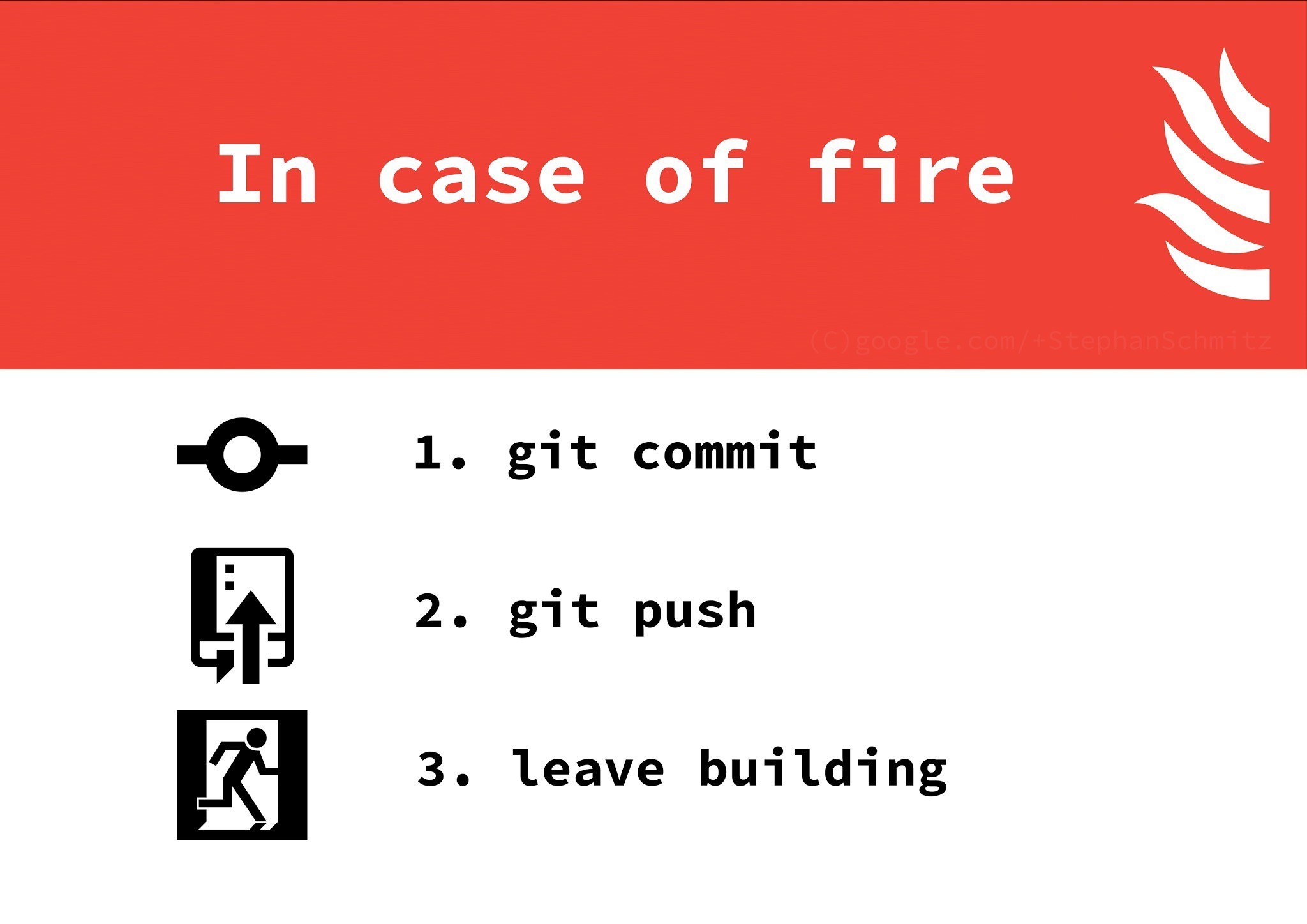
In general, a front-end developer must be comfortable when working with feature branches, rebasing their work on the work of others, squashing commits using interactive rebase, and doing work in small units that are unlikely to cause conflicts whenever possible.
Recommended reading: Web Developer Salaries in Vietnam 2022
5. UI skills set
As mentioned above, a front-end developer must understand how a website’s UX/UI works so that they can improve or enhance the product.
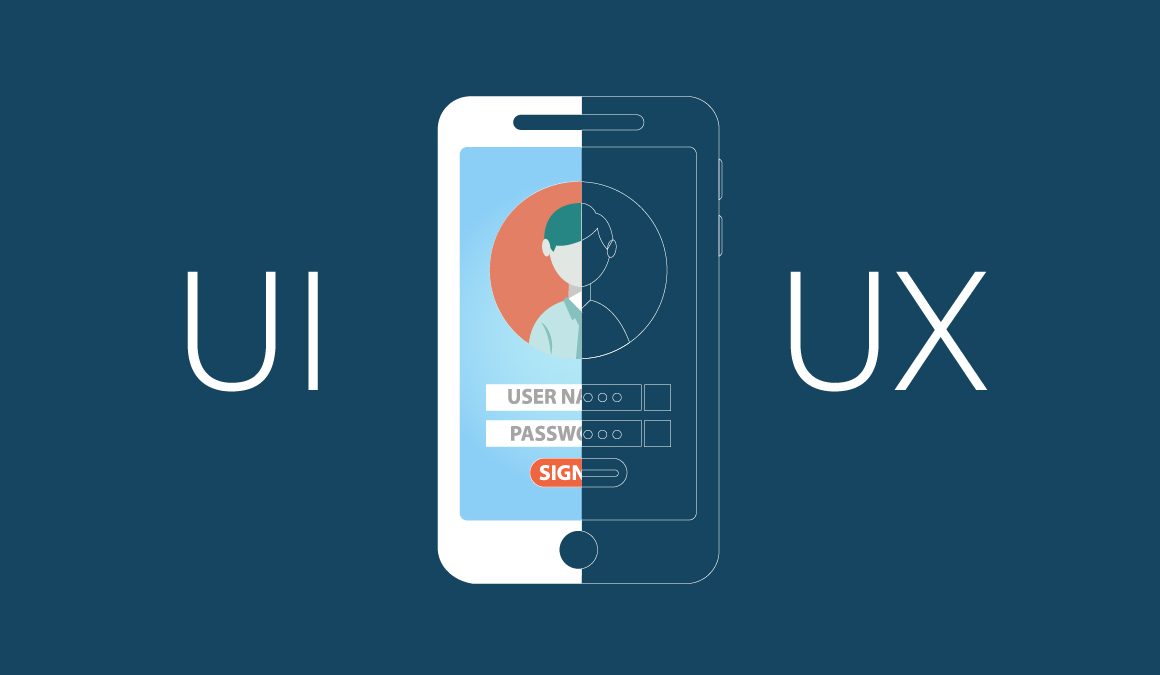
That said, you should have an understanding of typography, UI, and animation concepts and can speak UI jargon fluently with your UX/UI designer fellows. (i.e: hamburger button, hero banner, the fold…)
What’s more? To get assets for your UI development as well as extract parameters (opacity, gradient, colors…) you must know how to use Adobe Photoshop or Sketch.
Besides all the above most important skills, learning how to use some query languages such as RESTful or GraphQL is also a must for every front-end developer.
Best Resources to Learn Front-End Development

1. HTML
If you’re a beginner in HTML, you should learn the basics with the following tutorials.
- HTML5 Doctor: Reliable reference to HTML5 elements’ usage, especially in a semantic way.
- W3School’s HTML basic tutorial: Basic HTML tutorials
2. CSS
To start off your CSS journey, here are some sources you can learn from:
- Webplatform’s CSS Tutorials
- Harry Robert’s CSS Guidelines
- CSS Tricks: Who does CSS and hasn’t visited this site before?
3. JavaScript
For JavaScript beginners, these are the best resources to start off:
- Eloquent JavaScript: Very good book for JS newbies, and it’s free.
- JavaScript Enlightenment: Another good book for newbies.
- TodoMVC: A go-to site for MVC frameworks evaluation and comparison
- Writing Modular JS: More details on modern JS modules
- Understanding ES6: Learn ECMAScript 6 with Nicholas C. Zakas
4. UX/UI
If you want to learn about UX/UI design, don’t miss these resources:
- About Face: The Essentials of Interaction Design
- Design for Hackers: Reverse Engineering Beauty
- Non-Designer’s Design Book
- Designing Interfaces
- Don’t Make Me Think, Revisited: A Common Sense Approach to Web Usability
- Designing Web Interfaces: Principles and Patterns for Rich Interactions
FURTHER READING: |
1. UX Design Process: What You Need To Know? |
2. What Does a UX Designer Do to Make the Best Product? |
3. UX Design Careers: What You Need to Focus On? |
Helpful Tools for Front-End Developer
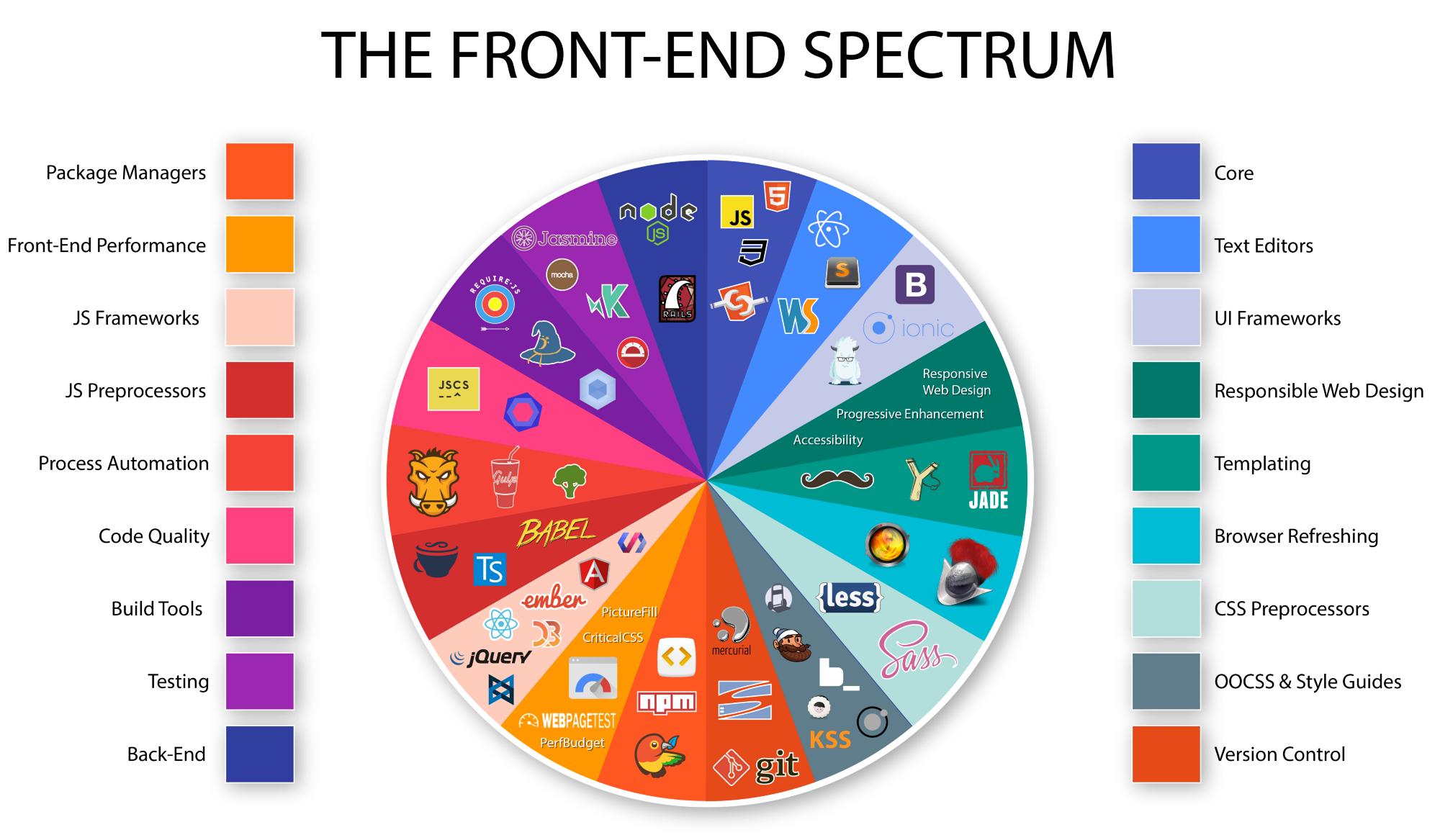
Just as other workers, we all need tools to make our processes go smoothly and effectively. And just like learning resources, Designveloper will show you the tool to improve your productivity for each key skill.
1. HTML
Below are HTML-related tools you should consider using:
| Tools | |
| HTML Templates/Boilerplates/Starter Kits | – dCodes – Email-Boilerplate – HTML5 Boilerplate – HTML5 Bones – Mobile boilerplate |
| HTML Polyfill | html5shiv |
| Transpiling | – Pug – Markdown |
| References | – Element attributes – Elements – HTML Arrows – HTML Entity Lookup – htmlreference.io – HEAD – A free guide to elements |
| Linting/Hinting | – HTMLHint – html-inspector |
| Optimizer | HTML Minifier |
| Online Creation/Generation/Experimentation Tools | tablesgenerator.com |
| Authoring Conventions | – HTML Code Guide – Principles of Writing Consistent, Idiomatic HTML |
| Workflow | Emmet |
| HTML Outliner | HTML 5 Outliner |
2. CSS
For CSS, consider the following tools:
| Tools | |
| CSS Utilities | – Basscss – Skeleton – Shed – Tailwind CSS – Tachyons |
| CSS Frameworks (utilities + UI) | – Base – Bulma – Bootstrap 4 – Concise – Foundation – Material Design Lite (MDL) – Metro UI – Mini.css – Mobi.css – Picnic – Pure.css – Semantic UI – Shoelace – Spectre.css |
| Mobile Only CSS Frameworks | Ratchet |
| CSS Reset | – Eric Meyer’s “Reset CSS” 2.0 – Normalize – sanitize.css |
| Transpiling | – pleeease.io – PostCSS & cssnext – rework & myth |
| References | – CSS Cursors – css3test.com – css3clickchart.com – cssreference.io – CSS Indexes – A listing of every term defined by CSS specs – css4-selectors.com – css4 Rocks – CSS TRIGGERS…A GAME OF LAYOUT, PAINT, AND COMPOSITE – CSS Tricks Almanac – cssvalues.com – MDN CSS Reference – CSS Cheat Sheet |
| Linting/Hinting | – CSS Lint – stylelint |
| Code Formatter/Beautifier | – CSScomb – CSSfmt |
| Optimizer | – clear-css – cssnano – purgecss – CSSO |
| Online Creation/Generation/Experimentation Tools | – CSS Arrow Please – Enjoy CSS – CSS Matic – Flexbox Playground – flexplorer – patternify.com – patternizer.com – Ultimate CSS Gradient Generator |
| SC5 STYLE GUIDE GENERATOR | – styleguide-generators – Catalog |
3. JavaScript
Consider the following tools if you want to learn about JavaScript:
| Tools | |
| JS Utilities | – accounting.js – async – axios – chance – date-fns – format.js – immutable – is.js – lodash – You-Dont-Need-Lodash-Underscore – Luxon – Math.js – Moment.js – Numeral.js – Ramda – RxJS – string.js – voca – wait – xregexp.com |
| Transforming JavaScript Objects Tool | transform-www |
| Transpiling / Type Checking (ES to ES) | – Babel – TypeScript – Flow |
| Code-analysis Engine | Tern |
| Linting/Hinting & Style Linter | Eslint |
| Unit Testing | – AVA – Jasmine – Mocha – Tape |
| Testing Assertions for Unit Testing | – Chai – expect.js – should.js |
| Test Spies, Stubs, and Mocks for Unit Testing | – sinon.js – Kakapo.js |
| Code Formater/Beautifier | – esformatter – js-beautify – jsfmt – prettier |
| Performance Testing | – benchmark.js – jsperf.com |
| Visualization, Static Analysis, Complexity, Coverage Tools | – Esprima – Istanbul |
| Optimizer | – Closure Compiler – UglifyJS 2 – optimize-js – Prepack |
| Obfuscate | – Javascript Obfuscator [free to $] – JScrambler [$] |
| Sharable/Runnable Code Editors | – CodeSandbox [free to $] – Online Regular Expression Editors/Visual Tools: debuggex, regex101, regexper, RegExr, extendsclass, regextester |
| Authoring Convention Tools | – Airbnb’s ESLint config, following our style guide – Standard – ESLint Shareable Config |
FURTHER READING: |
1. Top 7 Best Resources to Learn React JS for Free |
2. 12 Free HTML5 Resources To Learn for Newbies |
3. How to Become a Full Stack Developer? Does It Suit You? |
What Does a Company Need From Front-End Developers?
Companies often have different requirements for the front-end developer position, depending on the project they’re deploying. Below is what Designveloper needs from a candidate for this position:
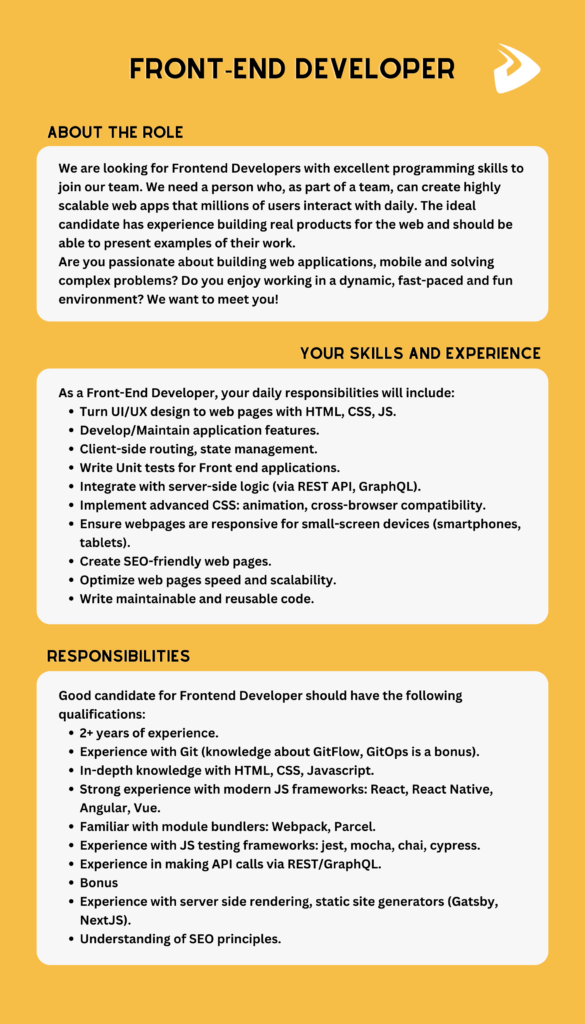
Phew, so this is the end. We hope that you enjoyed this piece of writing and better understood what a front-end developer is. If you’re interested in this position, here’s good news for you! Designveloper is looking for front-end developers, so let’s join us now to figure out what a front-end developer is. Click here to find out more! Don’t forget to follow us on Facebook, X, and LinkedIn!
Also published on

Share post on










Related Articles


What Is Ext JS? Features, Components, And Frontend Use Cases
What Is Ext JS? Features, Components, And Frontend Use Cases Published September 25, 2026
Difference Between HTML And CSS: Key Comparisons And Examples
Difference Between HTML And CSS: Key Comparisons And Examples Published September 23, 2026
Best Frontend Frameworks In 2026 : 8 Options, Tradeoffs, And Tips
Best Frontend Frameworks In 2026 : 8 Options, Tradeoffs, And Tips Published September 22, 2026



















