
















13 Best Vibe Coding Tools for Building Apps and Editing Codebases

KEY TAKEAWAYS:
- Vibe coding covers more than prompt-to-app builders. This comparison includes Bolt.new, Lovable, Replit, Base44, Cursor, GitHub Copilot, Cline, Claude Code, OpenAI Codex, OpenHands, Devin, v0, and Qodo.
- Choose by workflow and control. A hosted builder, an AI IDE, a terminal agent, and a code-review layer solve different jobs; compare tools within the category you need.
- Measure the reviewed result, not the first demo. Check whether you can inspect changes, test edge cases, export or own the code, and understand the deployment path.
- Run one bounded pilot before committing. Use synthetic data, set a short task and spending limit, then count the time needed to verify and repair the output.
- Prices and quotas change. Figures below were checked on September 30, 2026; model usage, hosting, storage, or integrations may cost extra.
An AI-generated app can look finished long before its code, data access, or deployment path has been checked. That gap makes choosing the best vibe coding tools less about a flashy first draft and more about what happens after the prompt: can you inspect and export changes, control costs, verify behavior, and hand work to a team? The comparison below separates app builders, coding environments, agents, and quality tools instead of ranking unlike products together. If you are new to the approach, How to Start Vibe Coding offers a useful way to scope an initial experiment.
Compare the Best Vibe Coding Tools by Workflow
These are curated picks based on publicly documented product capabilities, not results from a controlled hands-on benchmark. The order is not a performance ranking. Use the table to shortlist a category, then review the product-specific limits below; two tools with similar demos can differ in code access, deployment ownership, and cost model.
| Tool and category | Best fit | Code and delivery path | Cost basis | Check before adopting |
|---|---|---|---|---|
| Bolt.new App builder |
Browser-based web prototypes | Prompt-led workspace with preview and hosting options | Free access; paid token plan | Token use, hosting limits, and code handoff |
| Lovable App builder |
Design-led web app concepts | Chat-based app creation; verify the project’s export and hosting path | Workspace credits | Credit consumption, backend controls, and portability |
| Replit Cloud IDE and builder |
Build, run, and share a small app in one cloud workspace | Cloud editor, runtime, collaboration, and deployment | Subscription plus usage allowances | Compute, model credits, and cloud dependency |
| Base44 App builder |
Prompt-built business apps and internal workflows | Managed app platform | Monthly message credits | Data access, export, and credit limits |
| Cursor AI IDE |
Developers working in an existing repository | IDE agent edits code that developers can inspect and test | Free tier; paid subscription and usage limits | Agent quotas, data policy, and diff review |
| GitHub Copilot IDE and GitHub assistant |
Teams already using GitHub and supported IDEs | Fits an existing repository and pull-request workflow | Free and paid subscription tiers with AI credits | Plan quotas, policy settings, and review ownership |
| Cline Open coding agent |
Developers who want model and permission choice | IDE, terminal, and configurable tool access | Open-source client; model inference is usage-based | Command permissions, provider data terms, and spend |
| Claude Code Terminal coding agent |
Repository tasks in a CLI-centered workflow | Works in a development environment with terminal tools | Subscription or usage-based API/provider access | Tool permissions, model choice, and session cost |
| OpenAI Codex Coding agent |
Bounded repository tasks that need a reviewable handoff | Agent task environment; inspect the resulting changes before merge | Check current account access and task allowance | Environment scope, permissions, and verification steps |
| OpenHands Agent platform |
Teams choosing local, cloud, or self-hosted agent workflows | Open platform with local and hosted options | Local open source; hosted or enterprise terms vary | Runtime isolation, model costs, and setup effort |
| Devin Cloud coding agent |
Well-specified engineering tasks that can be reviewed as a pull request | Delegated, multi-step work with human review at handoff | Free access and paid plan with quotas | Task limits, repository permissions, and review time |
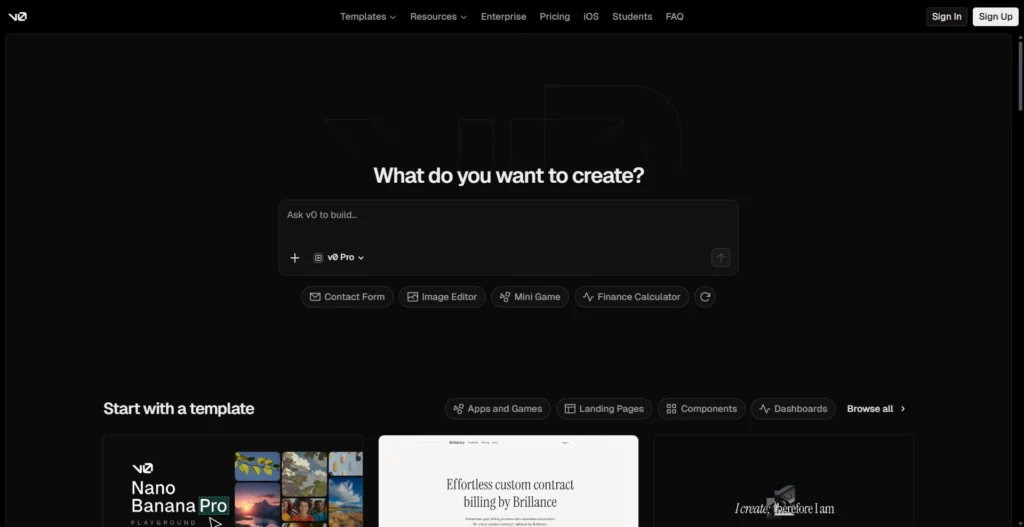
| v0 by Vercel UI and app generator |
Web interfaces and Vercel-oriented app prototypes | Visual editing, GitHub sync, and Vercel deployment options | Free monthly credits; paid credit tiers | Credit costs, backend scope, and production checks |
| Qodo Code-quality layer |
Reviewing and governing code changes | Adds review and quality checks; does not generate a whole app | Trial and paid plans; review/credit limits apply | Coverage, integration, and human security review |
Product status matters. Continue’s website says it was acquired by Cursor and that its open-source code remains available, while the former Windsurf site currently leads to Devin Desktop. To avoid presenting either as an unchanged, separate current product, this shortlist uses Cline and OpenHands for open and configurable agent workflows instead. Recheck product status before choosing a long-term team standard.
Prompt-to-App Builders
These platforms reduce setup by letting you describe an interface or workflow and iterate inside a managed environment. They suit early validation, but teams should prove code ownership, data boundaries, and a path out of the builder before treating a prototype as a maintainable product.
1. Bolt.new
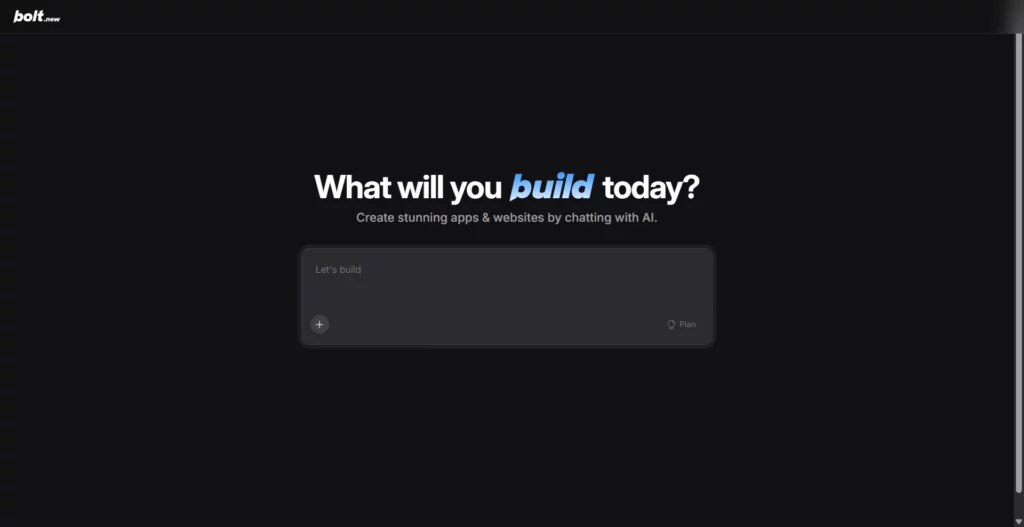
Bolt.new is a browser-based option for turning a product brief into a working web prototype without first configuring a local toolchain. It is useful when the goal is to test a flow such as a lead form, searchable catalog, or internal request tracker with sample data.
Best fit: Solo builders or small teams that want a prompt-led web build, an immediate preview, and a hosted proof of concept.
Trade-off: Iteration consumes tokens, and a successful preview does not settle questions about authentication, database permissions, tests, deployment limits, or future code ownership. Before committing, verify the current project export and hosting options against the destination the team plans to use.
Pricing: Bolt lists a free plan and Pro at $25 per month billed monthly; the Pro plan includes a monthly token allowance, so repeated debugging can affect the real cost. See Bolt’s official pricing for current limits.
For a deeper dive:
- Is Vibe Coding The Future Of Software Development or Just a Trend?
- Is Vibe Coding a Bad Idea or a Problem Misunderstood?
- 14 Best Codeless Automation Testing Tools (Free + Paid)
2. Lovable
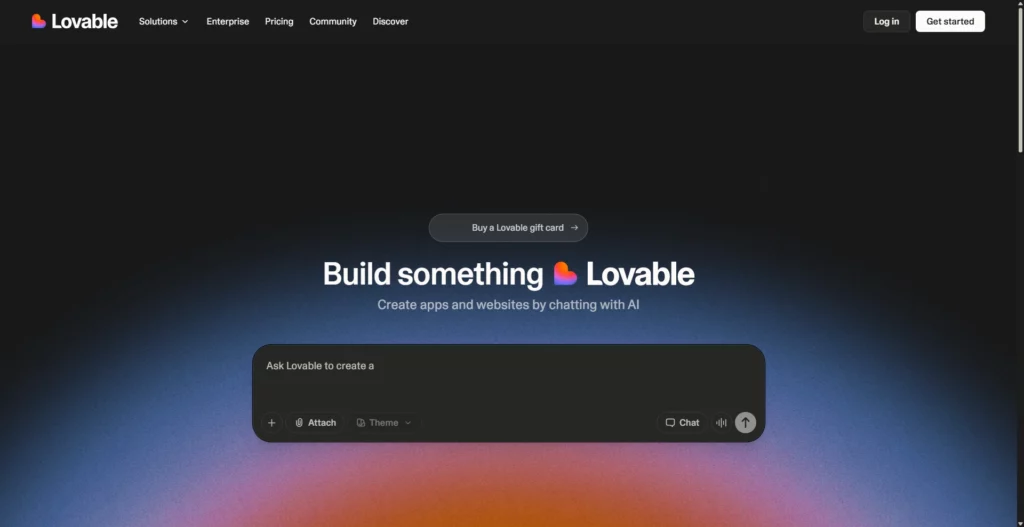
Lovable is a design-led builder for shaping a web app through conversational iterations. It is a reasonable shortlist candidate when a founder, product manager, or designer needs to validate a customer-facing flow before a development team commits to a larger build.
Best fit: A visual prototype where layout and interaction are the first questions to answer.
Trade-off: A polished interface can obscure whether data access, authorization, integrations, and deployment are suitable for the intended use. Review how the project can be exported or continued elsewhere, and test how quickly credits are used by the workflow you actually need.
Pricing: Lovable measures usage through workspace credits, and credit consumption varies by action. Compare the current allowance and expiry rules before estimating a project budget in its official plan details.
3. Replit
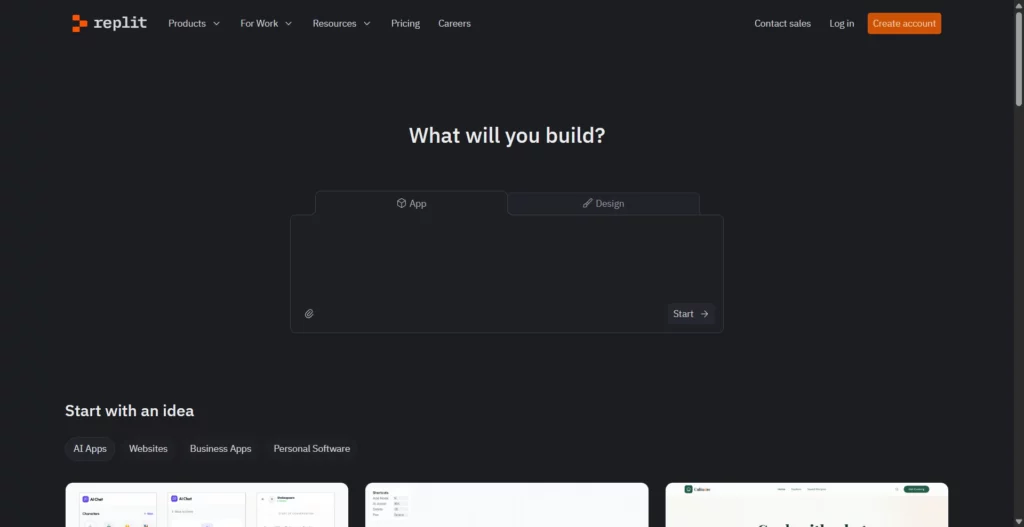
Replit combines a cloud coding environment with app-building, runtime, collaboration, and deployment features. The all-in-one workflow is useful for a learner or small team that wants to create, run, and share an app from the browser instead of assembling a local development setup first.
Best fit: A small full-stack prototype that benefits from a cloud editor and a short build-to-preview loop.
Trade-off: The convenience also makes the platform’s runtime, usage allowances, and deployment terms part of the project decision. Check whether the data, code, and hosting can move to the team’s preferred environment, and monitor paid model usage during repeated agent runs.
Pricing: Replit Core is listed at $20 monthly or $18 per month when billed annually; the plan also identifies model-credit allowances. Treat included credits and extra usage separately from hosting spend, and confirm current terms on Replit’s pricing page.
4. Base44
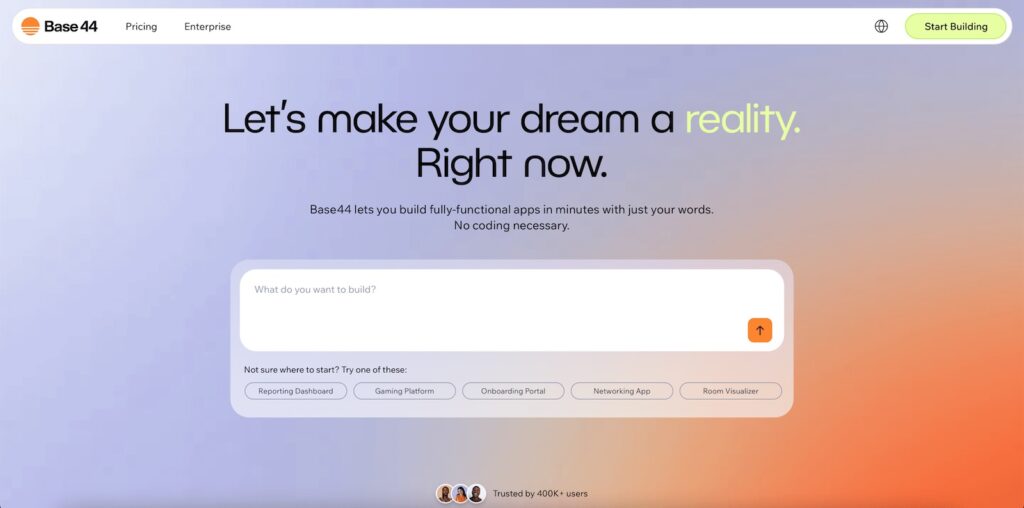
Base44 is a managed app builder for describing a business workflow in natural language and shaping it into an app. It is worth testing for an internal request flow or lightweight business tool when the team values a ready-made environment more than control over every infrastructure choice.
Best fit: A contained internal workflow or early business-app concept with a clear set of users and tasks.
Trade-off: Do not infer that a generated app’s access rules or data model are production-safe from a working demo. Check how roles, integrations, data export, and app hosting work on the selected plan; message credits can also make long prompt-repair loops harder to forecast.
Pricing: Base44 offers free access and paid tiers measured in monthly message credits. On the date checked, its Elite tier displayed $160 per month billed annually for 1,200 monthly message credits; this is a high-tier reference, not the entry price. Compare the plan and credit allowance that match your use on Base44’s current plans.
AI IDEs and Editor Agents
Choose this group when a team already has a repository and wants AI to help change, explain, or test existing code. A useful first comparison is how each product presents its edits, asks for permission, fits an IDE workflow, and lets a developer reverse a mistake. For other products in this category, compare AI coding assistant tools; editor-based assistance can also complement AI-assisted pair programming.
5. Cursor
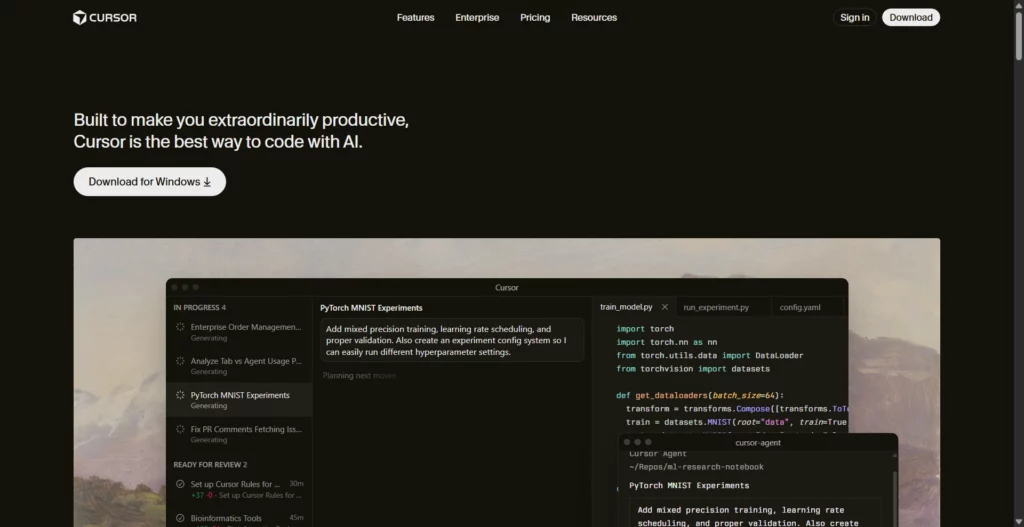
Cursor is an AI-focused code editor for developers working in real codebases. Its agent workflow makes it a practical option for scoped refactors, debugging, and feature work where a developer wants repository context but still needs to inspect the resulting diff.
Best fit: Developers who spend most of their time editing and reviewing code in an existing project.
Trade-off: Agent access and usage limits vary by plan, and an agent can still make broad or unnecessary edits when the task is vague. State the files or behavior in scope, require tests, and review the diff before accepting it.
Pricing: Cursor lists a free Hobby tier and Pro at $20 per month, with agent limits by plan. Check the current Cursor pricing before rolling it out to a team.
6. GitHub Copilot
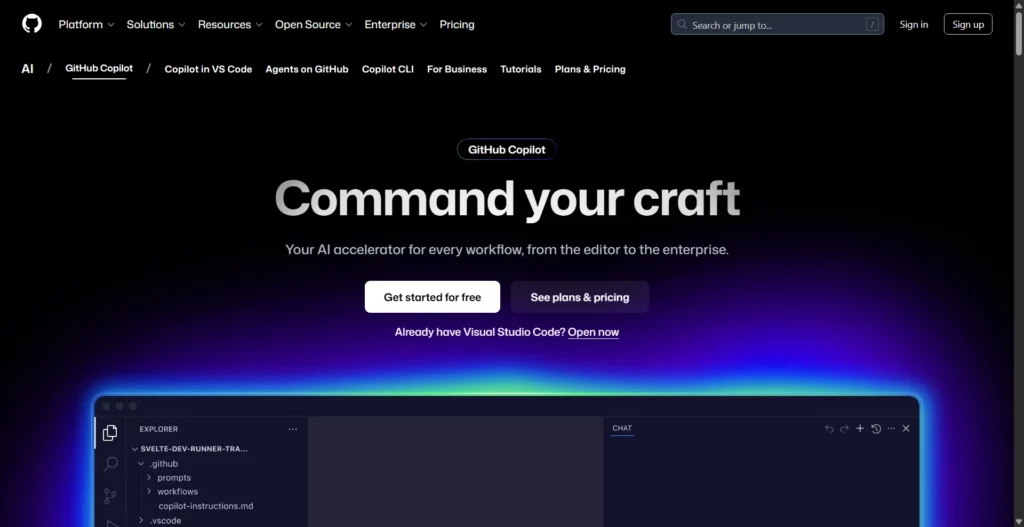
GitHub Copilot fits teams that already use GitHub and want AI features inside familiar editor and pull-request workflows. Rather than replacing the development process with a prompt-to-app builder, it can assist with incremental coding and repository tasks inside that process.
Best fit: Developers and teams that want an assistant close to their editor, GitHub issues, and code review.
Trade-off: Plan quotas and GitHub organization policies matter. Agree on who reviews agent-created changes and what repository or data permissions are appropriate before enabling new workflows.
Pricing: The checked page lists Free, Pro at $10 per month, Pro+ at $39 per month, and Max at $100 per month; AI-credit allowances and included features differ. Verify the current plan and organization policy on GitHub Copilot’s plans page.
7. Cline
Cline is an open coding agent available across IDE and terminal workflows. It can read and edit project files and run commands, while letting the developer choose a model or provider—useful when the team values configurability over a fully managed builder.
Best fit: Developers who want to set model access and tool permissions around their own repository workflow.
Trade-off: Flexibility transfers more responsibility to the user. Restrict command approvals, keep production credentials out of the workspace, and use a disposable branch or sandbox for unfamiliar tasks. Review the Cline agent and permission documentation before enabling automatic actions.
Pricing: Cline’s open-source client is free for individual developers; model inference is usage-based and depends on the provider. See Cline’s pricing details for hosted options and billing terms.
Terminal and Autonomous Coding Agents
Agents can take several steps—such as inspecting a repository, editing files, or running tests—rather than only suggesting the next line. That autonomy is useful for bounded work, but the right question is whether the task can be scoped, isolated, and checked before its changes reach a shared branch. Readers comparing this wider category can also review agentic AI tools beyond coding products.
8. Claude Code
Claude Code is a terminal-centered coding agent for developers who want AI to work alongside repository and command-line tools. It is suited to tasks such as explaining an unfamiliar module, making a small migration, or implementing a change with tests in an existing project.
Best fit: CLI-comfortable developers who can define a narrow task and review the files and commands involved.
Trade-off: Terminal access increases the importance of permission boundaries. Keep the agent away from production secrets and destructive commands, and account for long-session or repeated-run costs rather than estimating from a single prompt.
Pricing: Claude Code can be used through subscription or API/provider arrangements, and spend depends on usage and model choice. Anthropic’s cost-management documentation explains how to track usage; use a pilot to estimate your own workload.
9. OpenAI Codex
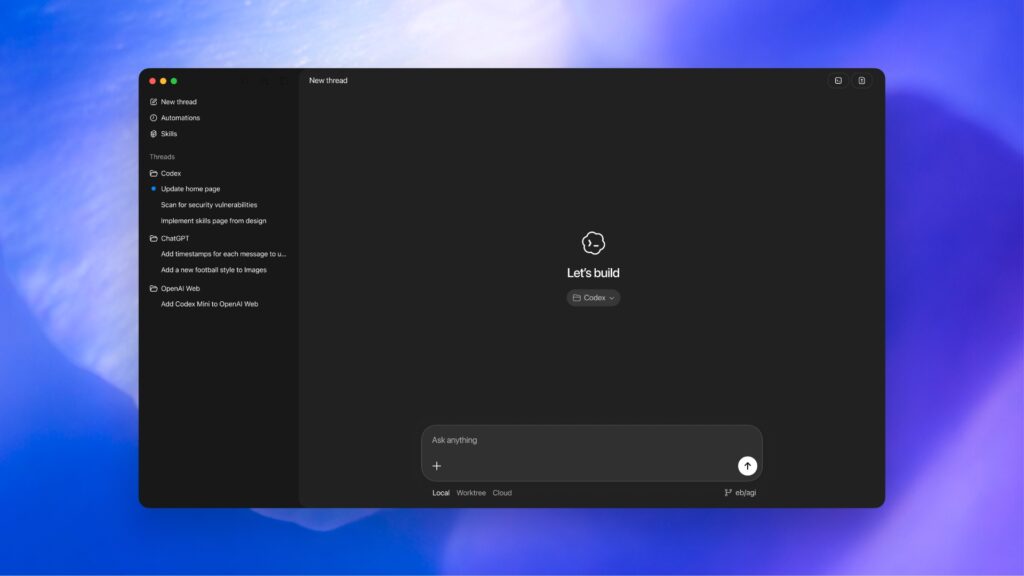
OpenAI Codex is an agentic coding option for delegating a clearly scoped repository task and reviewing the result. It belongs in a developer workflow where a person can provide acceptance criteria, inspect generated changes, run the project’s checks, and decide whether to merge.
Best fit: A contained issue, implementation task, or code investigation with an explicit expected outcome.
Trade-off: The result still needs independent verification; an agent’s successful completion message does not prove that the feature meets product, security, or compatibility requirements. Define environment access and review expectations before delegating.
Pricing: Access and task allowances depend on the current account offer. Confirm those terms for your workspace before comparing it with fixed-seat IDE plans; no independently verified flat price is quoted here.
10. OpenHands
OpenHands is an open platform for agentic software development, with local, cloud, and self-hosted options. The range makes it a candidate for engineering teams that want to shape where coding agents run and how they fit into their software delivery lifecycle.
Best fit: Teams with the engineering capacity to configure a runtime, select a model provider, and define repository-level guardrails.
Trade-off: A flexible deployment brings setup and operations work. Decide how agent sessions are isolated, what credentials they can access, how results are logged, and who owns model-provider spend. The OpenHands documentation describes its project and deployment options.
Pricing: The local open-source option is free; the individual cloud plan includes a free path with bring-your-own-key or provider-at-cost options, while enterprise pricing is custom. Check OpenHands pricing and include model or infrastructure costs in your estimate.
11. Devin
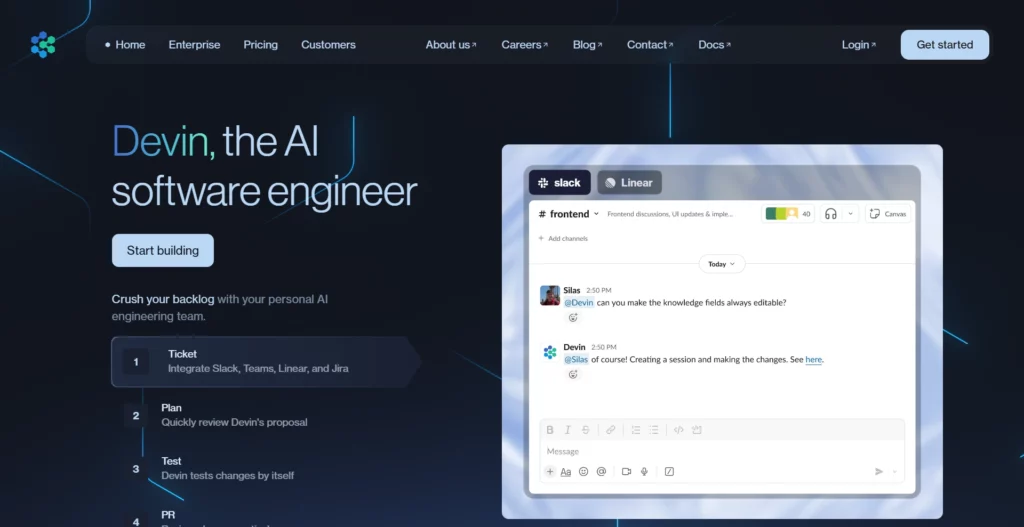
Devin is a cloud coding agent for delegating multi-step engineering work. It is a stronger fit for a well-described issue that can be evaluated through a pull request than for an open-ended instruction such as “finish the product.”
Best fit: Teams that can write acceptance criteria, grant limited repository access, and review an agent’s proposed changes.
Trade-off: A higher degree of autonomy makes task scope, access controls, and review cost central to the decision. Start with reversible work, avoid broad production permissions, and track how much human correction a task requires.
Pricing: Devin lists a free plan and Pro at $20 per month, with quotas that differ by plan. Compare the included agent usage and current limits on Devin’s pricing page, not only the starting subscription.
Specialist UI and Quality Tools
Some products are valuable parts of a vibe-coding stack without being general-purpose coding agents. Keep these roles distinct: a UI generator helps create an interface, while a quality tool checks changes after code exists.
12. v0 by Vercel
v0 is a web-app generator with a strong interface-building and Vercel workflow. It is useful for exploring page layouts, interactive components, or a web-facing prototype, then connecting the work to a GitHub and deployment path supported by the product.
Best fit: Teams whose first unknown is the look and behavior of a web interface.
Trade-off: A generated page is only one part of an application. Verify data handling, server-side authorization, responsive behavior, accessibility, and the deployment configuration independently.
Pricing: The Free plan lists $5 in monthly credits and a seven-message-per-day limit; paid tiers add credits and team features. Confirm the current billing basis and extra-credit costs on v0’s pricing page.
13. Qodo
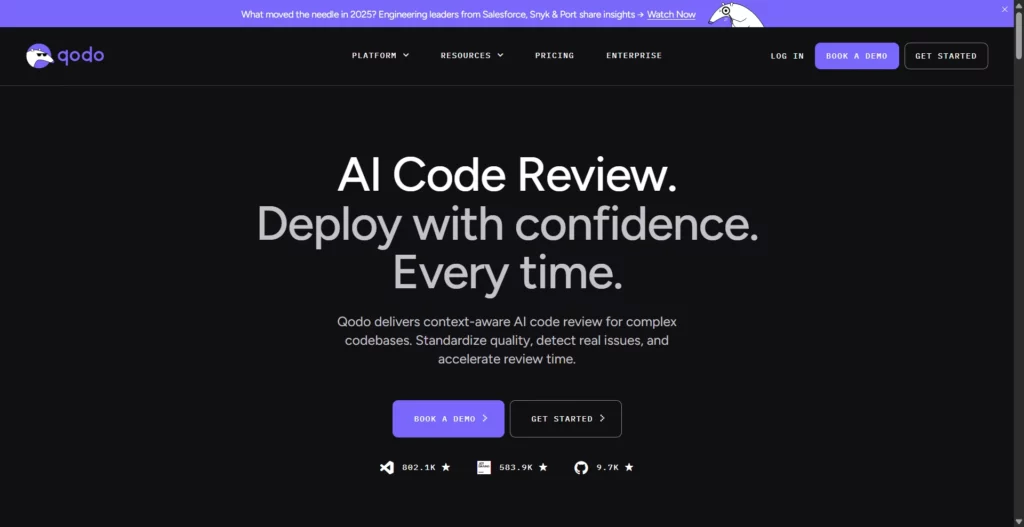
Qodo focuses on code review and quality workflows rather than creating an entire app from a natural-language brief. It can complement a builder or coding agent by adding another review layer for pull requests and code changes.
Best fit: Engineering teams that want more structured review and governance as AI-generated changes increase.
Trade-off: An automated review is a signal, not a security certification or replacement for tests and accountable code owners. Check how it fits the repository, CI, credit limits, and review process already in place.
Pricing: Qodo lists a 14-day trial and paid plans with review or credit allowances; confirm the billing unit and team limits for the current plan on Qodo’s pricing page.
How to Choose the Best Vibe Coding Tool for Your Workflow
Start with the artifact and workflow you need, not a vendor’s most impressive demo. The same short task can help you compare options within one category without confusing a hosted app builder with an IDE agent or autonomous cloud service.
- Name the task. Choose one small, representative outcome: a form with validation, a filtered table, a UI component, or a scoped change in an existing codebase. A step-by-step vibe coding workflow can help turn an idea into acceptance criteria.
- Shortlist the right category. Use a builder for a browser-first prototype, an IDE for code you already own, a terminal or cloud agent for delegated repository work, and a quality layer for review. For an existing repo, compare the workflow with vibe coding versus traditional coding rather than assuming a full rewrite is needed.
- Run the same 30-minute test. Give each candidate equivalent acceptance criteria and safe sample data. Ask it to implement one feature, handle one edge case, and explain the files or services it changed. Do not provide production secrets.
- Score the handoff. Check whether the result runs, whether tests cover the expected path and a failure path, how easy it is to inspect or revert the diff, and whether you can export the code and data.
- Calculate total effort. Record subscription or credits, model/API usage, hosting, repair time, and human review. Keep the tool only if it improves the completed-and-verified task, not simply the first draft.
For a prototype, decide early whether the goal is a proof of concept, a prototype or MVP, or a production product; the chosen tool should support that destination rather than just the first screen.
Risks and Checks Before Production
Before generated code handles real users, payments, business records, or sensitive data, switch from prompt iteration to an explicit release review. The checklist below is a starting point, not a guarantee; teams can use a standard such as the OWASP Application Security Verification Standard to make security requirements testable.
- Protect data and credentials (security owner): Keep secrets out of prompts, generated code, and public repositories. Check vendor retention, model-training, and workspace access terms before connecting private code or data.
- Check ownership and licenses (product and legal owners): Review the vendor’s terms and the licenses of generated or included dependencies before distributing the app; the legal answer depends on the tool, source material, and your obligations. See whether vibe coding is legal for related considerations.
- Verify authorization server-side (code owner): Test that each role can access only its permitted records; do not treat hidden buttons or client-side checks as access control. This is a core part of secure software development.
- Validate input and failure paths (QA owner): Try invalid, empty, duplicate, oversized, and unauthorized requests—not only the happy path.
- Review dependencies and changes (developer reviewer): Inspect the diff, dependency updates, database migrations, and generated configuration; run the team’s tests and security checks.
- Plan ownership and recovery (engineering lead): Confirm code and data export, backups, rollback, deployment access, and a named owner for maintenance.
- Bound cost and autonomy (platform owner): Set usage limits, use the least privilege needed, and require human approval for production, payments, sensitive data, and destructive actions.
A document workflow illustrates why a convincing screen is not enough. DSV’s public Lumin project describes PDF viewing, editing, sharing, cloud-storage access, and digital signatures. If a prototype touches similar files, its test should include ownership, storage permissions, signature state, and recovery—not merely whether a PDF opens. Lumin is an example of product scope, not a claim that the project was built with vibe coding.
The handoff from a demo to a maintained application is a separate discipline; see how to move vibe code to production for controls to consider beyond the initial build.
FAQs About Vibe Coding Tools
Is Vibe Coding the Same as No-Code Development?
No. Vibe coding uses natural-language instructions to create or change software code, while no-code products usually let people assemble workflows through visual editors and predefined components. Some tools combine both approaches, so check whether you can inspect and export the resulting code.
Do Vibe Coding Tools Replace Software Engineers?
No. They can speed up drafting and routine changes, but people still define requirements, select architecture, debug, review security, test edge cases, and own production behavior. The more important the system, the less reasonable it is to treat generated code as self-verifying.
Does a Free Plan Make a Vibe-Coded App Free to Run?
No. A free tier may cover editor access or a limited amount of model usage, while hosting, databases, storage, integrations, and extra credits can be billed separately. Price the complete workflow and expected usage, not only the entry plan.
Should I Paste Private Code or Credentials into a Vibe Coding Tool?
Only after checking the product’s data-retention, training, and access-control terms for your plan. Never paste passwords, API keys, or production secrets into a prompt; test with synthetic data and limited repository permissions first.
Choose for Reviewable Delivery
The right shortlist is the one that fits the work you need to ship and leaves your team able to inspect, test, and maintain the result. If a prototype has become a product requirement, Designveloper’s software development services can help scope the engineering and delivery work beyond the initial AI-generated draft.
Also published on

Share post on










Related Articles


13 Best Vibe Coding Tools for Building Apps and Editing Codebases
13 Best Vibe Coding Tools for Building Apps and Editing Codebases Published September 30, 2026
Can ChatGPT Create an App? What It Can Build and What to Check
Can ChatGPT Create an App? What It Can Build and What to Check Published September 30, 2026
Is LangChain Bad? Developer Complaints, Pros, And When To Use It
Is LangChain Bad? Developer Complaints, Pros, And When To Use It Published September 30, 2026



















