
















10 Best ChatGPT Alternatives In 2026: Features And Use Cases

KEY TAKEAWAYS:
- Claude is a strong fit for long documents and iterative writing; Perplexity is built around source discovery; Gemini and Microsoft Copilot fit their respective work ecosystems.
- GitHub Copilot is a coding companion, while Poe helps compare models; neither is simply a general chatbot replacement.
- Free access, premium models, file limits, privacy terms, and regional availability vary by account. Check the plan that matches your actual workflow.
- Choose with the same real task across a short list, then compare review effort and workflow fit—not just the first answer.
Replacing ChatGPT is rarely a matter of finding one assistant that wins at everything. A writer may need steady long-document editing, while a researcher needs traceable sources and a developer wants help inside an IDE. This comparison looks at ten alternatives through those different jobs, with practical examples and the limits that can affect a decision. The shortlist is editorial, not a controlled product benchmark; a small test with your own non-sensitive task is still the best way to see which tool earns a place in your workflow.
Best ChatGPT Alternatives At A Glance
Start with the job you need to complete, then use the table to narrow the options. “Best for” describes a useful fit, not a claim that one product is objectively better for every user.
| Alternative | Best fit | Why consider it | Main trade-off |
|---|---|---|---|
| Claude | Long-form writing and document analysis | Useful for work that needs context and several rounds of revision | Verify facts; plan limits and features vary |
| Gemini | Google-centered workflows | Can fit tasks connected to Google products and content | Access depends on account, region, and product |
| Perplexity | Web research and source discovery | Places search and citations close to the answer | Citations still require source-level review |
| Microsoft Copilot | Microsoft 365 work | Brings assistance into familiar productivity tools | License, tenant settings, and permissions matter |
| Grok | Exploring current online discussion | Can help surface themes in fast-moving conversation | Social content can be noisy or unverified |
| DeepSeek | Technical exploration and API evaluation | Offers another route for coding and reasoning tasks | Check data terms, service limits, and API costs |
| Mistral Le Chat | General assistance and provider comparison | A focused assistant from a distinct model provider | Do not assume integrations or controls match larger suites |
| Meta AI | Low-friction everyday help | Convenient where it is available in familiar products | Availability and features differ by region and surface |
| Poe | Trying multiple models in one interface | Makes side-by-side prompt exploration simpler | Model access and usage limits depend on its plans |
| GitHub Copilot | Coding inside developer tools | Places assistance near code, tests, and repository work | Generated changes still need testing and review |
Use a general assistant when the work moves among writing, analysis, and everyday questions. Choose a specialist when the task depends on a clear advantage such as web citations, office-suite context, IDE support, or model comparison. If you need background first, see what ChatGPT is and how it works; that distinction helps separate replacing the chat experience from improving one part of a workflow.
What Counts As A ChatGPT Alternative?
A ChatGPT alternative is an AI assistant or application that can replace ChatGPT for a meaningful task, even if it works differently. A search-led product may be more useful for source discovery, while an IDE assistant may be a better fit for editing code. These products use generative AI in different workflows, and the product experience is shaped by more than its underlying AI model.
- General assistants: Claude, Gemini, Mistral Le Chat, and Meta AI support broad questions, drafting, summaries, and brainstorming.
- Search-led assistants: Perplexity emphasizes finding and citing web sources.
- Embedded work assistants: Microsoft Copilot and GitHub Copilot sit closer to office or software-development workflows.
- Model and conversation tools: Poe gives access to multiple bots, while Grok can help explore current public discussion where its features are available.
This category difference affects what “better” means. A standalone chatbot may answer a broad question well, but an embedded tool can save time by working closer to the file, codebase, or application involved. Compare the complete task, including setup and review, rather than treating every product as the same kind of chatbot.
How To Compare ChatGPT Alternatives For Your Work
A short, consistent task test reveals more than a long feature list. Pick two or three candidates, use the same input and output requirements, and measure whether each one reduces the work that matters to you.
| Comparison factor | What to check | Why it changes the decision |
|---|---|---|
| Instruction following | Does it keep the requested audience, format, and constraints through revisions? | A polished first response may still need many corrections. |
| Evidence and recency | Can you inspect sources, dates, and the material behind important claims? | Research answers need verification, not just fluent summaries. |
| Context and files | Can it handle the documents, code, images, or conversation context your task needs? | Limits on uploads or context can interrupt a real workflow. |
| Workflow fit | Does it work where the task happens: browser, office suite, IDE, or internal app? | Less copy-and-paste can matter more than a small quality difference. |
| Privacy and controls | What data-use, retention, access, and administrator settings apply to this account? | Consumer access may not meet a team’s data or governance needs. |
| Cost and access | Which features, models, files, and usage levels are included in the plan? | Free access may be enough for occasional work but not daily use. |
For example, give two assistants the same product brief and ask each for a one-page launch plan, three source-backed assumptions, and a short risk list. Track how much time you spend checking claims, correcting format, and adding missing context. That is an illustrative comparison method, not a test result from this article. Teams evaluating coding assistants can also compare the output against a real repository task; AI in software development often depends on the full build-and-review process, not code suggestions alone.
10 ChatGPT Alternatives For Different Workflows
The options below are selected to represent distinct jobs, not arranged as a universal performance ranking. Each profile explains where it can help, a task it may fit, and what to check before relying on it. Product features and access can change, so confirm current details on the linked official pages.
1. Claude For Long-Form Writing And Document Analysis
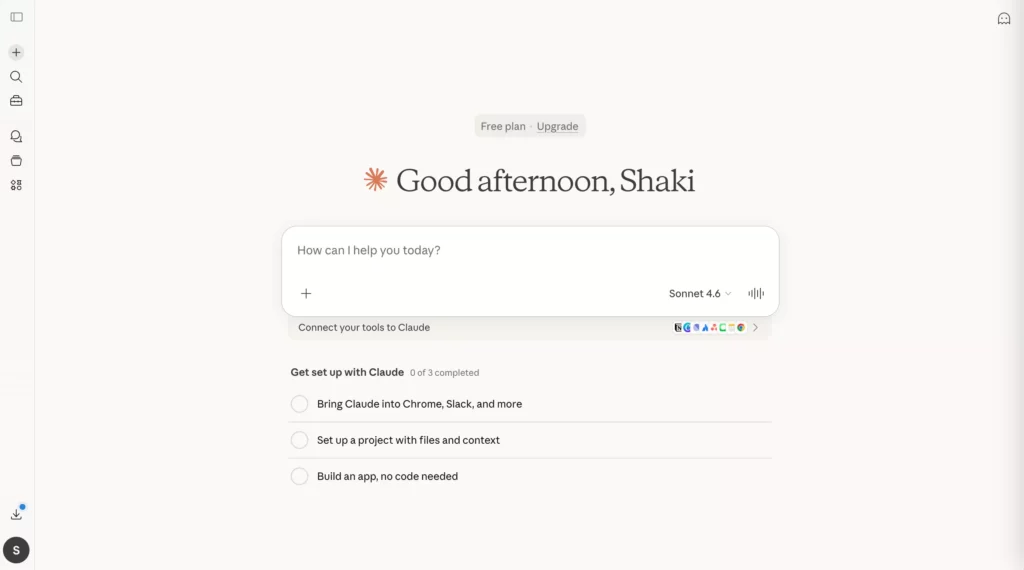
Claude is worth comparing when a task begins with a detailed brief and needs several rounds of analysis or editing. It can help structure reports, product requirements, research notes, and policy drafts while carrying context through follow-up requests. That makes it a useful general assistant for users who care more about sustained work than a one-off answer.
A practical workflow is to provide a non-sensitive brief, ask for an outline with assumptions called out, then request a revision for a named audience. The human reviewer can check whether the logic remains intact and whether the second draft follows the requested voice. This is especially useful when the output needs to be shaped, not simply generated.
Claude is less compelling when current web citations or deep connections to an existing office suite are the main requirement. A careful tone does not guarantee factual accuracy, and long context does not remove the need to verify legal, technical, or business claims. Anthropic offers free and paid access with changing features and limits; review the official Claude plans before choosing a tier.
Choose Claude when long context, structured reasoning, and iterative revision are central. Look elsewhere when source discovery, a specific integration, or tightly governed data access is the deciding need.
For a deeper dive:
- Gemini Vs ChatGPT: Complete AI Assistant Comparison
- AI In Product Development: From Concept To Market Faster
- What Are AI Agents? How They Work And Examples In Business
2. Gemini For Google-Centered Workflows
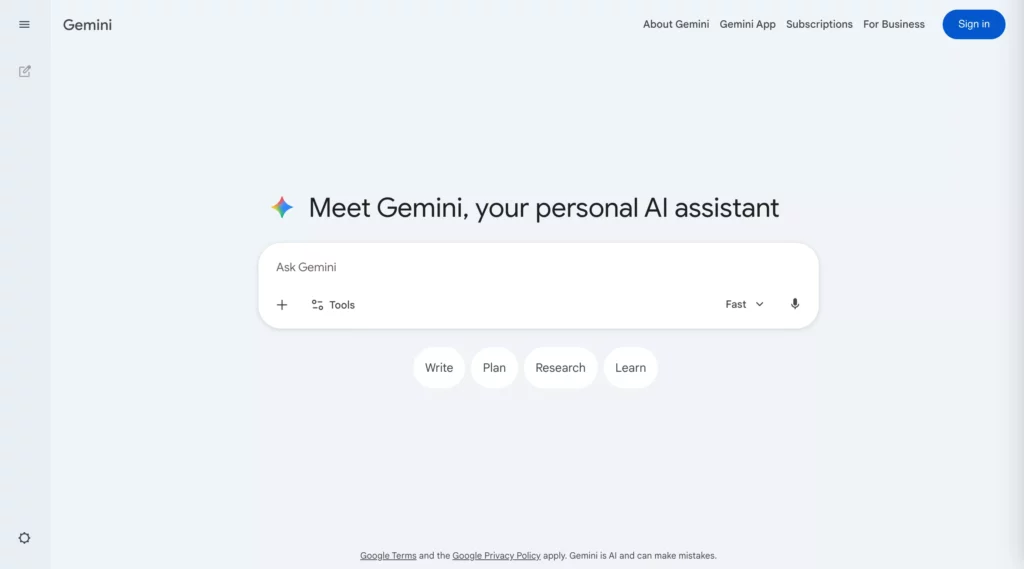
Gemini is a natural option to evaluate when work already lives across Google Search, Gmail, Docs, Drive, or other Google products. Its potential value is not only the response in a chat window; it is whether the assistant can help with the information and applications already involved in a task.
For instance, a marketer could turn a campaign brief into draft variations, then refine the language against approved material stored in company documents. A user might also ask questions about a file or combine text with image input when the account and product surface support it. Check the exact account before designing a workflow around a feature.
Gemini can be a poor fit when a team uses another productivity ecosystem or needs a capability that is not enabled for its account. Consumer, Workspace, paid, and regional experiences may differ. Review the official Gemini product information and test the permissions and file behavior that apply to your organization.
Choose Gemini when the work naturally depends on Google tools or content. Compare another assistant when model independence, different integrations, or a separate research workflow matters more.
3. Perplexity For Web Research And Source Discovery
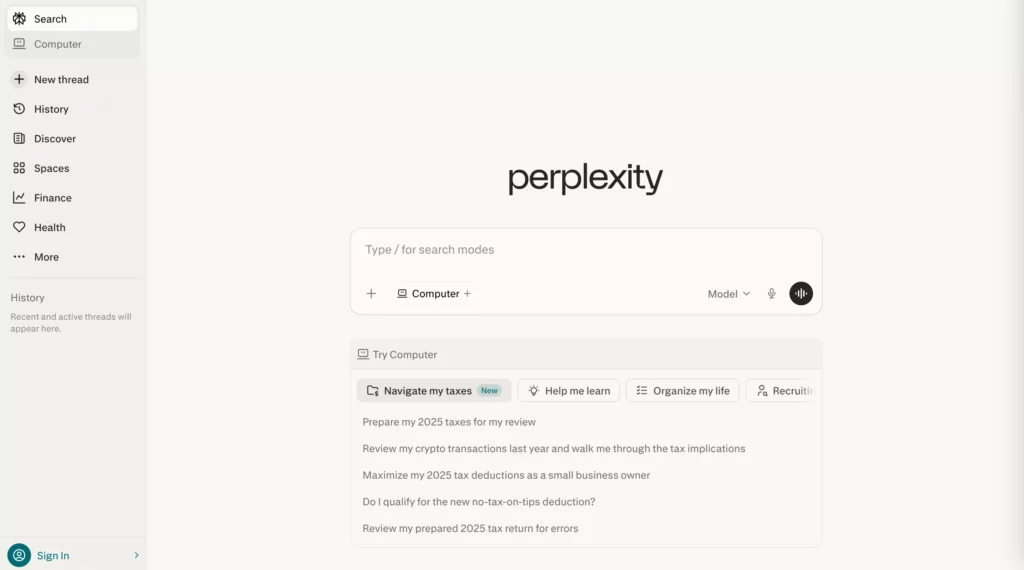
Perplexity is designed around search-led answers, so it is useful when the task starts with discovering current pages and gathering references. It can help a researcher move from a broad question to a source list, then narrow the next search based on what the first round reveals.
A practical research prompt can request a concise summary, links to primary sources, and the dates or evidence behind key claims. The reviewer should open those pages, remove weak sources, and read the relevant passages before turning the result into a brief. That makes the product a research aid, not a substitute for source review.
Citations do not prove that a source supports the sentence beside them. A page may be outdated, low quality, or misunderstood by the model. If most of your work is long-form drafting or collaboration, a different assistant may fit better. Compare current free access and paid research features on Perplexity’s official plan page; availability and limits can change.
Choose Perplexity when discovering and inspecting web sources is central. Keep a human source check for claims that will inform publishing, money, health, law, or business decisions.
4. Microsoft Copilot For Microsoft 365 Work
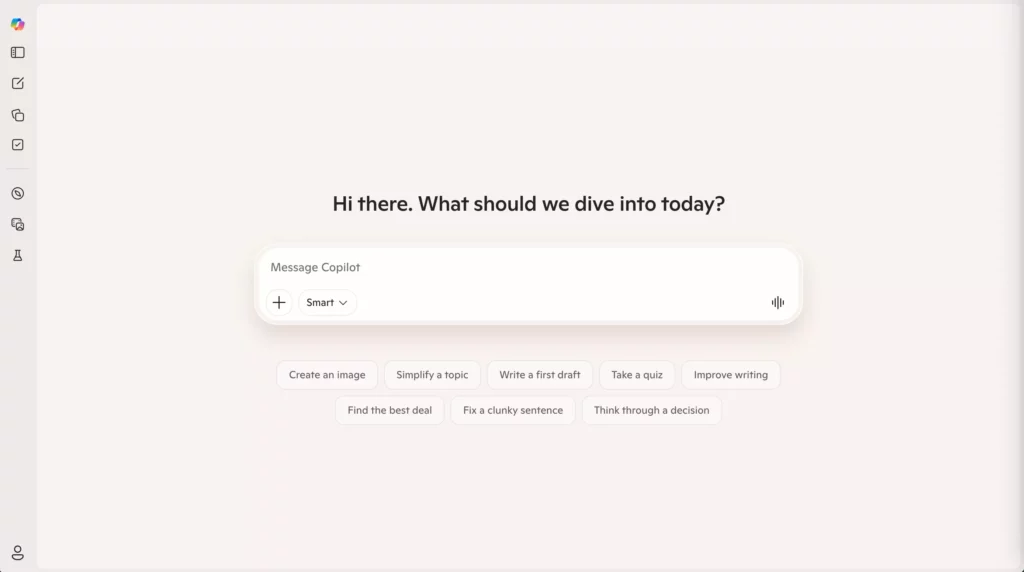
Microsoft Copilot is worth evaluating when documents, email, meetings, and collaboration already run through Microsoft 365. In that context, the useful comparison is not simply “which chatbot writes best?” It is whether assistance in the tools your team already uses reduces handoffs without weakening review or access controls.
Consider a meeting follow-up: an approved assistant could help turn notes into action items, draft an email, and prepare a project update. That workflow may save copy-and-paste effort, but the summary must still be checked against the meeting and shared files. The permissions on those sources also shape what the assistant should be able to use.
Copilot’s experience depends on the specific product, license, tenant setup, and account. Consumer and business offerings should not be treated as interchangeable. Before adopting it, verify the features and terms for the organization on Microsoft’s current Copilot information and test how existing permissions apply.
Choose Copilot when Microsoft 365 is the main work layer and in-context assistance matters. Compare general assistants when independent model selection or web research is the priority.
5. Grok For Exploring Current Online Discussion
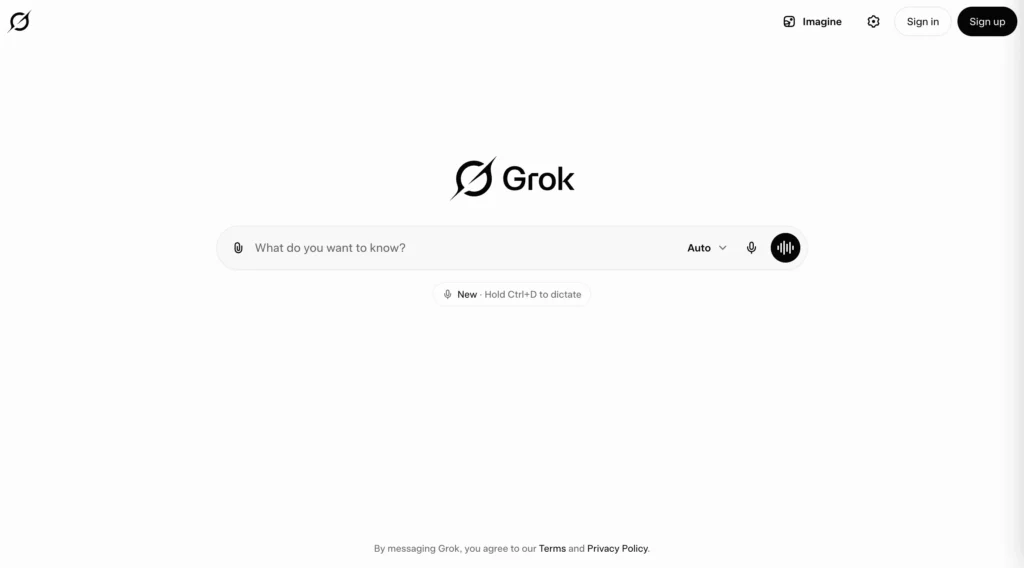
Grok may be useful when a task depends on current online conversation or social context available through its product ecosystem. A communications team, for example, could use it to surface the questions people are asking about a fast-moving topic and identify which claims need closer investigation.
Treat the result as a map of what to examine, not as verified reporting. Public posts can repeat rumors, omit context, or conflict with primary sources. A reliable workflow moves from discovery to checking original statements, official documents, and trusted reporting before a team communicates externally.
Grok is less suitable when traceable evidence, stable source quality, or governed company data is the main requirement. Product access and capabilities may depend on account, region, and plan. Check the official Grok product page for current availability, and verify important claims independently.
Choose Grok when exploring public discussion is part of the task and you can verify what you find. Use a source-first research tool when evidence quality is more important than conversation signals.
6. DeepSeek For Technical Exploration And API Evaluation
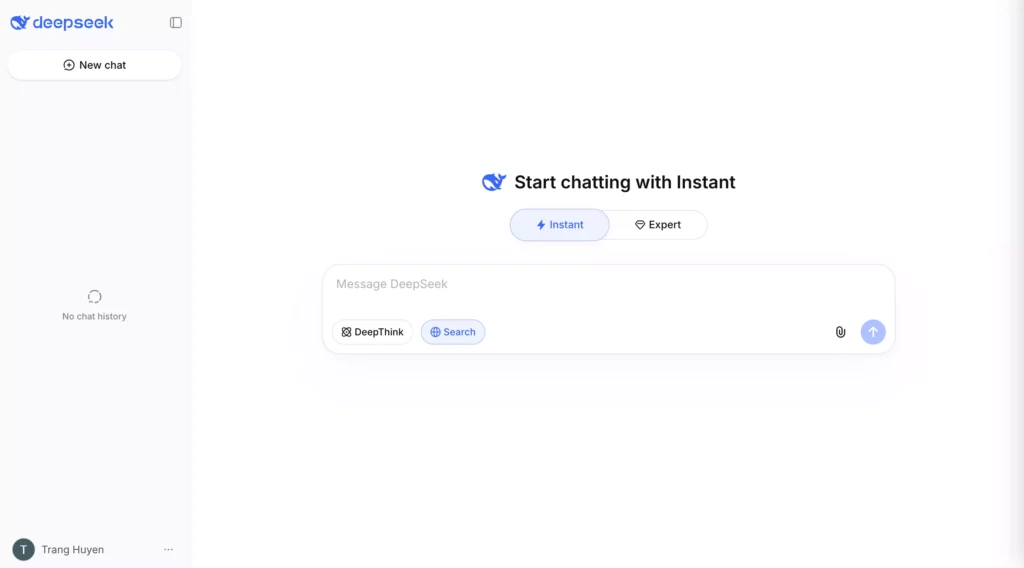
DeepSeek is an option for developers and technical users comparing reasoning or coding assistance and model API workflows. It can support first-pass explanations, debugging hypotheses, and discussions of implementation trade-offs. Treat those outputs as proposals to inspect rather than changes ready for production.
A safe evaluation might use a small, non-sensitive code example: ask for an explanation, request a possible fix, then run tests and compare the suggestion with the project requirements. Teams can also estimate an API-backed prototype, but they should include more than model calls: retrieval, storage, monitoring, rate limits, fallbacks, and human review can affect total operating cost.
Price is only one decision factor. Check the data terms, retention, service location, limits, uptime needs, and the difference between a hosted chat product and API use. Review DeepSeek’s API pricing documentation for current API charges; those figures do not describe the full cost of a deployed application.
Choose DeepSeek when technical exploration or API evaluation fits your constraints and the data policy is acceptable. Do not select on price alone for private code, sensitive information, or high-impact decisions.
For practical coding context, see how vibe coding compares with traditional coding.
7. Mistral Le Chat For General Assistance And Provider Choice
Mistral Le Chat offers a focused general-assistant experience for drafting, summaries, analysis, and everyday questions. It can be useful when a person or team wants to compare another model provider rather than assuming the largest consumer platforms are the only options.
A multilingual team might ask it to summarize a non-sensitive project update, explain a technical concept in plain language, or prepare a first draft for review. The useful test is whether the output works for the team’s language, context, and format—not whether the provider’s location or brand implies a certain level of privacy or quality.
Le Chat may not match the integrations, workspace administration, or ecosystem of a large productivity suite. Consumer access should also be distinguished from business or developer products. Check current capabilities and availability on Mistral’s Le Chat product page before depending on a specific feature.
Choose Le Chat when a focused assistant and provider comparison are useful. Choose an embedded assistant instead when deep access to an existing office or development workflow is essential.
8. Meta AI For Convenient Everyday Assistance
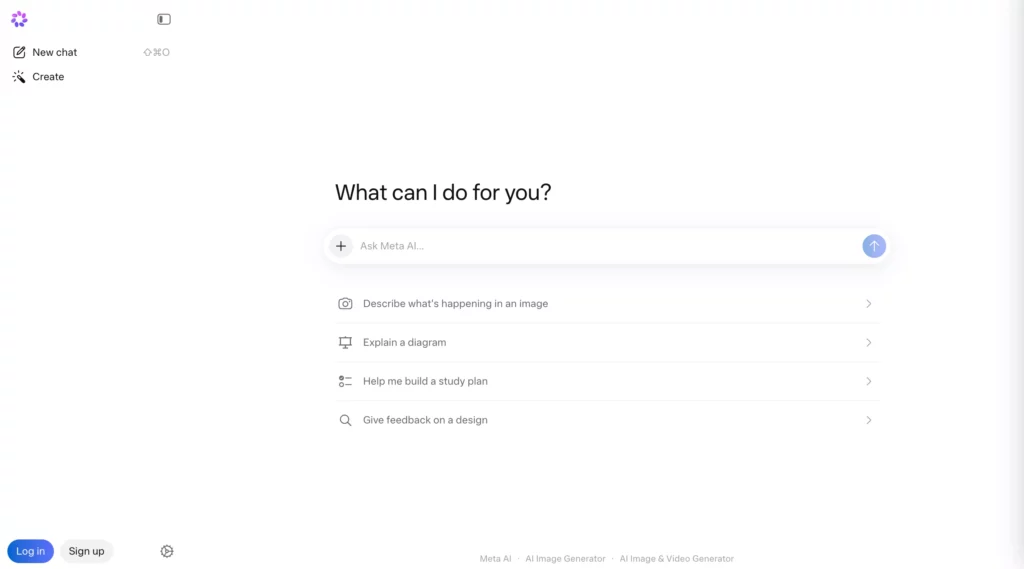
Meta AI can suit low-risk, everyday tasks when it is available through the products a person already uses. Quick explanations, translation ideas, captions, or casual brainstorming may not justify opening a separate specialist tool.
For example, someone preparing a social post might ask for several caption directions, then choose and edit one that fits the audience. The convenience comes from low setup effort and familiar access. That is different from a research process that needs source records or a work assistant governed by company policies.
Availability, languages, and features may vary by country, account, and Meta product. Do not infer business privacy controls from a consumer experience, and avoid sending sensitive information unless the applicable terms and settings have been reviewed. Check the official Meta AI site for the current product surface in your region.
Choose Meta AI when fast, low-risk assistance in a familiar product is enough. Use another option when the task needs governed data, source transparency, or a specialist development workflow.
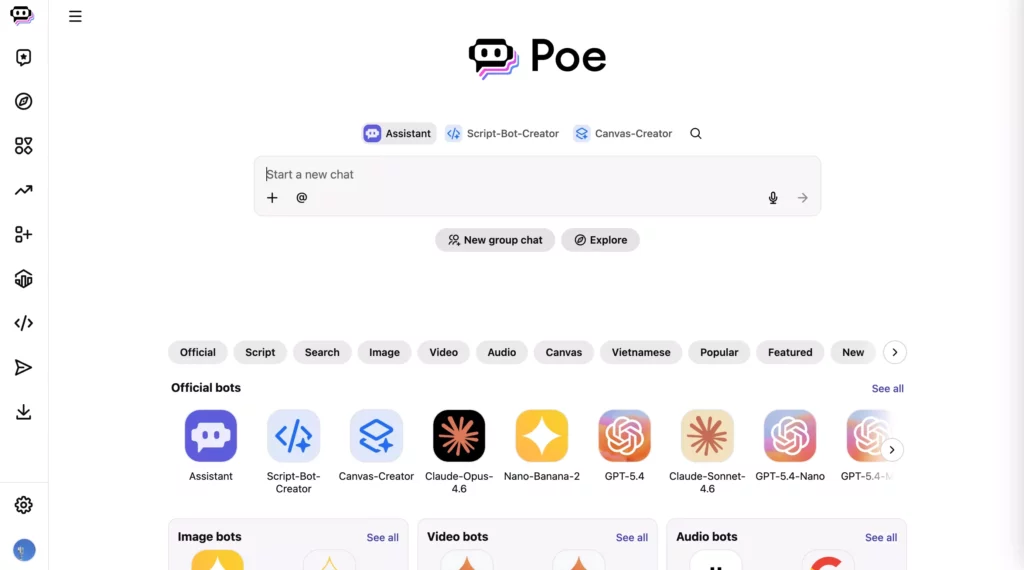
9. Poe For Comparing Multiple AI Models
Poe is useful when the goal is to try multiple models or bots without moving among many separate applications. That makes it a practical place to explore differences in tone, instruction following, and response structure before narrowing down a shortlist.
For a fair comparison, give each available model the same prompt, context, output format, and follow-up. A content team could ask each one to revise the same product description, then review clarity, factual changes, tone, and the effort needed to correct the result. Keep in mind that platform settings and model versions can affect what you are comparing.
Poe is not automatically a substitute for direct vendor accounts when a team needs central administration, contractual terms, or predictable access to a specific model. Usage points, limits, and included bots can change by subscription. Check current details on Poe’s subscription page before planning regular use.
Choose Poe when prompt exploration across models is the main job. Choose a direct provider plan when governance, support, or stable access to one model matters more.
10. GitHub Copilot For Coding In Developer Tools
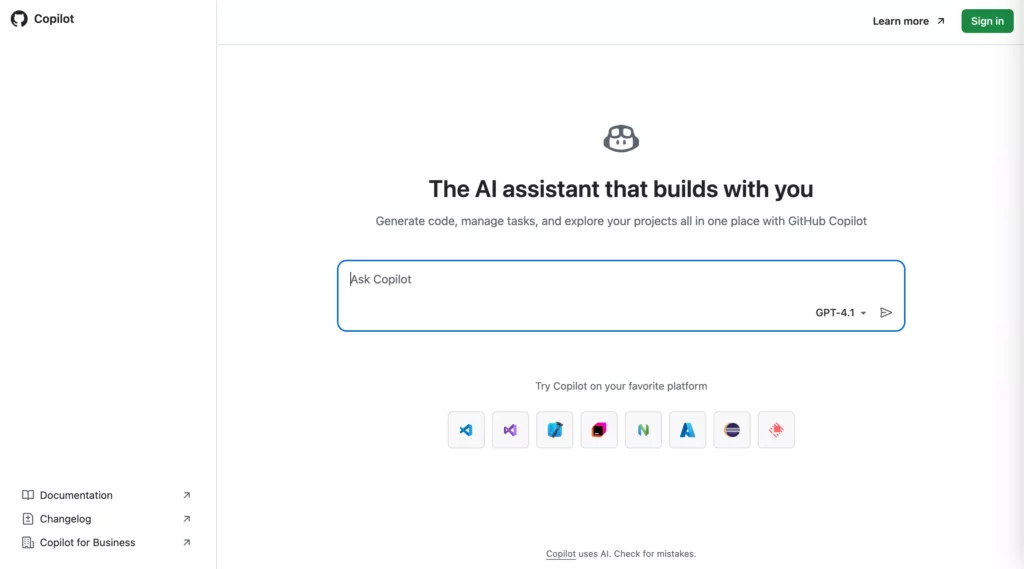
GitHub Copilot is a specialist alternative when coding is the main reason a developer uses ChatGPT. Its value is proximity: assistance can appear inside the editor or related development workflow, where the task already has code and project context.
A developer might start with an issue, ask for help drafting a function or test, run the code, and review the proposed change before opening a pull request. That can reduce context switching, but developers still own correctness, security, performance, licensing, and maintainability. A change that compiles can still violate a requirement or create a vulnerability.
Copilot is less useful as a single replacement for research, product planning, and general writing across a team. Features and controls vary by plan and environment. Review GitHub Copilot’s current plans, then test against a repository task with the same review standards used for human-written code. For a broader view, compare Claude, ChatGPT, and Gemini for coding.
Choose GitHub Copilot when editor and repository context are central to the work. Compare a general assistant when the task moves between code, business, and research questions.
Choose An Alternative By Testing The Whole Workflow
After narrowing the shortlist, test a real but non-sensitive task rather than asking which product is “best” in general. A repeatable comparison should cover the request, the output, and the human work left after the assistant responds.
- Choose one recurring task. Use a brief, question, file, or code issue that represents actual work and does not expose confidential information.
- Keep the test consistent. Give each tool the same context, instructions, output format, and time allowance.
- Review the result. Check accuracy, source quality, instruction following, completeness, and whether the tool signals uncertainty appropriately.
- Count the correction work. Record time spent verifying, editing, moving content between apps, and fixing errors.
- Confirm the operating fit. Review account access, data terms, integrations, plan limits, and the cost of the workflow at expected usage.
For a writing team, that might mean scoring two outputs for factual accuracy, house style, source quality, and editing time. For developers, use a representative issue and measure whether the suggestion passes existing tests and review rules. AI can also change the broader product development workflow, so include handoffs and maintenance in the evaluation instead of counting only response speed.
A free plan can be a useful trial, but the trial only answers the question if it exposes the features your real task needs. A user who never uploads files cannot evaluate file limits, and a team that never tests its integration cannot judge the copy-and-paste burden. Compare the task you will actually run, then select the smallest plan that supports it.
Check Free Access, Paid Plans, And Privacy Separately
Free access and paid subscriptions can make ChatGPT alternatives easier to try, but plan names do not reveal the whole cost or data boundary. Features, message caps, premium models, uploads, and account controls change over time and may differ by region or workspace. Check the official terms for the account you expect to use; do not assume a chat subscription includes API access.
| Area | Questions to ask | Decision impact |
|---|---|---|
| Messages and models | Which models and modes are available, and how are usage limits applied? | A free tier may not support frequent or complex work. |
| Files and media | Which file types, upload sizes, image, and voice features are included? | Limits can break the task even when chat is available. |
| Research tools | Can the assistant browse, cite sources, show dates, or run deeper searches? | Research needs differ from drafting and brainstorming. |
| Data handling | What are the retention, training, deletion, and workspace settings? | Consumer convenience may not meet company requirements. |
| Team controls | Are roles, administration, audit trails, support, or residency options available? | Access and governance need owners before rollout. |
| Total cost | What costs arise from subscriptions, API use, storage, monitoring, and human review? | The lowest plan price may not produce the lowest operating cost. |
For API-based applications, estimate model calls alongside retrieval, storage, monitoring, rate limits, fallback behavior, support, and review time. For a chat subscription, include the effort spent moving context between products and checking outputs. A short privacy review should also cover which data users may submit, who can access it, and what happens when an answer is wrong or a service is unavailable.
When A Public Chatbot Is Not Enough
A consumer assistant may be enough for individual tasks, but a team needs more when answers must respect company permissions, use internal records, or trigger actions in another system. At that point, the problem is not simply choosing a different chatbot; it is designing a controlled workflow around data, identity, and review.
Private Knowledge Needs Access Rules
If answers depend on internal policies, product records, support tickets, or documents, the system needs to retrieve only information the current user may access. It should identify its sources, handle missing or conflicting material, and avoid presenting an unsupported answer as certain. Simply uploading sensitive files to an unreviewed consumer account does not establish those controls.
A retrieval-based assistant can connect a model to approved company content while preserving source references and access checks. That still requires data preparation, evaluation, and clear fallback behavior. See how a RAG chatbot can use a knowledge base for the architecture and workflow considerations.
System Actions Need Validation And Ownership
A team assistant may need to create a ticket, check an order, summarize a case, or prepare an update in a business application. Every action needs authentication, permission boundaries, input validation, error handling, and an owner. Sensitive transfers, external commitments, payments, and irreversible changes may also need human approval.
Start with one contained workflow and decide what the assistant may read, draft, and execute. Link it to the system of record through a documented interface, then test failure cases and log the result. For implementation considerations, see AI chatbot integration with business systems.
Production Use Requires Evaluation And Monitoring
Teams need a way to detect when an assistant becomes less useful or starts returning unsafe answers. Keep representative evaluation cases, review user feedback, track cost and latency, and define when a human should take over. Permissions, audit records, prompt and source changes, and a fallback path should be part of the product design.
Designveloper’s AI development services can support teams moving from a public assistant to a product-specific workflow. A sensible first step is to validate one user group, one approved data source, and one measurable task before expanding the system. For a custom assistant boundary, see How to Build an Application Like ChatGPT: A Full Guide.
FAQs About ChatGPT Alternatives
Is Any AI Better Than ChatGPT?
No single AI assistant is better for every task. Claude may suit long-form work, Perplexity source discovery, Gemini Google-centered workflows, Microsoft Copilot Microsoft 365, and GitHub Copilot coding. Compare the job and its review burden rather than choosing by reputation alone.
What Is The Best Free Alternative To ChatGPT?
There is no universal free winner because limits and availability vary. Gemini, Claude, Mistral Le Chat, Meta AI, or DeepSeek may be a starting point depending on your region and task. Check model access, messages, files, browsing, and the terms for your account before relying on one.
Which ChatGPT Alternative Is Best For Research?
Perplexity is a useful first option when web search and visible citations matter. Citations do not guarantee that a claim is supported, so open the original source, confirm its date and context, and check important facts against primary material.
Can ChatGPT Alternatives Use Private Company Data?
Some business products and custom assistants can work with company data, but access depends on provider terms, account settings, permissions, and integrations. For sensitive information, review retention and access controls and test that users only receive material they are authorized to see.
The strongest ChatGPT alternative is the one that completes your real task with acceptable accuracy, review effort, privacy, and operating cost. Test a small shortlist with the same workflow, then revisit the choice when your tools, plan limits, or data needs change.
Also published on

Share post on










Related Articles



9 Best ChromaDB Alternatives for RAG and Vector Search In 2026
9 Best ChromaDB Alternatives for RAG and Vector Search In 2026 Published October 21, 2026
How To Build A RAG System: Step-By-Step (New Guide)
How To Build A RAG System: Step-By-Step (New Guide) Published October 19, 2026
8 Best AI Onboarding Tools For Faster Employee Ramp-Up In 2026
8 Best AI Onboarding Tools For Faster Employee Ramp-Up In 2026 Published October 19, 2026


















