

















In 2026, the web server landscape continues to evolve rapidly, driven by the explosion in AI, cloud computing, and edge technologies. According to IDC, worldwide server market revenue surged 61% year-over-year in the third quarter of 2025, reaching approximately $112.5 billion, with the U.S. leading growth at 79.1%. This boom underscores the critical role web servers play in business success, as companies rely on robust infrastructure to handle increasing data volumes, ensure seamless user experiences, and support digital transformation. With the global web hosting market projected to exceed $832 billion by the end of 2025, selecting the right web server can directly impact revenue, customer retention, and competitive edge.
Best web server doesn’t mean one tool wins everywhere. It means the best fit for your stack, traffic patterns, and operations. A “web server” is the layer that accepts browser or API requests over HTTP/HTTPS and returns content, while modern setups often combine multiple layers: a web server (serving static files and acting as a reverse proxy), an application server (running your code), and sometimes an edge layer (caching and security in front of your origin). Use the guide below to pick the best web server for your use case, then confirm your choice with a quick test on your own workload.
- If you mainly serve static files: prioritize caching behavior, file serving efficiency, and simple configuration.
- If you run dynamic apps: prioritize reverse proxy strength, upstream handling, and app-server compatibility.
- If you run WordPress/PHP: prioritize PHP handling, caching integration, and admin-friendly tuning.
- If you run Windows/.NET: prioritize native Windows integration and enterprise authentication options.
- If you need global performance and protection: consider an edge layer in front of your origin server.

What is a Web Server?
A web server is fundamentally the software or hardware that delivers web content to users over the internet. In non-technical terms, think of it as the “waiter” in a restaurant: it receives requests from clients (like browsers) for web pages, processes them, and serves the appropriate files or data. Technically, it’s a program that listens for incoming connections on ports like 80 (HTTP) or 443 (HTTPS), interprets requests, and responds with HTML, images, or other resources.
When learning about a web server, you should consider both of its sides: computer software and physical hardware. These two aspects work effectively together to ensure a user’s requests will be seamlessly processed.
- In the software term: Most web servers use the HyperText Transfer Protocol (HTTP) or its secure extension HTTPS to communicate with web browsers. Thus they’re known as HTTP servers. These servers function as software that manages a user’s access to hosted files on databases. After a user enters the targeted website’s domain name or URL (web addresses, say, https://www.designveloper.com), an HTTP server receives and processes a request. It then gives the website’s expected content to the visitor’s device.
- In the hardware term: A web server acts as a computer that contains an HTTP server (web server software) and a website’s data or files (e.g. images, JavaScript files, or HTML documents). A physical web server connects with other devices through the Internet for data exchanges. A high-traffic website may require numerous physical web servers.

Recommended reading: Best Photo Restoration Apps for Colorizing Black and White Photos
How Does a Web Server Work?
Web servers operate primarily through HTTP/HTTPS protocols. When a user types a URL, their browser sends an HTTP request to the server, which responds with a status code (e.g., 200 for success) and the requested content. HTTPS adds encryption via SSL/TLS for secure data transmission. Servers handle static content (unchanging files like images) by directly sending them, while dynamic content (e.g., personalized pages) involves processing via scripts or databases before delivery.
Modern web servers support advanced protocols like HTTP/2 for multiplexing requests over a single connection, HTTP/3 for faster loading via QUIC (which reduces latency over UDP), and QUIC itself for improved performance in unreliable networks. Selecting the right web server profoundly affects website performance by optimizing resource use, enhances security through built-in protections like DDoS mitigation, and improves user experience with quicker response times—ultimately driving higher engagement and SEO rankings.
How to Choose the Best Web Server
Choosing the best web server starts with your workload and constraints, not popularity. Use the steps below to narrow down to one or two options, then validate with a small proof-of-concept on your own site or API.
Start with your application stack
- WordPress/PHP-heavy: prefer a server that supports PHP performance tuning and caching workflows cleanly (LiteSpeed or a well-tuned Nginx/Apache + PHP-FPM setup).
- Python apps: treat the web server and app server separately: use a reverse proxy (often Nginx) in front of an app runtime (often Gunicorn) for production.
- Windows/.NET: if your environment is Windows-first and you want native integration, IIS is typically the most direct route.
- Static sites: prioritize simplicity and file-serving efficiency; lightweight servers can be enough if you don’t need heavy module ecosystems.
Decide how you’ll deploy and operate
- Team wants minimal config and automatic HTTPS: choose a server with a clean configuration experience and strong defaults (Caddy is often chosen for this).
- Team wants maximum control and predictable behavior under load: choose a server with robust reverse proxy features and a mature tuning playbook (Nginx is commonly used here).
- Need an “edge front door” for caching and protection: add an edge layer in front of your origin server, but still choose an origin that fits your app stack.
Use these questions to break ties
- What fails most often in your world: configuration mistakes, scaling spikes, or security incidents?
- What do you need to change most often: routing rules, caching rules, headers, authentication, or runtime settings?
- Who will maintain it: a DevOps team, a small engineering squad, or a non-technical admin?
Best Picks by Use Case
| Tool | Best for | Core strength | Primary trade-off | Common pairing | Ops feel |
|---|---|---|---|---|---|
| Nginx | Reverse proxy + performance | Efficient request handling and strong proxy features | Configuration can feel complex at first | App runtimes (Node, Python, PHP-FPM) | Powerful, hands-on |
| Apache | Legacy compatibility + shared hosting | Mature ecosystem and flexible modules | Can be heavier under high concurrency | PHP deployments, mixed workloads | Familiar, configurable |
| LiteSpeed | WordPress/PHP performance | Strong caching workflows and PHP-centric tuning | Commercial licensing considerations | WordPress + caching plugin ecosystems | Admin-friendly |
| OpenLiteSpeed | LiteSpeed-style approach (open source) | Good performance patterns without paid licensing | Different feature surface than enterprise LiteSpeed | PHP/WordPress on budget stacks | Moderate learning |
| IIS | Windows/.NET hosting | Native Windows tooling and enterprise integration | Less natural outside Windows stacks | ASP.NET apps | GUI-first ops |
| Caddy | Simple config + automatic TLS | Great developer experience and automation | Smaller ecosystem than older incumbents | Small-to-mid deployments | Simple, modern |
| Lighttpd | Lightweight static serving | Low overhead and straightforward setups | Less “enterprise” mindshare | Static sites, constrained servers | Lean and practical |
| Tengine | Nginx-derived performance patterns | Extra modules and proxy features in some stacks | Community gravity varies by region | High-traffic proxy layers | Advanced |
| Gunicorn | Python app runtime (not an origin web server) | Runs Python apps reliably behind a proxy | Needs a front web server for static/proxy | Nginx + Gunicorn | Backend-focused |
| Cloudflare | Edge caching + security (not an origin server) | Protection and performance in front of origin | You still need an origin for most apps | Cloudflare + Nginx/Apache/IIS | Policy-driven |
Best Web Server Software for 2026
In modern deployments, a “web server” often means an origin server (serves content and reverse-proxies to your app), plus optional supporting layers like an application server (runs your code) and an edge layer (caching and security in front of your origin). The options below include all three categories so you can choose the right combination for your stack.
1. Nginx
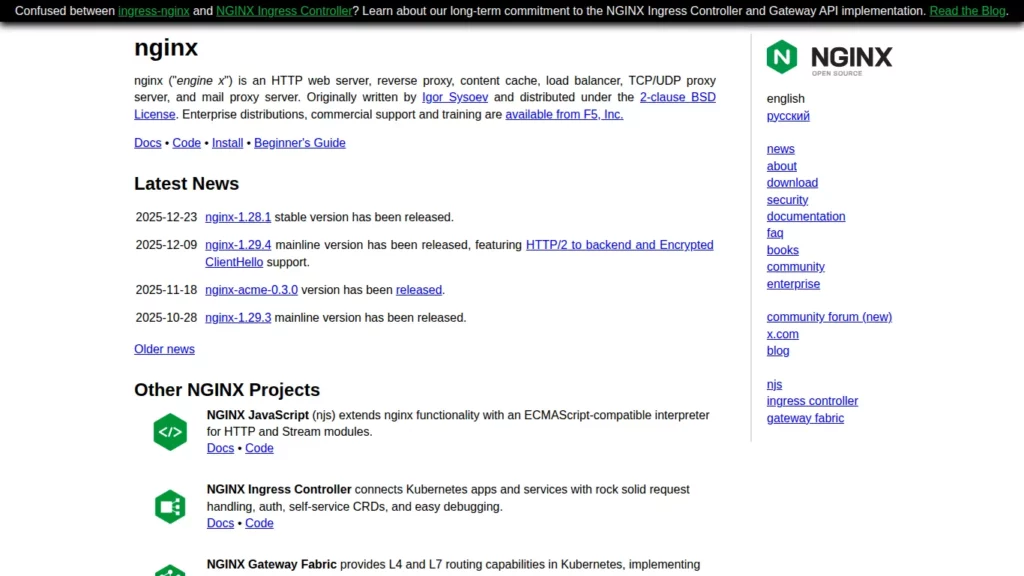
What it is: A high-performance origin web server and reverse proxy commonly used as the front door for websites and APIs.
Best for
- Reverse proxying to application backends (Node, Python, PHP-FPM, Java services)
- Static asset delivery with caching and compression controls
- Traffic routing patterns like path-based services, header rewrites, and rate limiting
Why teams pick it
- Strong proxy feature set for upstream routing and traffic shaping
- Clear separation between “front door” concerns and app runtime concerns
- Works well in containerized and VM-based deployments
Trade-offs
- Configuration can become complex without a baseline, review process, and conventions
2. Apache HTTP Server
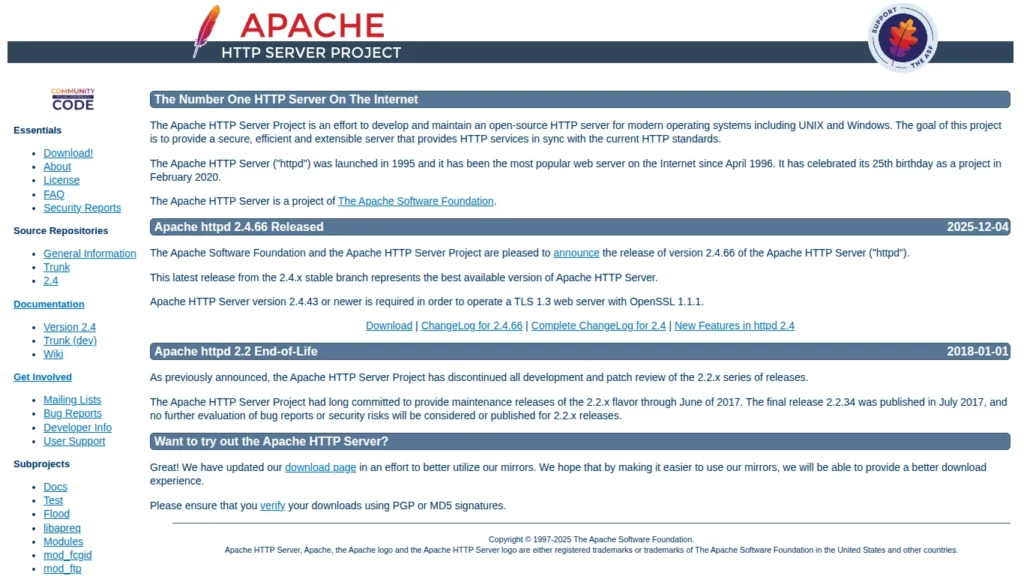
What it is: A long-established origin web server known for broad compatibility and a large module ecosystem.
Best for
- Environments that depend on long-standing hosting patterns and module flexibility
- Mixed workloads where compatibility and configurability are key
Why teams pick it
- Mature documentation and operational familiarity across many teams
- Flexible extension model via modules
Trade-offs
- Can become heavy if modules and rules accumulate without periodic cleanup
3. LiteSpeed Web Server
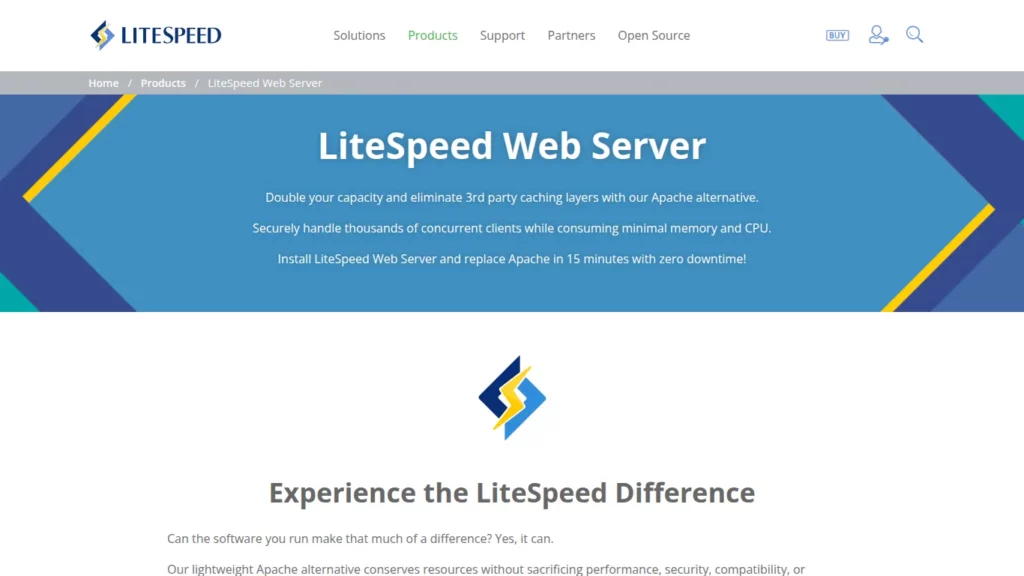
What it is: A commercial origin web server often chosen for performance-focused hosting, especially in PHP-heavy setups.
Best for
- WordPress and PHP sites where caching workflows drive most speed gains
- Hosting-style environments that benefit from admin tooling and tuning controls
Why teams pick it
- Practical performance patterns for PHP workloads and cache-centric deployments
- Operational workflows that can be friendlier for non-DevOps operators
Trade-offs
- Licensing and vendor constraints may not fit all infrastructure policies
4. OpenLiteSpeed

What it is: The open-source edition in the LiteSpeed ecosystem, designed for performance-focused origin serving with a simpler open-source posture.
Best for
- Teams that want LiteSpeed-style approaches while staying open-source-first
- Budget-conscious stacks that still need strong static delivery and caching patterns
Why teams pick it
- Accessible entry point into LiteSpeed-style performance workflows
- Useful for PHP-centric deployments where caching is central to speed
Trade-offs
- May differ from commercial equivalents in enterprise-oriented features and support paths
5. IIS
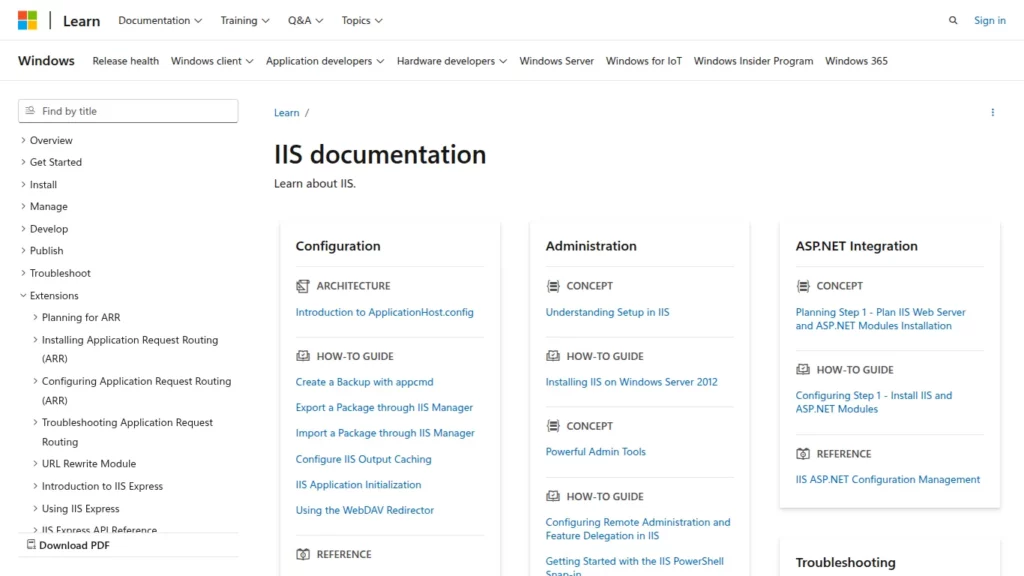
What it is: Microsoft’s origin web server for Windows environments, commonly used to host .NET applications and Windows-integrated services.
Best for
- Windows and .NET deployments that benefit from native OS integration
- Organizations with Windows-first administration and security tooling
Why teams pick it
- Fits naturally into Windows Server operations and enterprise authentication patterns
- Strong alignment with Microsoft platform workflows
Trade-offs
- Less convenient for Linux-first stacks and teams that standardize on Linux tooling
6. Caddy

What it is: A modern origin web server and reverse proxy designed for clean configuration and automation-friendly operations.
Best for
- Teams that want a simpler configuration experience and secure defaults
- Small-to-mid deployments where maintainability matters as much as performance
Why teams pick it
- Developer-friendly setup patterns that reduce operational friction
- Good fit when you value clarity and repeatability over endless tuning knobs
Trade-offs
- Smaller ecosystem than long-established incumbents for very specialized edge cases
7. Lighttpd
What it is: A lightweight origin web server optimized for low overhead and straightforward serving needs.
Best for
- Static-heavy sites and simple web workloads
- Constrained servers where resource usage and simplicity are priorities
Why teams pick it
- Lean operational footprint for “serve content reliably” scenarios
- Practical choice when you don’t need a large module ecosystem
Trade-offs
- May not be the first pick for complex, multi-service reverse proxy architectures
8. Tengine
What it is: An Nginx-derived origin web server used in some high-traffic ecosystems, with additional modules and distribution choices.
Best for
- Teams that want Nginx-style behavior with specific add-ons that match their environment
- Advanced operators who already have strong reverse proxy conventions
Why teams pick it
- Familiar proxy patterns for teams already fluent in Nginx-style configuration
- Can align well with certain regional ecosystems and deployment patterns
Trade-offs
- Documentation and community momentum can vary depending on where you operate
9. Cherokee
What it is: A lightweight origin web server with a GUI-oriented administration approach and a smaller modern footprint than the main incumbents.
Best for
- Legacy or niche environments where Cherokee is already part of the stack
- Lightweight deployments where a simpler operational model is preferred
Why teams pick it
- Can be approachable for operators who prefer GUI-driven configuration
- Useful in narrow scenarios where its operational style is a match
Trade-offs
- Smaller ecosystem and mindshare compared to more commonly deployed servers
10. Gunicorn
What it is: A Python WSGI HTTP application server that runs your Python app processes (typically placed behind an origin web server).
Best for
- Python production deployments where you separate “front door” concerns from the app runtime
- Serving Django/Flask-style apps behind a reverse proxy
Why teams pick it
- Clean Python runtime pattern when paired with a reverse proxy for TLS, static files, and routing
- Lets you scale and tune app workers independently from the origin server layer
Trade-offs
- Not a full origin web server for most production needs by itself; it usually needs a front web server
11. Cloudflare
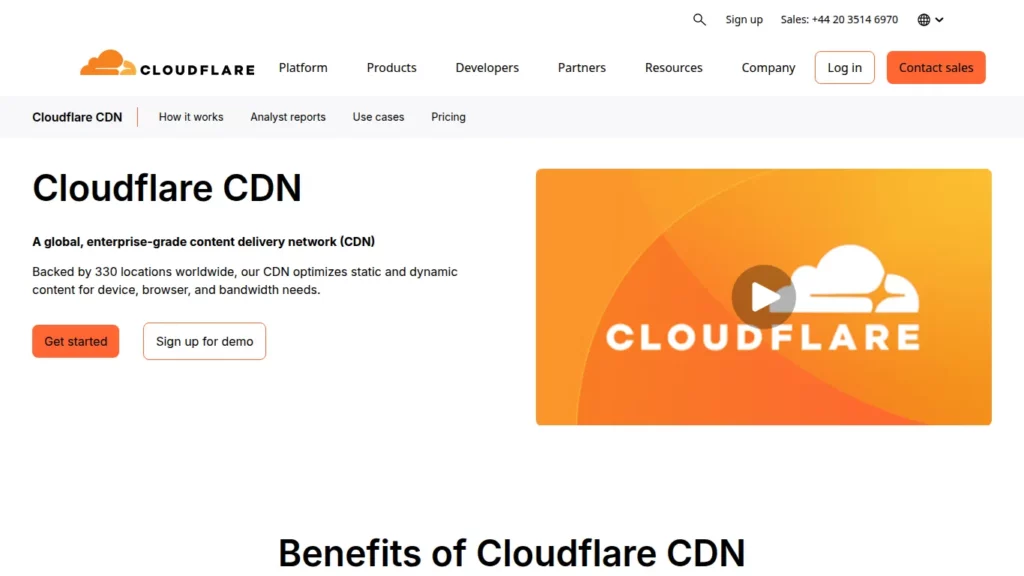
What it is: An edge layer that can cache content and apply security controls before requests reach your origin web server.
Best for
- Global performance improvements through edge caching
- Reducing bot noise and adding protection in front of your origin
- Offloading static delivery and absorbing traffic spikes before they hit your servers
Why teams pick it
- Adds a protective “front door” in front of Nginx/Apache/IIS/LiteSpeed origins
- Can reduce origin load and improve perceived speed with caching and edge optimizations
Trade-offs
- You still need an origin web server for most applications; the edge layer complements it
For most teams, the fastest path to the “best web server” choice is to pick an origin server that matches your stack and operating model, then add supporting layers only where they clearly solve a problem (an app server for your runtime, and an edge layer for global caching and protection). If you standardize your configs, monitor upstream behavior, and validate on a staging workload, you’ll end up with a setup that performs well and stays maintainable after launch.

Performance Comparison & Benchmarking
“Fastest web server” depends on what you’re actually serving, where the bottleneck lives, and which layers are involved (origin server, reverse proxy, app runtime, database, and optional edge cache). The goal of benchmarking in this guide is not to crown a universal winner, but to help you run a fair comparison that matches your real traffic so you can pick the best web server for your stack.
1. What “Performance” Really Means in Production
When users search for “best web server,” they usually care about outcomes: pages load consistently, APIs stay responsive during spikes, and the system remains stable under bad conditions. That means your benchmark should cover more than “requests per second.”
Measure what users feel
- Latency distribution: focus on typical responses and the slow tail, not just averages.
- Stability under sustained load: check whether performance stays smooth after warm-up.
- Behavior during bursts: observe whether queues build up, timeouts appear, or error rates climb.
Measure what operators pay for
- CPU and memory behavior: watch for runaway usage, leaks, or inefficient defaults.
- Connection handling: slow clients and many simultaneous connections can stress servers differently.
- Cache effectiveness: confirm cache hits actually reduce upstream work.
2. A Fair Benchmark Setup You Can Replicate
Most misleading benchmark results come from mismatched configurations, different TLS settings, or testing only static files while claiming general superiority. Use the checklist below to keep comparisons fair.
Lock down the environment
- Run each server on the same machine type, OS, and network path.
- Keep the same TLS settings across candidates if your real traffic uses HTTPS.
- Disable unrelated background workloads that can skew CPU and disk behavior.
Test the same routes
- Static route: representative assets (images, JS, CSS) that your site actually serves.
- Dynamic route: a real endpoint that hits your app runtime (and database if applicable).
- Cache route: a cacheable response that should become cheap after warm-up.
Keep the architecture consistent
- If you benchmark a “reverse proxy” candidate, proxy to the same upstream app in all tests.
- If your production pattern is “web server in front of an app server,” don’t test one option as a combined stack and another as a single layer.
- If you use an edge layer in production, benchmark both “origin only” and “edge + origin,” and label them clearly.
3. How to Run the Test Without Fooling Yourself
A good benchmark run looks like a small experiment: warm up, run steady-state traffic, run burst traffic, and capture system metrics alongside request metrics.
Run phases, not a single blast
- Warm-up: allow caches, JITs, and connection pools to stabilize.
- Steady-state: sustained traffic that resembles normal operations.
- Burst: a short spike to observe queueing, backpressure, and error behavior.
- Degradation checks: introduce slow upstream responses to see how the server fails.
Collect both request and system signals
- Request timings (including tail latency), error rates, and timeouts.
- CPU, memory, disk, and network usage on the server host.
- Upstream health (app runtime saturation, DB contention, queue depth).
4. Interpreting Results Like a Builder, Not a Fan
Benchmark output is easy to misread. Use the interpretation rules below to translate results into a real “best web server” decision.
Dynamic endpoints are slow
- Your bottleneck may be upstream (application code or database), not the web server.
- In that case, the “best web server” is the one that proxies cleanly, handles timeouts well, and makes caching and observability easier.
Static assets are slow
- Check compression, caching headers, and file-serving configuration before switching servers.
- Also confirm whether you should offload static delivery to an edge cache instead of pushing everything through the origin.
Tail latency is ugly under load
- Look for queueing and backpressure behavior: buffering, upstream timeouts, and connection limits.
- Often, small configuration changes (buffering, keep-alives, worker/process settings) matter more than switching platforms.
5. Common Benchmarking Mistakes to Avoid
- Testing only static files and then generalizing conclusions to dynamic workloads.
- Comparing different TLS settings or mixing HTTP and HTTPS without stating it.
- Using different upstream apps or different caching rules across candidates.
- Reporting only one metric while ignoring errors, timeouts, and tail latency.
- Copy-pasting “best config” snippets without verifying they match your traffic patterns and failure modes.
If you want a quick takeaway: benchmark the same routes, under the same architecture, with the same security settings, then choose the server that gives you the most stable latency and the simplest, safest operations for your team.
FAQs
What is the best web server for WordPress sites?
For WordPress, LiteSpeed leads with built-in caching and HTTP/3, delivering 3-7x faster loads than Apache in benchmarks. Nginx offers high performance for high-traffic sites via reverse proxy, while Apache provides compatibility but higher resources. Choose LiteSpeed for optimization, Nginx for scalability.
How much does a web server cost?
Open-source like Nginx or Apache are free, but hosting adds $5-50/month. LiteSpeed licensing starts at $10/server/month; Cloudflare Pro at $20/month. Operational expenses include maintenance ($100-500/year) and scaling, varying by traffic and provider.
Can I switch web servers without downtime?
Yes, use a migration strategy: Set up the new server in parallel, sync configs/files, test via IP, then update DNS with low TTL. Implement rollback by keeping old server active; tools like rsync minimize risks, ensuring zero-downtime for most setups.
What web server should I use for a startup or MVP?
Opt for cost-effective open-source like Nginx or Caddy for ease and scalability. They handle growth without high costs, integrate with cloud stacks, and offer free tiers. Prioritize management simplicity to focus on development over ops.
How do I know if I need to upgrade my web server?
Monitor metrics like >1s load times, high CPU (>80%), or frequent 5xx errors. Warning signs include traffic spikes causing downtime or poor SEO from latency. Upgrade if current server lacks HTTP/3 or scalability; benchmark against needs.
Conclusion
Picking the best web server is ultimately about building a stack your team can operate with confidence: stable latency under real traffic, clean security defaults, and a configuration model that won’t turn into a fragile “house of cards” six months later. If you treat benchmarking as a method—not a scoreboard—you’ll end up with an origin server that fits your workload (static vs dynamic), a reverse-proxy pattern that keeps your architecture flexible, and an edge layer only when it truly reduces load and risk.
At Designveloper, we’ve been building and scaling web products from Vietnam since 2013, and we apply that same practical mindset to infrastructure decisions—choosing the right server layer, pairing it with the right runtime, and locking in repeatable deployments. Our teams have delivered 150+ digital projects and maintain a proven portfolio of 100+ custom projects, including real-world platforms like LuminPDF and Walrus Education. We back that experience with end-to-end services that matter after launch—web app development, custom software development, UI/UX, QA/testing, DevOps, performance optimization, and security-minded implementation—so your “best web server” choice translates into real uptime and real speed, not just theory.
If you want a second opinion on your stack (Nginx vs Apache vs Caddy vs IIS, or a reverse-proxy + app-server pattern like Nginx + Gunicorn), we can help you validate it with a staging benchmark that mirrors your routes, caching behavior, and failure modes—then implement the baseline with monitoring, hardening, and deployment automation. And if you’re looking for a partner with strong client satisfaction, our verified Clutch rating of 4.9 (9) reflects the way we work: clear communication, reliable delivery, and solutions that stay maintainable after the first release.
Also published on

Share post on










Related Articles



10+ Most Popular Web Server Applications in 2026
10+ Most Popular Web Server Applications in 2026 Published December 29, 2025
10 Best Countries to Outsource Web Development in 2026
10 Best Countries to Outsource Web Development in 2026 Published December 27, 2025
Responsive Web Design: 25+ Examples & Best Practices Guide in 2026
Responsive Web Design: 25+ Examples & Best Practices Guide in 2026 Published December 24, 2025Read more topics



AI Development
AI Development

Automation Technologies & Solutions
Automation Technologies & Solutions

Back-End Development
Back-End Development

Best Companies
Best Companies

Blockchain Technology and Applications
Blockchain Technology and Applications

Business Analyst Role & Skills
Business Analyst Role & Skills

Chatbot Development
Chatbot Development

Cloud Technology Revolution
Cloud Technology Revolution

CMS Platforms Development
CMS Platforms Development

Cyber Security
Cyber Security










