
















20 Web Design Tools for Different Types of Web Design Software

What is the best web design software? It’s a question that everyone asks themselves. And it’s a tough one to answer because there are so many options out there. In this article, we’ll explore some of the most popular and powerful web design tools available to programmers, marketers, and designers today. These 10 tools make up what we think is the perfect list of what to use, and why.
What is Web Design Software?
For commercial purposes, web design software is widely adopted by graphic designers for daily tasks. So, from that point of view, you will find out that the three categories are these:
- Desktop Design Software: This type of web design software is well-suited for creating business websites due to its powerful and feature-rich nature. It allows for the development of static websites, which contain fixed content. The purpose of a desktop web design app is to have a central hub to store web content.
- Mobile Design Software: This software type is geared towards creating websites optimized for mobile devices. The use of mobile devices for internet browsing is increasing at a projected growth of 30.6% from 2024 to 2029, reaching 6.4 billion users by 2029. This promotes a higher demand for responsive or mobile-specific sites. Accordingly, mobile design software needs to ensure websites are accessible and provide a good user experience on smaller screens.
- Hybrid Design Software: This combines features of both mobile and desktop design software. It enables you to create websites that work well on these two platforms and eliminate the need to design separately for each. For this reason, it saves time and resources.
The choice of web design software depends on various factors. They can include your company’s specific needs, the target audience, and their favorite devices.
4 Different Types of Web Design Software: Explaining the Differences
There is plenty of web design software out there. Each of them serves different purposes and brings you different values. Here are four different types of web design software you should consider:
1. For Marketers
Marketplace design is about how the individual marketer designs and sells on the web. This could be the digital marketing and lead generation platform, also known as paid advertising services, or a marketing automation system.
It provides analytics capabilities, a user-friendly interface, and marketing automation of automated content marketing, including sales email, social media postings, and website traffic generation.
These websites have all the characteristics of being the ideal Web Design App for Marketers. They are user-friendly with a multitude of options and templates, and also have an easy-to-use user interface.
2. For Building Website
You’re looking for ways to develop your new and unique business website? Today, with the growth of web design services (8.5% from 2024 to 2031), it’s easier for you to find a reliable partner. Depending on your ultimate purpose, you can choose between two main approaches to building your website.
First, you can leverage do-it-yourself website builders if your target website is simple with your business information, contact details, and portfolio. Some typical web design software in this realm is Wix, Squarespace, Weebly, and WordPress.
Second, you may hire a web development and design company if your desired website is complex and feature-rich. This company offers a wide range of services, from web design to SEO and ongoing maintenance and support. Moreover, they may have a deep expertise and experience in your business domain, always update the latest trends, and leverage cutting-edge tech stacks to make your online presence standout.
3. For eCommerce
eCommerce is thriving at a projected CAGR of 9.49% during the period 2024-2029. This boosts the demand for well-designed online stores to attract potential customers, retain them, and stay competitive.
One first software type often used for eCommerce is design platform software. This is a lightweight platform for creating websites and for eCommerce websites. Accordingly, you can create and design sites for web-based commerce with its easy-to-use drag and drop editor, formatting tools, and real-time support.
The second type of web design software is integrated website builders. These tools help the users in creating a beautiful and fully functional eCommerce website from scratch with its drag and drop interface.
4. For Graphic Designers
For graphic designers venturing into the realm of web design, specialized software is key to delivering exceptional outcomes and improving a seamless client experience. While they excel in visual communication across various media, web design presents some specific challenges. Unlike static printed materials, websites are responsive and interactive, requiring a different design approach.
This is where UI/UX design software comes in. These tools offer graphic designers with the essential features to create user-friendly and visually compelling websites. Beyond technical capabilities, these software solutions also help you focus on a client-centric experience.
Recommended reading: 5 Skills for Web Design Every Designer Should Know to Grow in Your Career
Best Web Design Tools for Marketers
So, what are the best web design tools for marketers you should ponder? Let’s take a look!
1. Figma
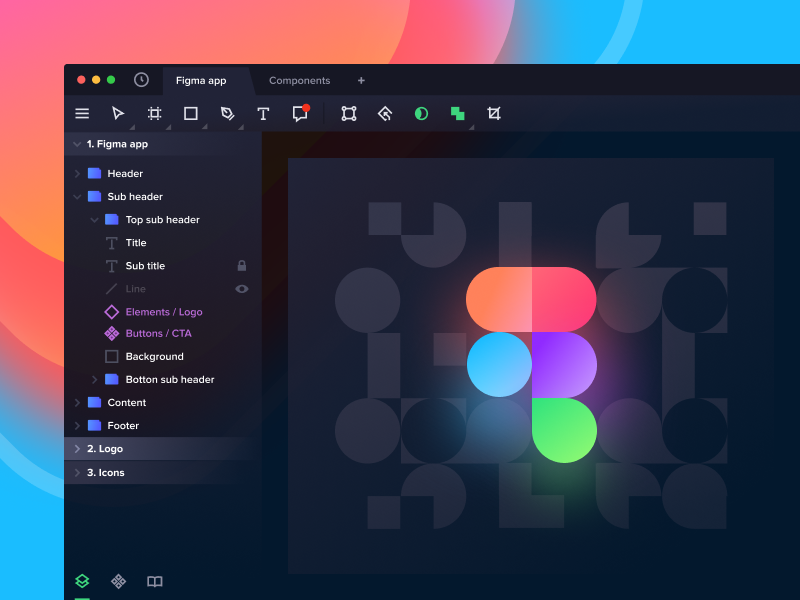
Figma is software for professionals, freelancers, and small businesses. It is easy to use. And you can extend its functions with plugins for products, videos, and more. Interacting with Zoho you can manage sales, distribution, and customer support from one place. You can also find several templates to help you create and manage your products. It is also easy to use.
With Figma, you can create powerful websites without coding. All you need to do is drag and drop the elements on the canvas.
Price
There are different pricing plans for two Figma account types:
- Figma
- Starter (free)
- Professional: $15/full seat/month (save 20% if billed annually)
- Organization: $45/full seat/month (if billed annually)
- Enterprise: $75/full seat/month (if billed annually)
- FigmaJam
- Starter (free)
- Professional: $5/full seat/month (save 20% if billed annually)
- Organization: $5/full seat/month (if billed annually)
- Enterprise: $5/full seat/month (if billed annually)
2. WordPress
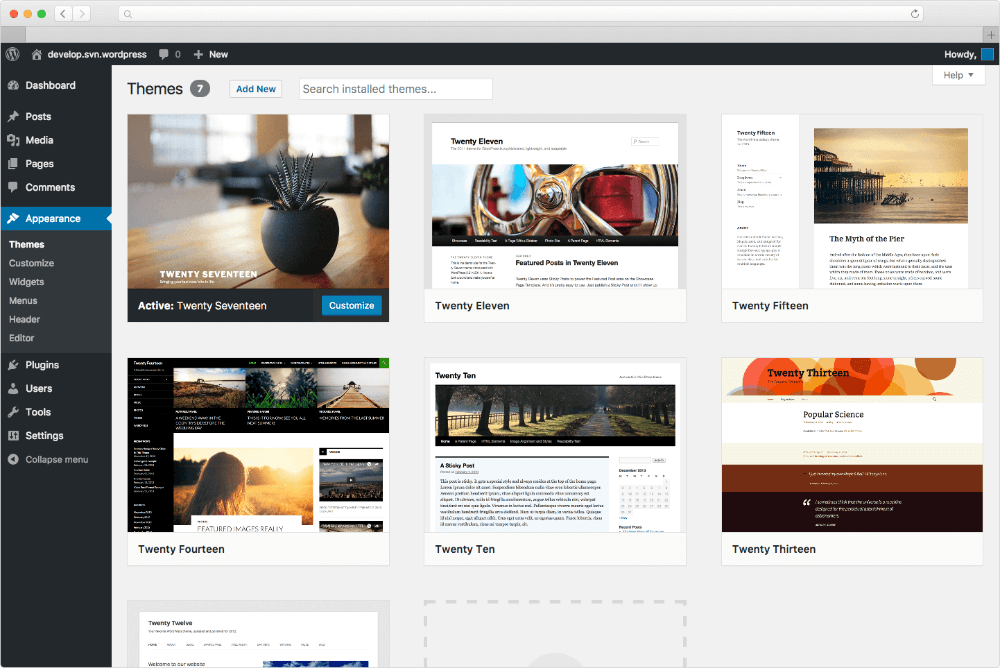
WordPress is the most popular blogging platform and it has become a major force in web-building software as well. It has an intuitive user interface, native plugins, and tons of features. WordPress is an open-source image editing and manipulation tool. Furthermore, you can get free and paid web design templates, and choose from various themes for logos, icons, and custom logos with this software.
Price
- Free account
- Personal: $4/month
- Premium: $8/month
- Business: $25/month
- Commerce: $45/month
- Cloud: $65/month
- Enterprise: Start at $25K/year
Best Web Design Software Tools for Building a Website
Now, let’s delve into the best web design tools for web building:
3. Wix
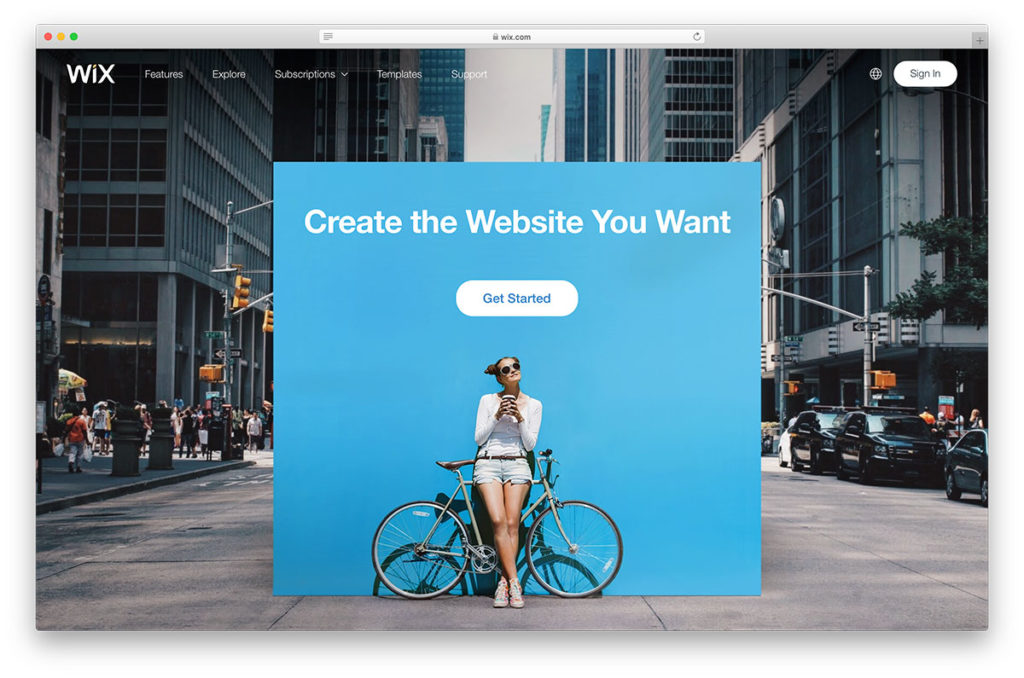
Wix is the popular and famous DIY website builder with 3 million monthly users. The feature that makes Wix so easy is the way you can customize your site to fit your own needs and preferences. With hundreds of templates to choose from, you will not have any trouble creating a website that looks great and functions perfectly. You can even build one entirely from scratch if you know how to code!
Price
- Free account
- Light: $17/month
- Core: $29/month
- Business: $36/month
- Business Elite: $159/month
4. Sitecore
As one of the best web design software, Sitecore helps to develop a professional website. It is also best for that website to be optimized for search engines. Sitecore has all the features and tools you need to create a professional-looking website and online store, right at your fingertips. The service offers two levels of account – free and premium – to help you get started.
Price
Not disclosed
5. Adobe Muse
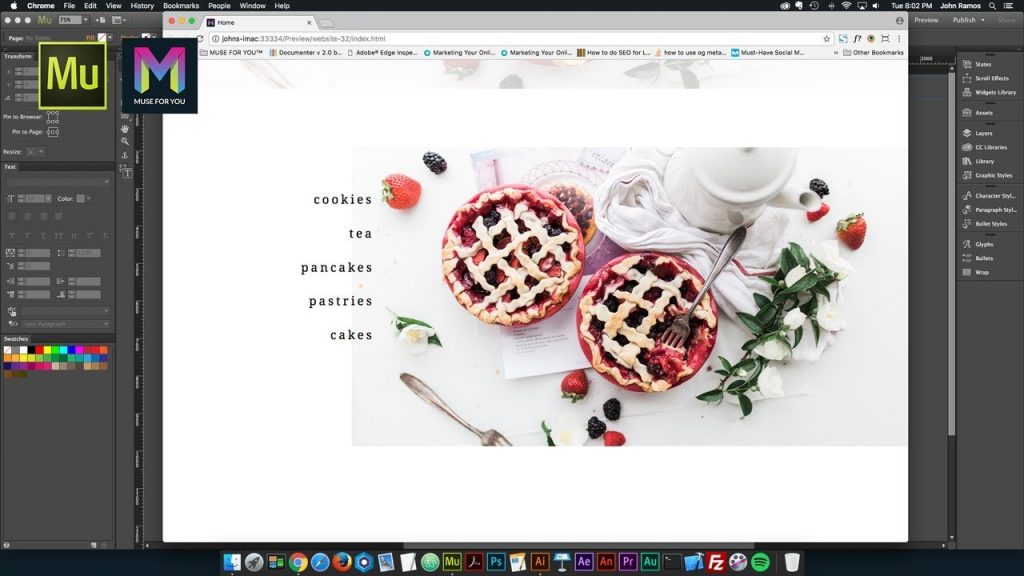
This is a discontinued offline website builder with a powerful drag and drop toolbox, modern branding capabilities, and a multitude of great-looking templates that you can download. The beauty of this tool is that it offers a ton of features for the price. It’s like getting a professional-grade toolset for your very own website without having to pay the high price.
Price
Not disclosed
6. Bootstrap

Bootstrap is a web design platform that offers an intuitive, integrated experience for designers and UX professionals. Therefore, the software lets you visually create, preview, and publish websites without the need for any advanced knowledge of code or design languages. You can even upload your existing designs to the software and it will automatically turn them into responsive websites.
Price
- Free
- Pro: $15/month
- Enterprise: $29/month
Best Web Design Tools for eCommerce
Now, we’ll discover the top web design tools for eCommerce
7. Shopify
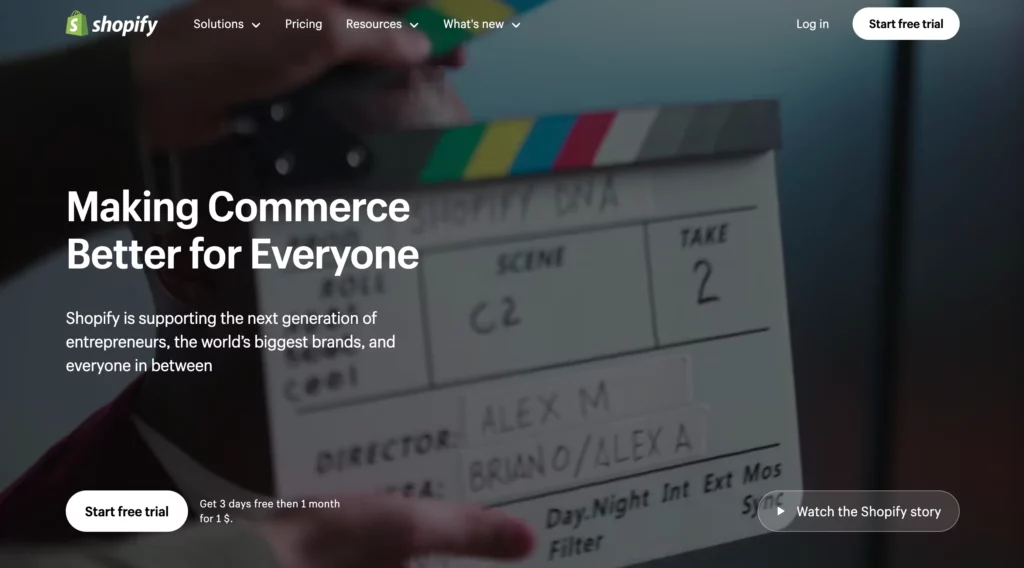
Shopify is a flat, drag-and-drop platform that lets you design an online store in minutes. You can create an entirely custom website in Shopify – with your very own domain, colors, and logo. However, it’s a fabulous way to learn about designing a website and quickly create a professional and dynamic e-commerce website.
Shopify allows you to accept payments online, so you can be online 24/7. You can build and brand your site for less than $10. It comes with so much content and supports that you can start designing and setting up your site in minutes.
Price
- Basic: $19/month
- Shopify: $49/month
- Advanced: $299/month
- Plus: $2,300/month
8. WooCommerce
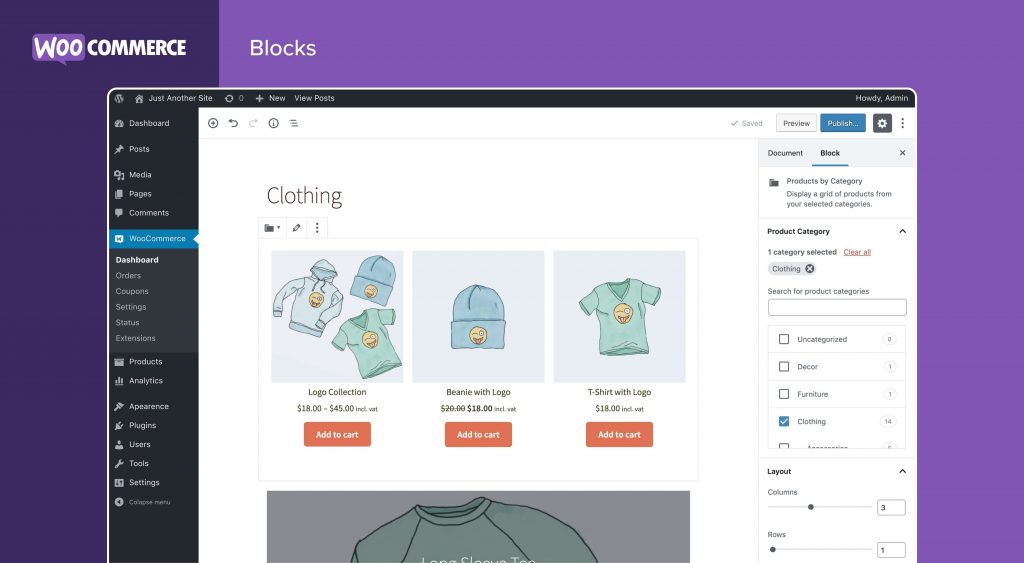
WooCommerce is a complete website design system, developed by WooThemes. It’s a plug-and-play CMS, which runs on top of WordPress, a content management system. So that it allows you to add services, and sell them in the front-end. If you have an e-commerce website, you can take your products and sell them without touching your website. So there are 3 options here:
- You can do your website if you have no interest in front-end development.
- You can hire a good designer to do the work
- Or you can use WooCommerce to allow other people to sell their services on your website. Leverage the tools of the internet and put them to good use.
It is the leading cloud-based eCommerce application, used by millions of online businesses. Therefore, it allows users to create, customize and run an online store for an online store without writing a single line of code.
Price
WooCommerce charges you based on setup costs (domain & hosting), website themes, store management costs, operational costs, and more.
9. Weebly
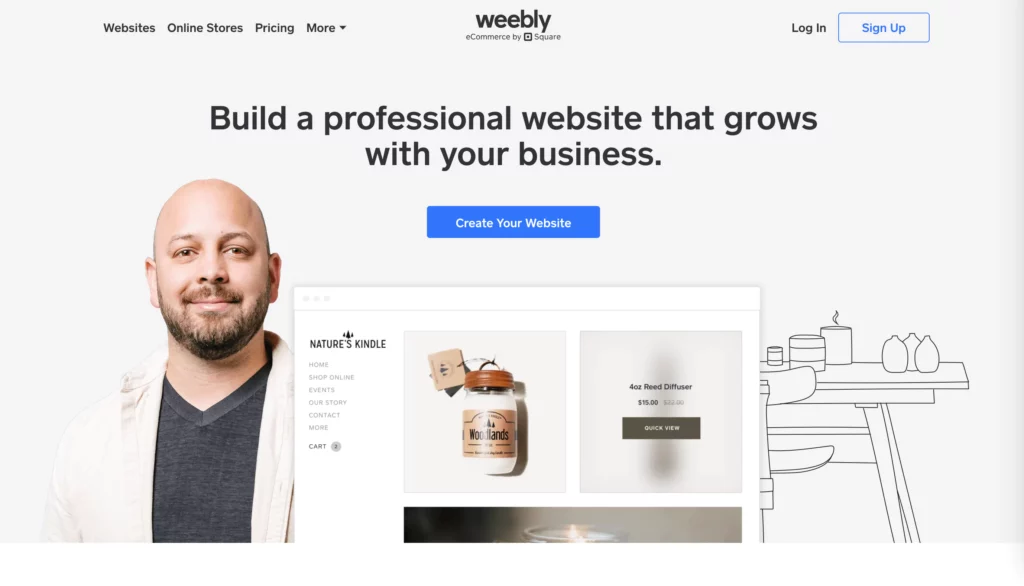
Weebly is a website builder that enables you to develop and publish websites without extensive coding knowledge. The web design software provides the drag-and-drop functionality with pre-designed templates and elements that assist you in website development and design with ease. Accordingly, you can freely customize these templates and elements to align with your brand identity. Further, Weebly offers inbuilt eCommerce features that allow you to sell products online through your website.
Price
- Free
- Personal: $10/month (if billed annually)
- Professional: $12/month (if billed annually)
- Performance: $26/month (if billed annually)
Best Web Design Tools for Graphic Designers
Every web designer has to manage a lot of tasks, from creating a stunning web appearance and easy-to-use navigation to having an eye on the code issue. And they are not miracle workers. For that reason, they usually own a set of tried and tested tools that can facilitate their work and make their life easier.
The thing is tons of new tools show up in the market yearly. How can you choose the right tools to ensure that they have everything you need to run a successful project?
No worries! This post comes to your rescue. Here we have pulled together some of the coolest web design tools for you so that you don’t have to spend time searching for such useful tools anywhere else. Our suggestions have both premium and free options which make it flexible for you with any budget. Let’s explore!
Recommended reading: 6 Web Design Myths That You Should Avoid
10. Sketch
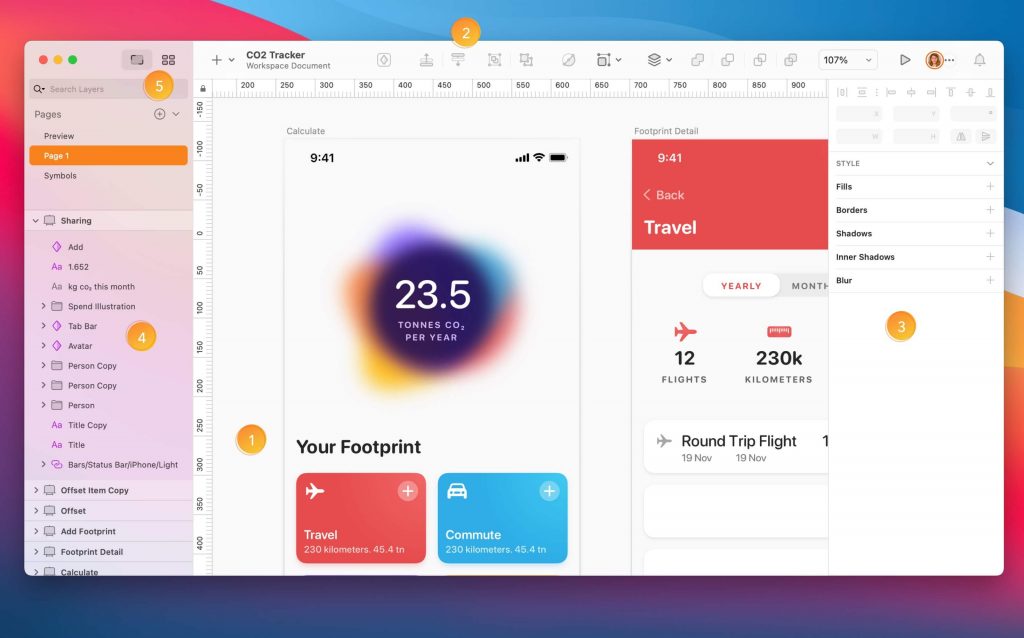
Sketch has become one of the most favorite design apps since it launched in 2009. It offers a number of great features such as improved exporting, symbols, a new grid tool, simplified vector modes, etc. which make it a strong Photoshop alternative for some use cases.
The tool is probably the most famous of all UI UX designing software because it’s used by designers worldwide. In conclusion, with the top tools and the capability to create the same in various other languages, enables the designers to create a unique design on a professional level.
Sketch has a huge selection of mobile-first responsive templates, prebuilt interfaces, and built-in features with tons of functionality at an affordable price.
Price
- Standard Subscription: $10/editor/month (if billed annually)
- Business Subscription: $20/editor/month (if billed annually)
- Mac-only License: $120/set
Recommended reading: Responsive Web Design: Definition, Best Practice, Pros & Cons
11. Affinity Designer
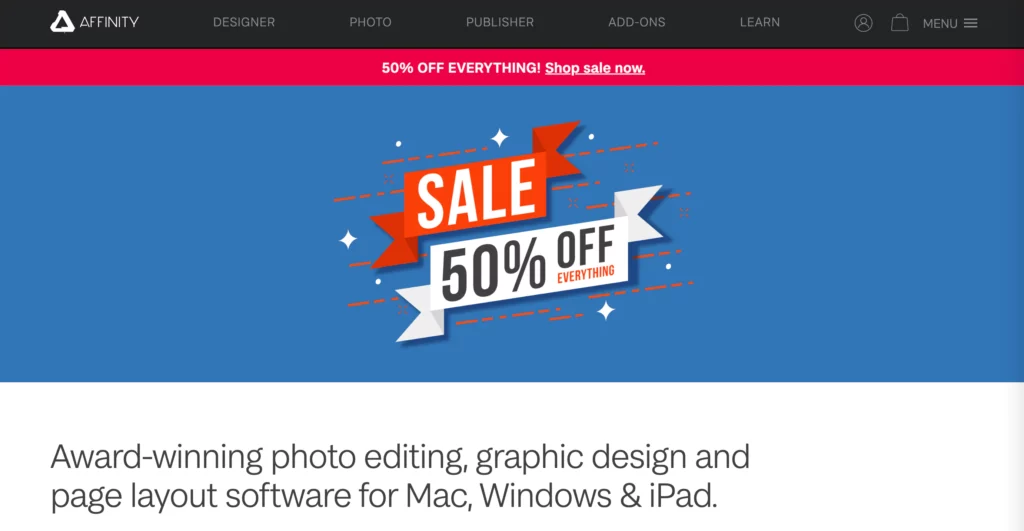
Affinity Designer is a free web design software that is most popular among people. Similarly, Affinity Designer is an enhanced version of Adobe Photoshop CS5. In comparison to other similar web design software, this software is full-featured and has a powerful and modern design.
In another word, it has a lot of features. It is accessible via Windows, Mac OS X, and Linux operating systems. Unlike many other similar web design software, Affinity Designer is not a collaborative tool. You can only create a website by yourself. It is good for web developers and designers who want to create websites for themselves. It has a very intuitive interface. Unlike much other similar software, Affinity Designer is not web-based. You need a good internet connection.
Price
$82.99 for one-off payment with a free trial
12. Macaw
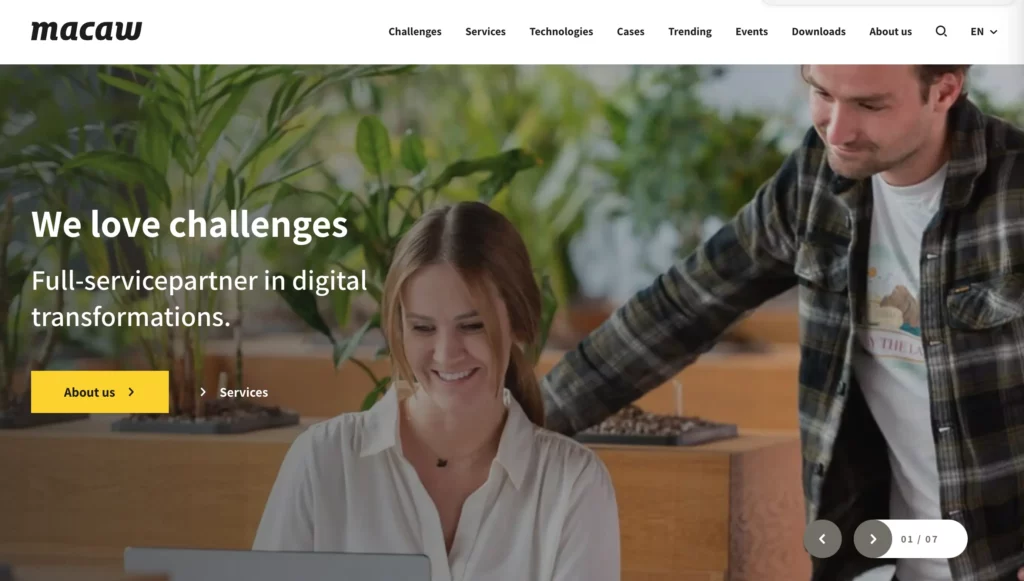
Firstly, the Macaw user interface looks similar to that of Photoshop. Secondly, it does not require any coding knowledge. For just these two reasons, you’re going to love it. This tool preserves the flexibility of your favorite image editor and also writes semantic HTML and remarkably laconic CSS. Your work will look and work great across all devices.
Price
Not disclosed
13. Balsamiq
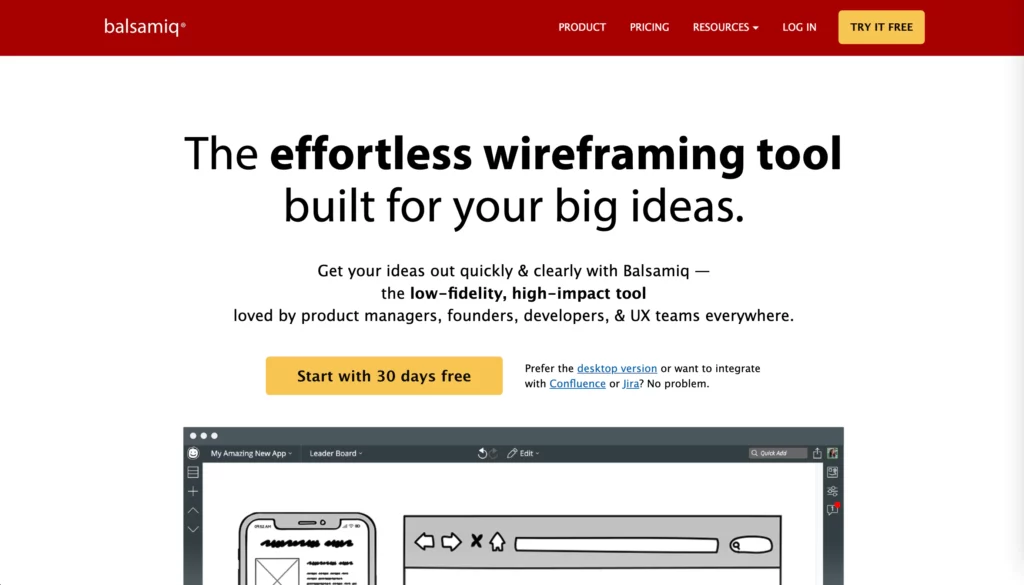
Balsamiq is a wireframing tool used to create a prototype layout (“mockup”) for your web interface. These mockups help you understand the overall layout and essential features of your website. Even without extensive coding knowledge, you can design a website easily by dragging and dropping elements (e.g., buttons, forms, or menus) on the website layout.
With Balsamiq, you can sketch out your website ideas visually and then receive early feedback from stakeholders or real users. Moreover, wireframes are simple and clean. Therefore, those involved in the project can discuss the website’s structure and features without diving deep into aesthetic aspects.
Price
- For 2 projects: $9/month or $90/year
- For 20 projects: $49/month or $490/year
- For 200 projects: $199/month or $1,990/year
All of them include a 30-day free trial.
14. Webflow
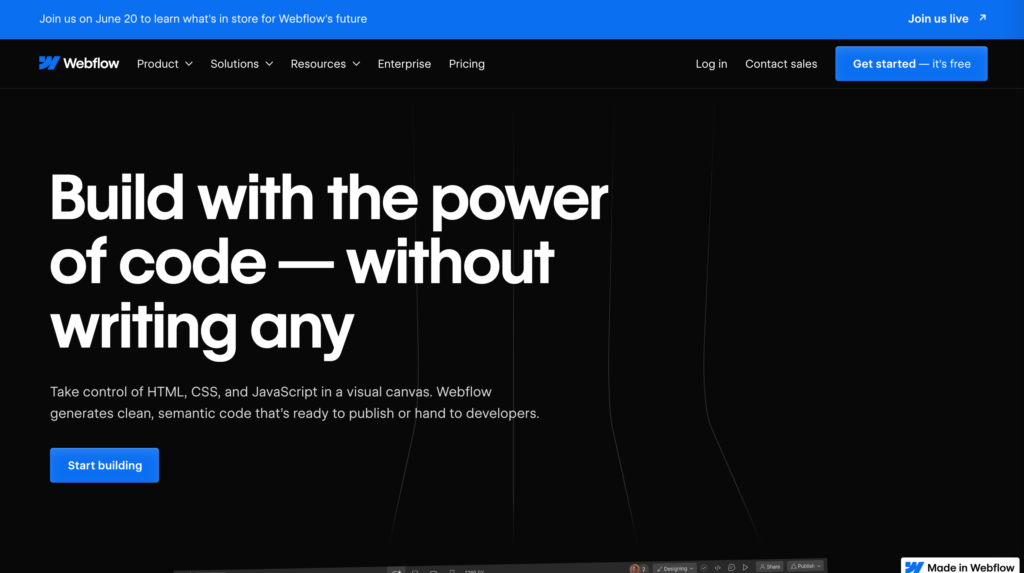
Webflow is a tool that empowers you to create responsive websites visually. You just need to drag and drop the design of a site and the rest of the coding will be generated by Webflow. For those seeking professional assistance, there are many trusted Webflow agencies that specialize in building high-quality, custom Webflow sites tailored to specific business needs.
Price
- Starter (free)
- Basic: $14/month (if billed annually)
- CMS: $23/month (if billed annually)
- Business: $39/month (if billed annually)
- Enterprise: Contact Sales
Recommended reading: 5 Crucial Responsive Web Design Tips That You Should Know
15. Atomic
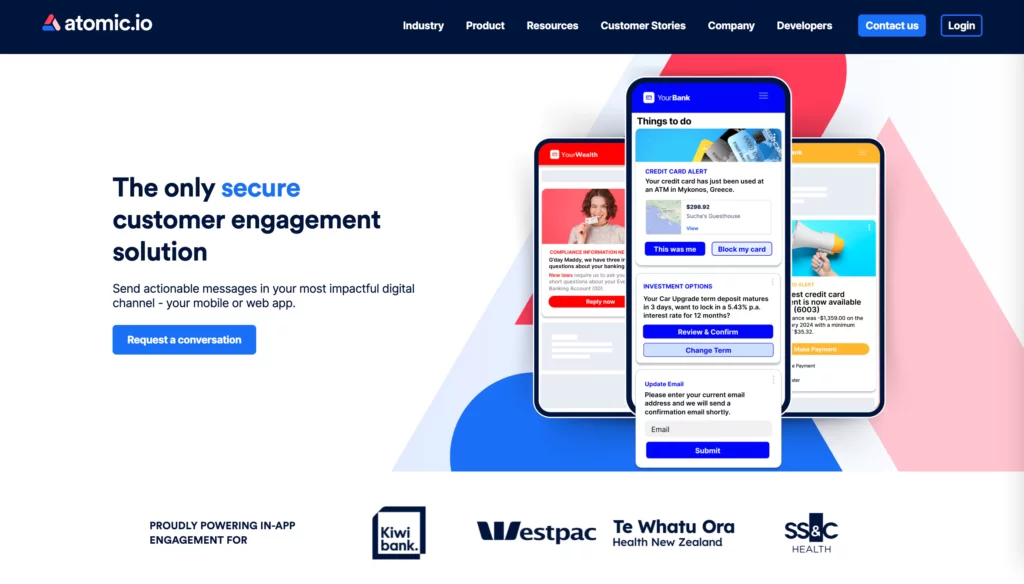
Atomic helps quickly create realistic prototypes of everything from simple interactions to entire products without having to bother with difficult coding. Another key feature of Atomic is it allows you to create a design in your browser, on both PCs and Macs, and then share them for viewing on a range of devices. Awesome, right?
Price
Not disclosed
16. Marvel
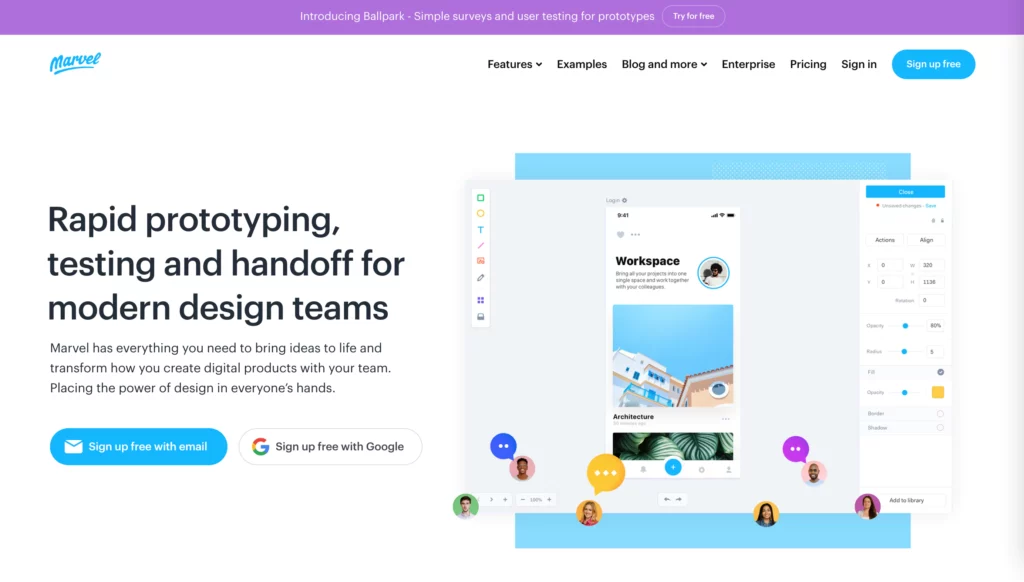
Marvel is another app that will help you instantly turn your sketches into realistic web prototypes. Prototypes built with Marvel work well in different environments such as Android, iOS, desktops, etc. You can also sync Marvel prototypes with Dropbox.
Price
- Free
- Pro: $12/month (if billed annually)
- Team: $42/month (if billed annually)
- Enterprise: Contact Sales
17. UXPin
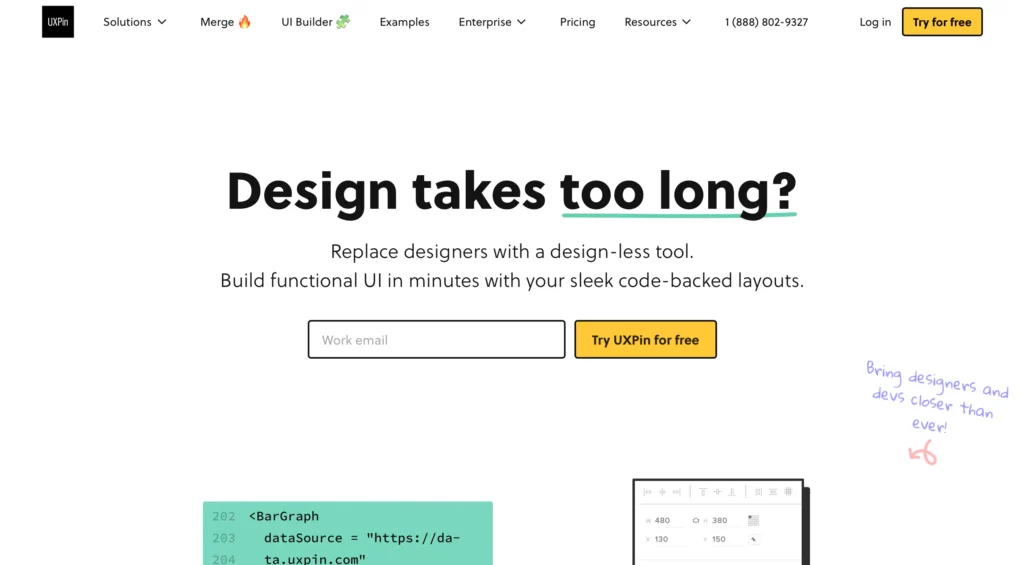
UXPin aims to create animation prototypes. You will have high-fidelity animated prototypes created in just a few minutes, and the entire process is quite simple. The powerful UXPin obviously should be on your list.
Price
UXPin doesn’t disclose its specific price, yet it offers six pricing packages: Free, Essentials, Advanced, Merge AI, Company, and Enterprise.
18. Justinmind
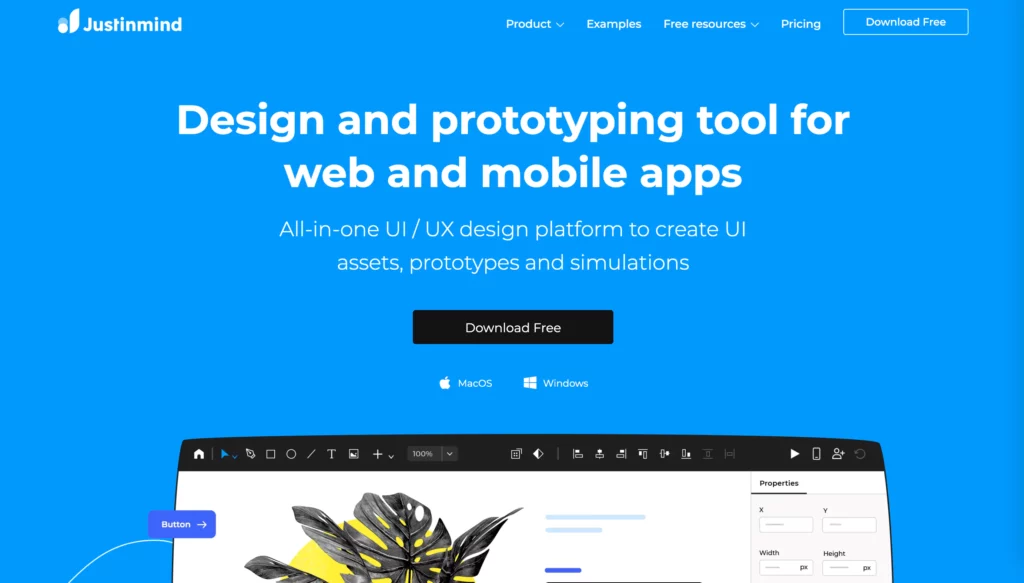
With the help of the program Justinmind, the prototyping process can be made easier. Justinmind can also connect to other programs like Sketch and Photoshop. You get to choose the interactions and gestures that will help you put your prototype together. It also comes with user interface kits that make it easy to put together screens quickly, and it can respond to user input.
Price
- Free
- Standard: $9/month (if billed annually)
- Professional: $19/month (if billed annually)
- Enterprise: $29/month (if billed annually)
19. Canva
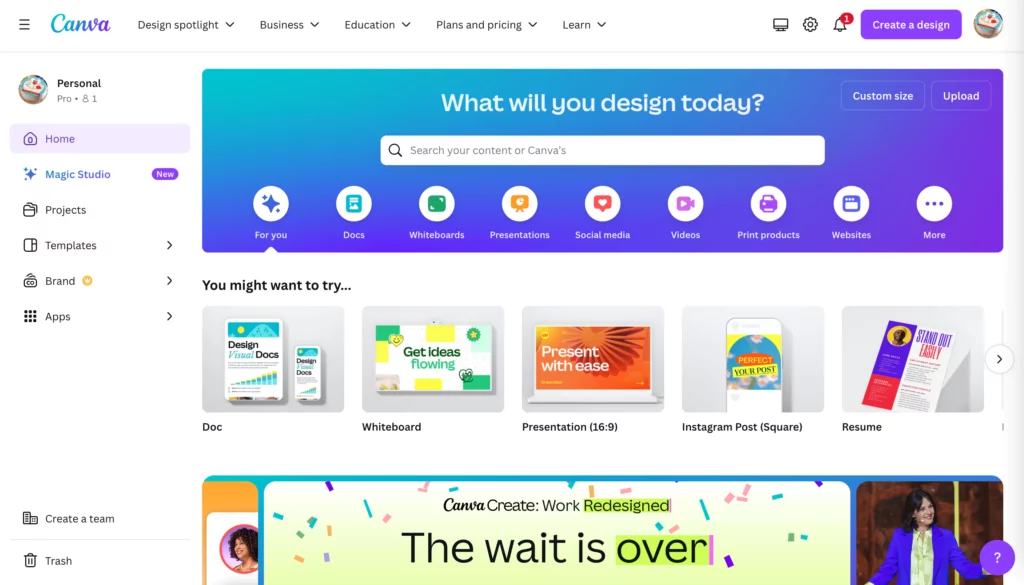
Canva is another great program you can use to design the visual parts of your website. It isn’t as powerful as Photoshop, and it doesn’t have as many options, but it’s much easier for graphic designers with little or no experience to use.
The tool makes it easy for people who have never used graphic design software before to make great designs. This is in contrast to Photoshop, which has a steep learning curve. Canva is a great place to start if you’re looking for a quick and easy way to make graphics for your website.
Price
Canva offers different pricing plans for two user groups:
- Individuals & Teams:
- Free
- Pro: $120/user/year
- Team: $100/user/year
- Education:
- Teachers: Free
- Schools & Districts: Free
- Canva for Campus: Contact Sales
20. InVision
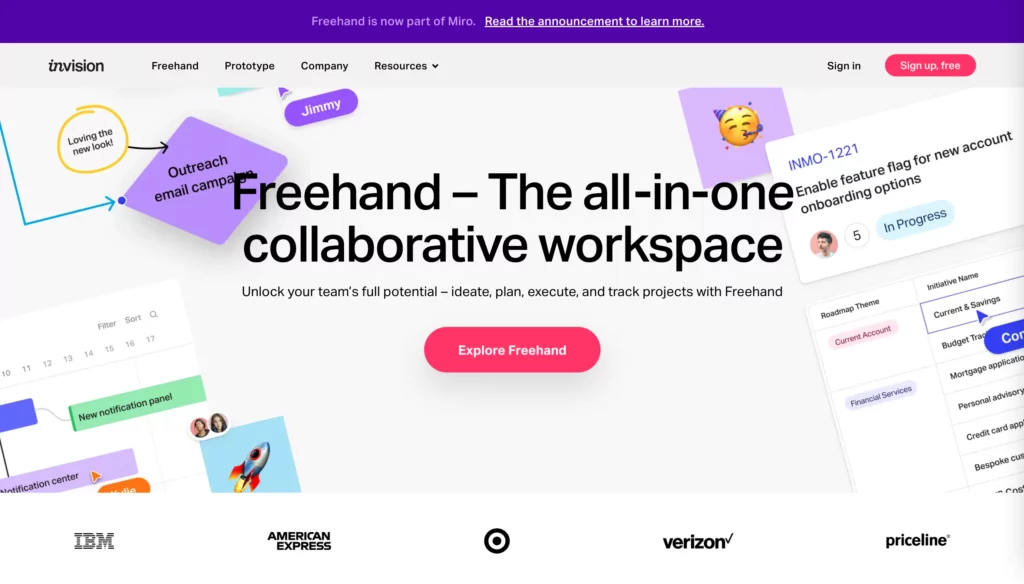
InVision is another piece of prototyping software that lets web designers see how their designs will work and see how people will interact with them. This tool lets you test the whole user experience without stopping the flow of how design elements interact with each other.
You can also make elements that can be used more than once with this app, which will add to a library. You will then be able to drag and drop these pieces into your designs as needed.
The software also has features that make it easier for team members to talk to each other. This makes it easier to get feedback from team members and move from prototyping to making software.
Price
- Free
- Starter: $15/month
- Professional: $25/month
- Team: $99/month
Choose the Right Web Design Software for Your Needs: Designveloper’s Perspective
At Designveloper, we’ve helped countless clients stay competitive and even stand out with exceptional websites. One visible reason behind this success is our right choice of web design software and tech stacks. Normally, after receiving and analyzing a client’s requirements, our BA (Business Analyst) will build a preliminary list of functionalities. We then suggest the best solutions and tech stacks for web projects based on this feature list and our experience. For this reason, we can partially build a successful web design.
However, for those newly coming into this realm, it’s overwhelming to choose the right tool at the first time. Therefore, we’re here to show you some key factors to consider when you choose web design software:
Project Needs
- Website Type: Are you building a simple portfolio website, a complex eCommerce, or something in between? Consider the website type and choose software that caters to specific functionalities you need, whether it’s product management features or advanced animation capabilities.
- Content Management: How often will you be updating your website content? If you require frequent content changes, a Content Management System (CMS) like WordPress can be ideal.
Skill Level
- Coding Expertise: Without your notice, web design sometimes requires coding knowledge for front-end development. Are you comfortable writing code, or do you prefer a drag-and-drop interface? For beginners, intuitive website builders like Squarespace or Wix can be a good choice. But for those with coding expertise, a design platform like Webflow provides more flexibility and customization options.
- Team Collaboration: Will multiple people be working on the website design? If so, consider software with strong collaboration features, such as Figma or Adobe XD.
Beyond the Software
Choosing the right software is just the first step. To create a well-designed website, you need to focus on other factors:
- User Interface (UI) & User Experience (UX) Design: You should create user-friendly interfaces that are both easy to navigate and visually appealing.
- Responsive Design: You should design a website that functions flawlessly across all devices, from mobile devices to desktops.
- Search Engine Optimization (SEO): You should optimize your website for search engines, helping you attract more organic traffic.
- Ongoing Maintenance & Support: You should continuously upgrade you website to ensure it stays update-to-date and secure.
Conclusion
You have a web design job to do and then you’re not sure what the best software to use would be? Or maybe you just want to learn more about web design? So, this article is for you.
We’ve compiled a list of the best web design software used in 2022 so that your search will be a lot easier. We’ve tried to include all the major players and also some new or lesser-known ones. You can see from this list that there are many different types of programs out there, so take your time to find the one that suits you.
Also published on

Share post on










Related Articles


Product Design Process: 6 Steps From Research To Launch
Product Design Process: 6 Steps From Research To Launch Published September 18, 2026
6 Proven Ways Chicago Brands Can Build Loyalty That Lasts
6 Proven Ways Chicago Brands Can Build Loyalty That Lasts Published July 02, 2025
How to Organize Design Files That Help to Save Time?
How to Organize Design Files That Help to Save Time? Published June 27, 2025



















