
















Add Impact to Your Videos with These Easy-to-Use Voice Tools

Creating videos is a great way to share stories, teach something new, or promote your business. But making a good video isn’t just about having great visuals. Audio plays a big role too. Imagine watching a beautiful video with poor sound – it ruins the experience. This is why using the right voice tools can make your videos more professional and attention grabbing.
In this blog, we’ll talk about how tools like text to speech can help. These tools are easy to use and can improve your audio without needing expensive equipment or expert skills.
So, let’s get in!
Why Audio Matters in Videos
Audio is just as important as what your viewers see. If your video sounds bad, people might stop watching, even if the visuals are amazing. Background noise like wind, traffic, or chatter can distract your audience. On the other hand, clear and professional audio can grab attention and keep viewers interested.

Let’s face it – not everyone has a soundproof studio or a professional microphone. This is where voice tools come in. They help creators, whether beginners or experts, improve their video’s sound without spending a lot of money or time.
Use Text to Speech for Perfect Voice overs
Text to Speech is a tool that turns written words into spoken audio. You type your script, and the tool reads it out loud. Modern TTS tools sound very natural, almost like a real human. You can choose different voices, tones, and even languages.
How Can TTS Help Your Videos?

TTS is great for many types of videos, like:
- Tutorials: Quickly add voice instructions to your how-to videos.
- Explainer videos: Make your message clear with a professional-sounding voiceover.
- Ads and social media: Create quick, high-quality audio for promotions.
TTS also makes videos more accessible. If your audience includes people who have trouble reading or are visually impaired, adding audio narration is a big help.
Tips for Using TTS
- Use tools like the desktop video editor that allow you to customize the tone and pitch.
- Write a script that sounds natural. For example, instead of “We provide the finest quality service,” write “We’re here to help you with the best service.”
- Choose voices that match your video’s style. A friendly, cheerful voice might work for kids’ content, while a calm, serious tone suits business videos.
How to Add Text to Speech in Your Videos
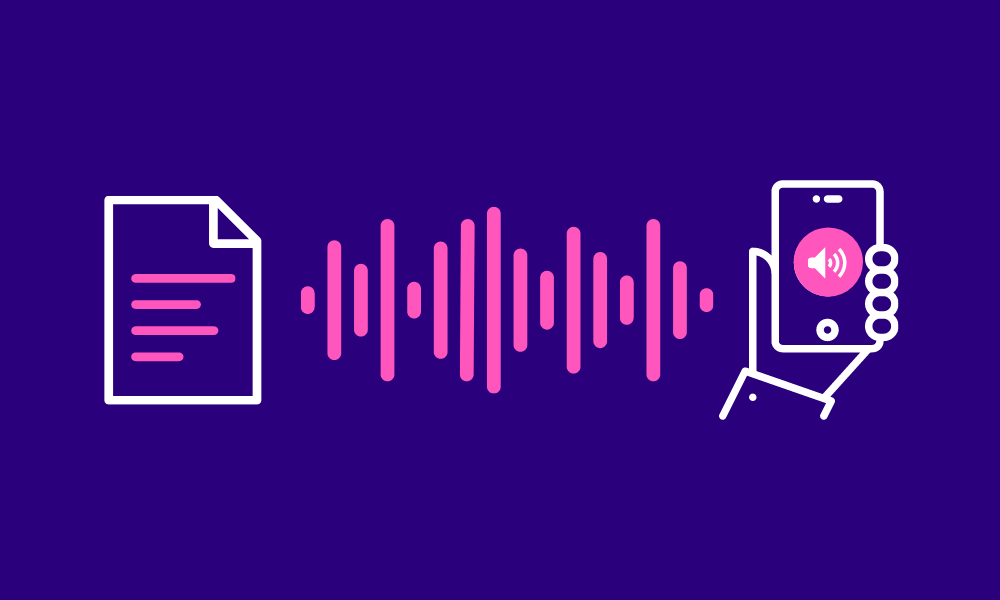
Adding Text to Speech (TTS) to your videos using the desktop video editor is a simple process. With its built-in TTS feature, you can turn text into spoken audio and sync it perfectly with your visuals. Here’s how you can do it in three easy steps:
Step 1: Import Your Video
Open the desktop video editor on your desktop and create a new project. Then, click the “Import” option to upload your video file(s). If your video already has audio, you can mute it by selecting the audio track and clicking the mute option.
Step 2: Add Text to Speech
Click the Text tab in the toolbar and select Add Text to create a text box. Type your desired script in the text box. This script will be converted to speech.
Select the text box > Text-to-Speech button (usually located on the right-side panel). Choose a voice from the available options. The desktop video editor offers various voice styles, tones, and languages, so pick one that suits your video’s theme. Adjust the timing of the TTS audio to sync with your video by dragging it along the timeline.
Moreover, to make your video more attention-grabbing, you can also add subtitles, remove background from video, add filters, and use many other tools in the desktop video editor.
Step 3: Export Your Video
Once you’re satisfied with the Text-to-Speech integration, click the “Export” button at the right corner. Choose your preferred settings for the exported video. Click Export and save your video with the TTS audio included.
Remove Background Noise for Clean Audio
Background noise can ruin your video’s audio. Even a slight hum or distant chatter can be distracting. This is especially frustrating if you’ve spent a lot of time filming.
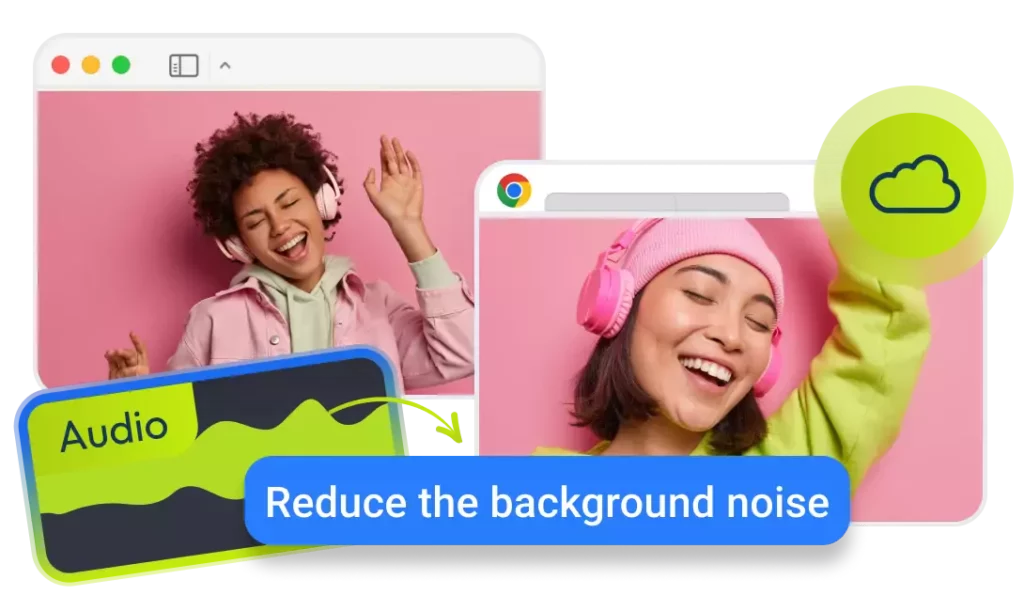
Tips for Removing Background Noise
- Record in a quiet place whenever possible. The less noise you have to remove, the better.
- Use noise-reduction features of any video editing software, like the desktop video editor sparingly. Over-editing can make your audio sound unnatural.
- Combine noise removal with other adjustments, like increasing volume or adding equalization (EQ), to make the final audio crisp and clear.
Combine Voice Tools for Better Results
Using TTS and noise removal together can take your video’s audio to the next level. Here’s how they work well together:
- Use Text to Speech to create a voiceover for your video.
- If there’s background noise in your original recording, use noise removal software to clean it up.
- Combine the voiceover with the clean background audio for a polished final product.
Take an example of editing a tutorial video. You use TTS to generate a professional voiceover for the instructions. However, your video also has background sounds, like people talking in the distance. By using noise removal tools, you can clean up these distractions and make sure your viewers focus on the content.
Conclusion
At Designveloper, we understand that every detail matters when it comes to creating videos that truly stand out. By leveraging the right voice tools, you can transform your video content from good to great, ensuring that it resonates with your audience and leaves a lasting impression. Whether it’s selecting the perfect voice, enhancing audio quality, or synchronizing voiceovers with visuals, these elements play a crucial role in delivering a compelling message.
As technology continues to evolve, the tools available to create professional-grade voiceovers are more accessible than ever, enabling you to elevate your videos with ease. So, take these tips into account, experiment with different tools, and watch as your videos become more engaging, professional, and impactful. At Designveloper, we’re always here to help you bring your creative vision to life, one powerful voice at a time.
So, what are you waiting for? Start using these tools today and enhance your videos in the best way possible.
Also published on

Share post on










Related Articles



6 Proven Ways Chicago Brands Can Build Loyalty That Lasts
6 Proven Ways Chicago Brands Can Build Loyalty That Lasts Published July 02, 2025
How to Organize Design Files That Help to Save Time?
How to Organize Design Files That Help to Save Time? Published June 27, 2025
10 Questions to Ask a Web Designer Before Signing Contracts
10 Questions to Ask a Web Designer Before Signing Contracts Published April 26, 2025



















