







Best Photo Restoration Apps for Colorizing Black and White Photos


Black and white photos carry a strange weight. They feel distant and intimate at the same time. A grandparent staring straight into the camera. A wedding portrait that survived wars, moves, floods, and time.
The problem is obvious — fading, scratches, and missing detail. The more challenging part is color. When done wrong, it feels fake. When done right, it feels unsettlingly real.
Photo restoration apps have improved quickly. Quietly. A few years ago, colorization meant cartoon skin tones and neon clothes. Today, some apps get frighteningly close to reality. Not perfect. But close enough to feel emotional.
Below are the photo restoration apps that actually handle black-and-white photo colorization well — without turning memories into plastic-looking AI art.
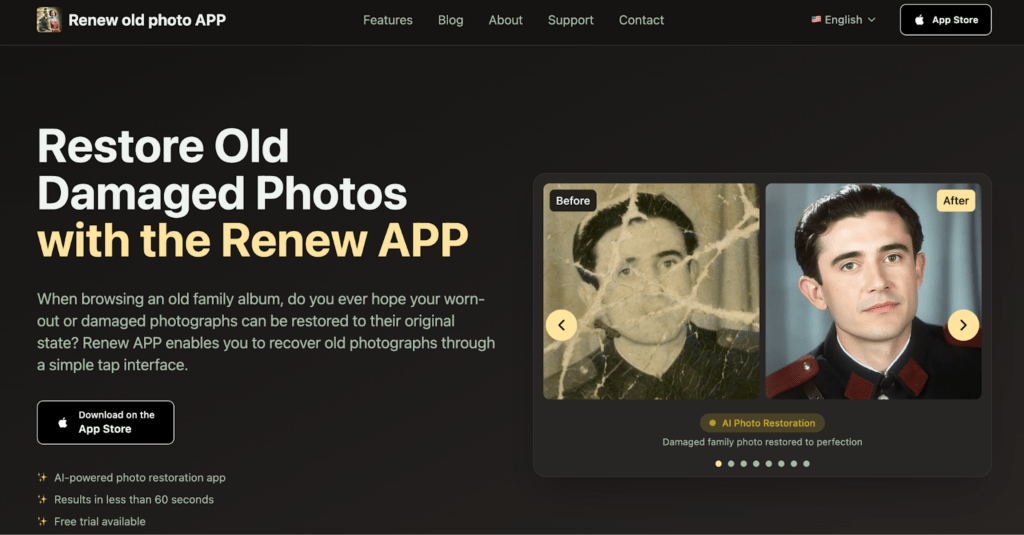
1. Renew APP: Best Overall for Colorizing Old Photos
Renew APP sits comfortably at the top for one reason: restraint.
Best for:
- Family archives;
- Wedding and portrait photos;
- Users who want realistic color, not dramatic reinterpretation.
It doesn’t try to impress with wild effects or overprocessed results. It focuses on one thing: bringing old photos back without rewriting them. That matters, especially with family images where “too much” is worse than “not enough.”
Colorization in Renew feels grounded. Skin tones don’t glow. Fabrics don’t scream. Shadows stay where shadows belong. The app seems to understand that old photos weren’t shot in perfect lighting, and it respects that.
The workflow is simple. Upload. Choose the feature. Wait less than a minute. That’s it. No sliders to fight with unless you want them.
What stands out most is how well Renew handles damaged black-and-white photos. Tears, scratches, faded corners — those get fixed before color is applied. That order matters. Many apps skip that step, and it shows.
This is where Renew Photo earns its reputation. The AI doesn’t just add color. It rebuilds the structure first, then colorizes on top of it. The result feels more believable.
2. RetroFix: Strong Colorization with a Vintage Feel
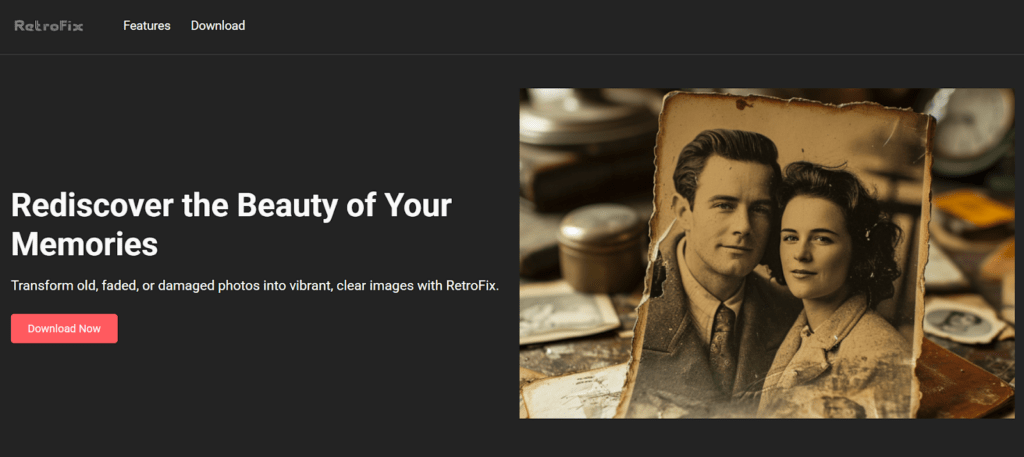
RetroFix takes a slightly different approach. It leans into nostalgia.
Best for:
- Vintage street photos;
- Lifestyle and historical scenes;
- Users who prefer softer, film-like color.
Instead of aiming for hyper-realistic modern color, RetroFix often preserves a soft, vintage palette. Browns stay warm. Blues stay muted. It feels closer to hand-tinted photographs than modern DSLR color.
That works exceptionally well for certain photos — street scenes, old uniforms, childhood portraits. Less so for photos where you want crisp facial detail.
RetroFix’s strength is consistency. You usually know what kind of result you’ll get. The app doesn’t surprise you, which is a compliment in restoration work.
It’s also fast. Uploading and colorizing takes seconds, and the interface stays out of the way. There’s less emphasis on repair and more on aesthetic colorization, so photos that are badly damaged may need another tool first.
Still, for black-and-white photos that are already in decent shape, RetroFix delivers clean, emotionally accurate results.
3. DeOldify: Experimental Colorization with Unpredictable Results

DeOldify is one of the earliest well-known AI colorization projects, and it still shows flashes of brilliance — mixed with inconsistency.
Best for:
- Well-preserved portraits;
- Close-up facial photos;
- Users comfortable testing multiple outputs.
When DeOldify gets it right, the result can feel surprisingly alive. Skin tones often look natural, and facial depth is handled better than expected for an older model. That said, the app struggles with complex scenes. Group photos, uneven lighting, or busy backgrounds can lead to strange color choices or uneven saturation.
The biggest tradeoff is predictability. DeOldify doesn’t always give the same level of quality from photo to photo. Some results feel spot-on. Others miss the mark entirely. It’s best treated as a tool for experimentation rather than guaranteed restoration.
For users willing to run the same photo a few times and pick the best version, DeOldify can still produce emotionally compelling results.
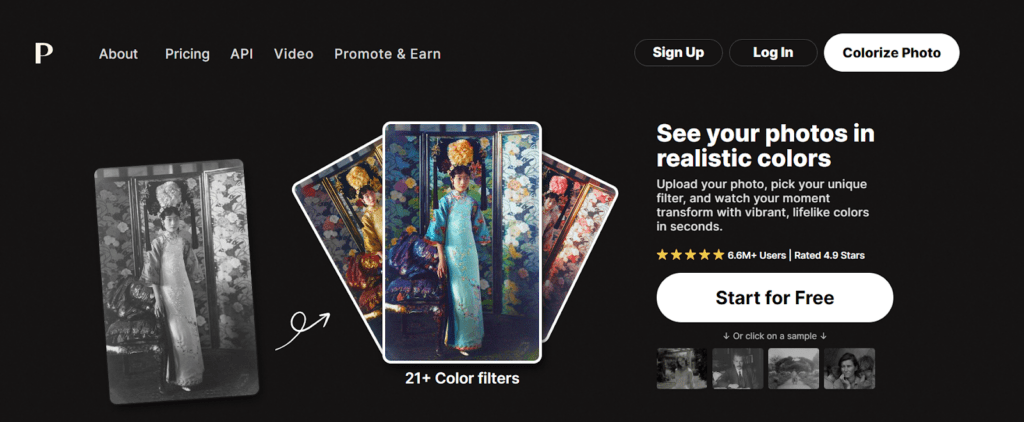
4. Palette.fm: Controlled Colorization with a Modern Touch
Palette.fm focuses on precision and user influence rather than fully automatic decisions.
Best for:
- Interior and architectural photos;
- Historical scenes with varied materials;
- Users who want more control over color tone.
Unlike one-click apps, Palette.fm allows users to guide the colorization process with subtle prompts and style preferences. This makes it especially effective for scenes where fabric, furniture, or environment details matter as much as faces.
Colors tend to stay balanced and intentional. Skin tones rarely look exaggerated, and materials often feel believable. The downside is speed — it’s not the fastest option — and it assumes the user is willing to make a few decisions along the way.
Palette.fm works best when you want thoughtful colorization rather than instant results. It’s less casual, more deliberate.
5. VanceAI Photo Colorizer: Fast Results with a Polished Look
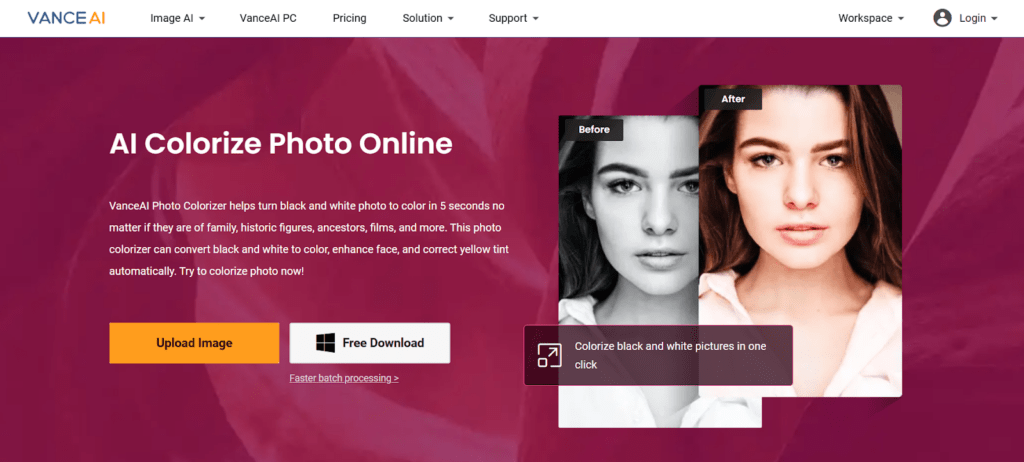
VanceAI takes a clean, automated approach, prioritizing speed and visual clarity.
Best for:
- Lightly faded black-and-white photos;
- Social media sharing;
- Users who want quick, presentable results.
The app produces sharp, vibrant images with minimal effort. Upload the photo, apply colorization, and export. For many users, that’s enough. Faces are clear, colors are bold, and the overall look feels modern.
The tradeoff is subtlety. VanceAI sometimes pushes saturation too far, especially with skin tones and clothing. For emotionally sensitive family photos, this can feel slightly artificial.
Still, for photos that aren’t heavily damaged and don’t require historical nuance, VanceAI delivers fast, visually pleasing results with very little friction.
Why Colorizing Old Photos Is Harder Than It Looks
Adding color isn’t just guessing shirt colors.
Good colorization depends on context. Skin tone variations. Fabric types. Light direction. Age of the photo. Even camera technology from the era matters. AI systems trained on modern photos often fail here. Old photos behave differently.
The best apps don’t just “color.” They analyze texture, depth, and lighting first. Then they apply color conservatively. That’s why fewer tools do this well.
A common mistake is overconfidence — bright lips, blue eyes everywhere, perfectly white teeth. Real life didn’t look like that in 1910. The apps that understand this feel more human than technical.
Other Notable Photo Restoration Apps (Worth Trying)
Alongside the main tools, a few other apps frequently appear in restoration workflows.
MyHeritage Photo Enhancer & Colorizer
A familiar name for anyone working with family trees or archival photos. The tool is easy to use and often delivers surprisingly clean results, especially for portraits. The downside is smoothing — faces can lose texture and age, which sometimes strips away personality. It works well as a first pass, though many users refine results elsewhere.
Remini
Remini shines when it comes to sharpening and upscaling. Blurry faces become readable again, details snap into focus. Colorization is available, but it clearly isn’t the app’s main strength. Remini works best as a follow-up tool after a more specialized tool has applied color.
Colorize Images (by Photomyne)
Designed for speed and simplicity. Upload, colorize, move on. There’s little control and limited depth, but for quick restorations or casual sharing, it does the job. It’s less suited for fragile or historically important photos where nuance matters.
What Actually Matters When Choosing a Restoration App
Not every photo needs the same treatment. Before picking an app, it helps to be honest about the goal.
Ask a few questions:
- Is realism more important than style?
- Is the photo damaged or just faded?
- Will it be printed or only shared digitally?
- Is emotional accuracy more important than technical perfection?
Apps like Renew APP work best when emotional fidelity matters. RetroFix shines when mood and era matter more than detail.
Colorization Isn’t About Perfection
Colorization isn’t about getting every detail “right.” No AI knows the true colors of a moment that happened decades ago. It can only infer — from context, texture, light, and patterns seen elsewhere. The strongest tools accept that limitation and work within it, applying color cautiously instead of forcing certainty where none exists.
Subtle color lets the brain do part of the work. A restrained palette feels believable, even when it’s imperfect. Overly confident color breaks that illusion fast. That’s why the best restoration apps don’t aim for technical perfection. They strive for plausibility.
Final Thoughts
Photo restoration isn’t about fixing images. It’s about reconnecting with moments that almost slipped away.
The best apps understand that. They don’t overwrite history — they clarify it.
If one app consistently delivers natural, respectful colorization, it’s Renew APP. For a softer, nostalgic tone, RetroFix earns its place right behind it.
The technology will keep improving. Faster models. Better guesses. Fewer artifacts. But the goal will stay the same, bringing the past a little closer without changing what made it meaningful.
And when that happens, even briefly, the photo stops being old. It becomes present again.
Also published on

Share post on