
















Best SERP APIs In 2026: 11 Providers Compared By Fit And Pricing

KEY TAKEAWAYS:
- Shortlist by workflow. This comparison covers Google-focused APIs such as SerpApi, Serper, Scrapingdog, ScrapingBee, and Zenserp, plus broader services such as ScraperAPI, Oxylabs, Bright Data, ZenRows, DataForSEO, and Apify.
- Compare the billable unit. Providers charge by searches, requests, credits, SERP pages, or compute, so an advertised rate is not automatically the cost of a usable result.
- Test the same inputs. Match query, location, language, device, and result type, then compare valid fields, latency, retries, and total spend.
- Check data-use terms. A managed API does not decide whether your collection, storage, or reuse is allowed for your specific case.
- Keep a build-versus-buy option. Compare managed APIs with relevant web scraping tools before committing to a workflow.
SERP data changes with the query, location, language, device, and time of collection, so a provider that looks good in a demo may not fit a live rank tracker or AI search workflow. The best SERP API is the one that returns the fields your product needs at a cost and reliability level it can support. This shortlist compares 11 services using current vendor information where available. It is desk research, not a shared performance benchmark. Start with the result types your product must keep, then test a small, fixed query set before choosing a provider.
What Does a SERP API Return?
A SERP API is a hosted service that accepts a search request and returns data from a search engine results page in a structured response, often JSON. Depending on the provider and endpoint, the response may include organic listings, paid results, local results, shopping items, or other page features.
The API can handle parts of collection and parsing, but it does not make every result identical across time, location, device, or account settings. Check the fields and controls of the exact endpoint you plan to use. A provider’s proxy or automation setup also does not establish that a particular data use is permitted.
How to Compare SERP APIs
Compare providers against the workload your product will run, not a general promise such as speed, accuracy, or scale. Record these requirements before requesting a trial or pricing estimate:
- Search coverage: list the engines and result types you need, such as organic listings, maps, shopping, news, or ads. A Google-only endpoint may be enough for a rank tracker but not for a multi-engine product.
- Location controls: check whether the API accepts the country, city, coordinates, language, and device settings your workflow needs. Test them with the same queries you plan to store.
- Response shape: compare field names, nested structures, pagination, and missing-value behavior. A stable schema can save mapping work when results move into a database or dashboard.
- Billing and failure handling: find out whether retries, result types, location settings, or async jobs use extra credits. Ask what happens to the charge when a response is empty, delayed, or invalid.
- Data controls: review retention, support access, contract terms, and any rules on storage or redistribution. Send only the query data the provider needs.
A hosted SERP API and a self-managed scraper shift work to different places. If you are weighing that choice, this Python web scraping tutorial shows the kind of code and upkeep a custom route can involve. Your own proxy setup also has costs and limits; review what to consider before purchasing datacenter proxies if you plan to operate that layer yourself.
SERP API Comparison at a Glance
This table is a shortlist, not a ranked test. Use the final column to shape a pilot around a real product task.
| Provider | A practical fit | First thing to validate |
|---|---|---|
| SerpApi | A Google workflow that needs several SERP types and structured fields | Which result types and location settings are included in the selected plan |
| ScraperAPI | A product that wants a documented Google endpoint and managed collection | Credits used by the endpoint, options, and async requests |
| Serper | A Google Search API with a simple usage-based buying model | Supported result features and the cost of the exact request pattern |
| Scrapingdog | Google SERP collection with a published credit plan | How the endpoint consumes credits for each query configuration |
| ScrapingBee | A Google Search API used inside a developer workflow | Feature availability and credits per SERP request |
| Oxylabs | A managed SERP product for a larger data operation | Contract unit, output format, support, and service commitments |
| Bright Data | A geo-targeted SERP workflow with a range of usage options | Whether the rate applies per request or per successful result |
| ZenRows | Google result collection with configurable search inputs | Credits needed for each search type and location |
| DataForSEO | SEO software that needs page-based tasks and queue choices | Queue mode, add-ons, minimum payment, and task result handling |
| Apify | A workflow built around a chosen Google Search Actor | Actor-specific output, maintenance, compute, proxy, and storage costs |
| Zenserp | A Google SERP API with a published search quota | Which result types, regions, and request modes count toward the quota |
SERP APIs to Shortlist by Workflow
The profiles below explain why each service may fit and what to check before buying. Public prices are shown in USD and were checked on 22/10/2026 where a provider listed them. Providers use different billing units, and plans can change, so these figures are reference points rather than an apples-to-apples ranking.
SerpApi: Broad Google Result Types
SerpApi’s Google Search API is worth testing when a product needs more than a basic list of organic links. Its API documentation describes structured search responses and request settings for Google results.
The public pricing page lists Starter at $25 per month for 1,000 searches and Developer at $75 for 5,000 searches. That quota is easier to read than a generic credit count, but you still need to check which result types and settings your plan includes.
- Consider it when: several Google result features must feed one product schema.
- Check first: exact endpoint coverage, location behavior, and the meaning of a billable search for your workload.
SerpApi pricing lists current tiers and quotas.
For related implementation ideas, read:
- Web Scraping with LangChain: Tutorial for Beginners
- 17 Web Scraping Project Ideas From Beginner to Advanced
- Data-Driven Decision-Making: 7 Steps And Real-World Examples
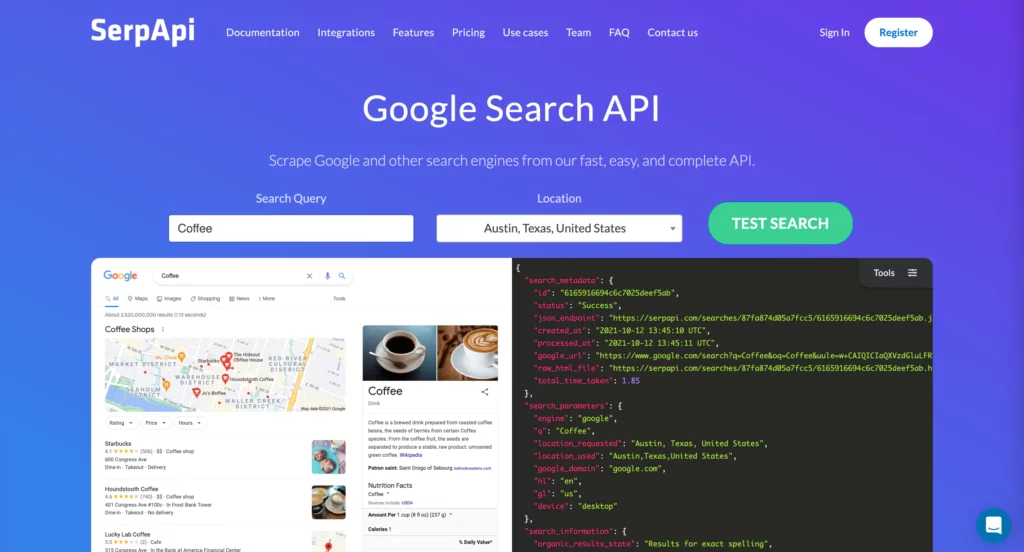
ScraperAPI: A Documented Google Endpoint
ScraperAPI’s Google SERP API describes an endpoint that turns Google search-page data into structured JSON. Its documentation also lists an async option, which can suit a job queue that does not need every response in the same request cycle.
ScraperAPI uses API credits, not a universal one-credit-per-search promise. Read its credit and request cost rules, then calculate the exact request variants your task will send.
- Consider it when: a service already uses managed scraping and wants to test a structured search endpoint.
- Check first: credit multipliers, async completion behavior, and the fields returned for the result types you need.
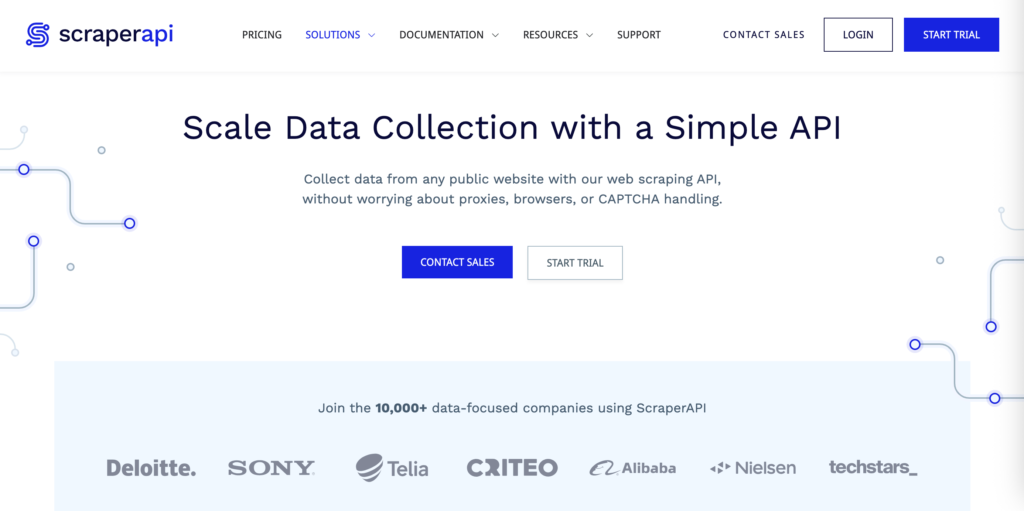
Serper: A Google-Focused Usage Model
Serper’s Google Search API is a candidate when the product mainly needs Google results and the team prefers a usage-based model. Its site presents search as a direct API workflow; treat vendor claims about speed or price as claims, not as an independent benchmark.
Before adding it to production, confirm that the endpoint returns the required feature types and that the credit model matches your query schedule. If the product needs Bing, multiple engines, or a particular local result, test those exact cases rather than assuming Google coverage transfers.
- Consider it when: a Google-first application needs a short path from query to structured response.
- Check first: credit purchase terms, quota behavior, response fields, and result coverage.

Scrapingdog: A Published Credit Plan for Google SERPs
Scrapingdog’s Google SERP API is a direct candidate for teams whose main need is Google search data. Its pricing page lists Lite at $40 per month for 200,000 request credits, which gives buyers a concrete plan to test.
Do not read 200,000 credits as 200,000 valid SERP records until the provider’s endpoint rules confirm that mapping. A request with a different location, feature, retry, or response mode may have a different cost.
- Consider it when: a Google-centered workflow can be tested against the public credit plan.
- Check first: credit use per endpoint, geographic limits, and the output returned for a completed request.
Scrapingdog’s pricing page lists plan quotas.
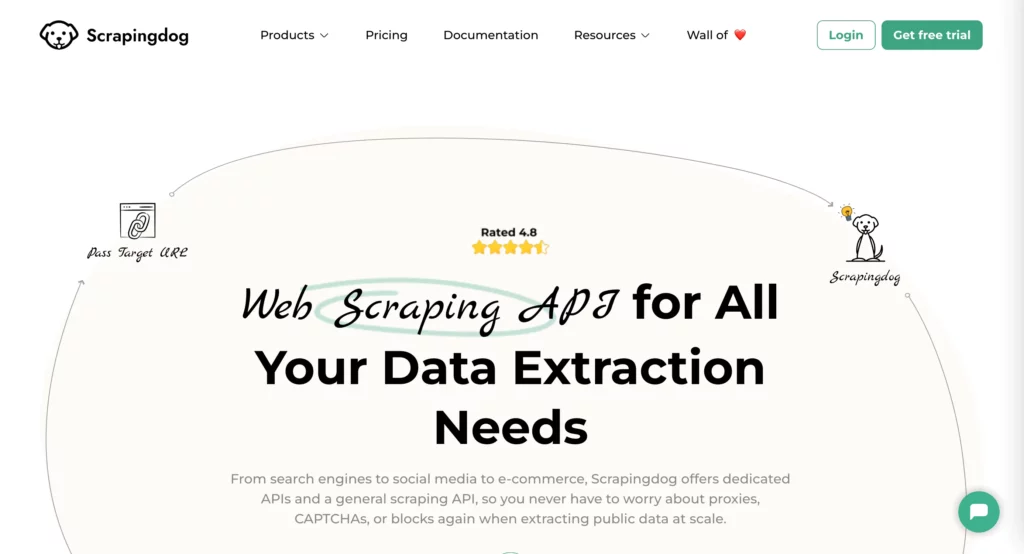
ScrapingBee: Google Search Features in a Developer API
ScrapingBee’s Google Search API describes structured results for several Google search features, including news, maps, ads, and AI mode. That breadth may help a product team that needs more than a single organic-results list.
The pricing page lists Freelance at $49 per month for 250,000 credits. Treat that as an account-plan figure, not a direct cost-per-search comparison: confirm which Google endpoint options use credits and whether your selected feature is included.
- Consider it when: Google result features and a developer-facing API belong in one workflow.
- Check first: coordinate-level targeting, endpoint-specific credit use, and the exact response schema.
ScrapingBee pricing shows current plan quotas.
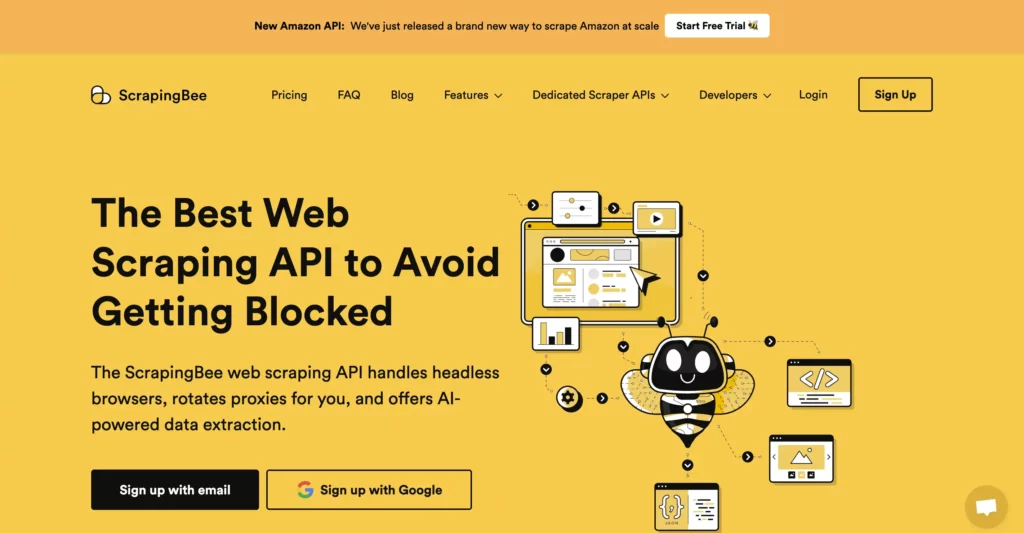
Oxylabs: A Managed SERP Product for Larger Operations
Oxylabs SERP Scraper API is aimed at teams that need a managed search-data service as part of a broader data operation. Its product page is the place to check supported engines, request settings, output formats, and the service terms for your use case.
Do not use the size of a proxy network as a stand-in for SERP completeness or uptime. Ask for a sample using your queries, the expected service level, support path, data retention terms, and the exact unit used in a quote.
- Consider it when: search collection is one part of a larger vendor-supported data workflow.
- Check first: the contract’s request definition, location coverage, response format, support, and failure credits.
Bright Data: Location Controls and Multiple Billing Options
Bright Data’s SERP API is relevant when a search product needs to set geography and search type as part of the request. Its public page presents both usage-based and plan-based options, so calculate the cost against the same workload before comparing it with a credit-based service.
Bright Data’s SERP API pricing page listed pay-as-you-go at $1.50 per 1,000 requests and the Scale option at $499 per month with $1.30 per 1,000 additional requests on 22/10/2026. These are request prices, not a verified price for each valid result. Test completion and field coverage separately.
- Consider it when: geographic controls and choice of billing model matter to the product.
- Check first: what counts as a request, which options change the rate, and how failed or retried calls are billed.
ZenRows: Google SERP Collection With Configurable Inputs
ZenRows’ Google scraping endpoint describes structured SERP output across several Google result types. It is worth testing when a workflow needs configurable search inputs and the team wants to keep collection behind an API.
The pricing page listed Build at $16 per month for 45,000 credits and Launch at $57 for 250,000 credits when checked on 22/10/2026. A credit count does not show the cost of a valid result by itself; confirm the endpoint’s credit multiplier and the options your queries require.
- Consider it when: a search workflow needs configurable requests and structured output.
- Check first: credits per Google search type, location behavior, and response fields in a fixed pilot.
ZenRows pricing shows its current usage plans.
DataForSEO: Page-Based Tasks and Queue Choices
DataForSEO’s SERP API suits SEO products that want a task-based interface and a choice between queued and live delivery modes. That model makes the delivery requirement part of the design: a delayed batch and a real-time screen do not need the same request path.
Its public page listed Standard Queue from $0.0006 per SERP page and Live mode from $0.002 per SERP page on 22/10/2026. The pricing page also showed a $50 minimum payment. Check add-ons, page depth, queue timing, and task retrieval before estimating total spend.
- Consider it when: an SEO platform can define the job, delivery mode, and result page depth.
- Check first: minimum funding, optional result fields, task polling, and the cost of reprocessing failed jobs.
DataForSEO API pricing lists costs by endpoint and mode.

Apify: Actor-Based Search Workflows
Apify’s Google Search Results Scraper Actor is one option when search collection is part of a custom automation. An Actor is a packaged task with its own input and output, so inspect the exact Actor rather than assuming every Google scraper in the catalog behaves the same way.
Apify’s Starter plan was listed at $19 per month plus usage on 22/10/2026; the platform also showed $5 in free usage on its Free plan. Compute, proxy use, storage, and any Actor-specific charges can affect the bill, so price a sample run on the Actor you intend to keep.
- Consider it when: the workflow needs custom steps, scheduled runs, or a connection to other Actors.
- Check first: Actor ownership and updates, output stability, compute use, proxy settings, and storage charges.
Apify pricing separates plan fees from usage.
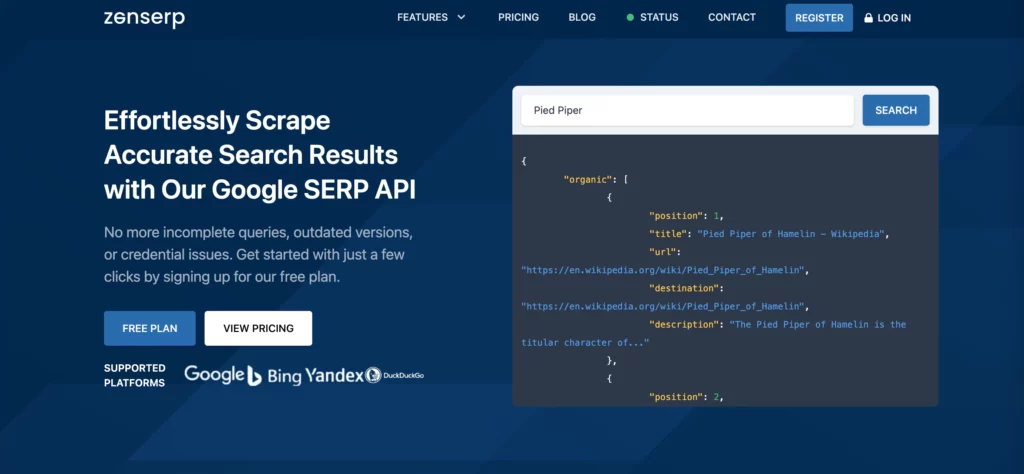
Zenserp: A Published Search Quota
Zenserp is a Google results API to test when a fixed monthly quota makes planning easier. Its current plan page listed 50 searches per month on Free and 25,000 searches per month on Small at $49.99 when checked on 22/10/2026.
Before moving beyond a trial, check whether the search types, location inputs, and response options you need count toward that same quota. A stated uptime level is not the same as correct or complete SERP data, so measure those outcomes with your own test set.
- Consider it when: the product can start with a defined Google query volume.
- Check first: which endpoints share the quota and how an empty or partial response is treated.
Zenserp plans list searches included by tier.
How to Run a Fair SERP API Test
A small, repeatable pilot is more useful than choosing a vendor from a speed claim or a lowest-price badge. Use one test sheet for every provider and keep the input settings and evaluation rules fixed.
- Choose representative queries. Include the query types, countries, cities, languages, devices, and SERP features that the product will serve.
- Send matching requests. Keep the engine, query, location, language, device, and requested result types the same. Record the run time because search results change.
- Check the returned data. Measure completed responses, missing required fields, malformed records, duplicate results, and whether the location matches the request.
- Separate reliability measures. Track success after retries, p50 and p95 response time, and field completeness as different measures. Uptime does not prove that the returned data is correct.
- Calculate cost for valid records. Add plan fees, metered calls, extra features, and retries, then divide by the records that pass your validation rules.
For example, a tracker covering 200 keywords in four cities on mobile and desktop, refreshed weekly, has 6,400 query-location-device combinations per four-week month before retries or extra result types. This is a planning count, not a credit estimate. Apply each provider’s actual billing rules, then compare the monthly bill and support work separately.
Set the pass threshold before testing. A product that displays a result once a week may accept a different delay or missing-field rate than a real-time search feature. Name an owner to review the pilot, and repeat the check when the query mix, provider plan, or result requirements change.
Integrate a SERP API Without Hiding Failures
Keep the API call on a server, store the key outside source code, and normalize provider responses before another part of the product uses them. The example below follows SerpApi’s documented Google Search endpoint; other providers use different fields and request rules.
import os
import requests

response = requests.get(
    "https://serpapi.com/search.json",
    params={
        "engine": "google",
        "q": "coffee shops",
        "location": "Austin, Texas, United States",
        "hl": "en",
        "api_key": os.environ["SERPAPI_API_KEY"],
    },
    timeout=30,
)
response.raise_for_status()
payload = response.json()
organic_results = payload.get("organic_results", [])
Use a shared record for the query, engine, requested location and language, device, collection time, result type, and provider response status. A downstream workflow can then tell a true empty result from a timeout or a response that omitted a required field.
- Retry with limits: handle timeouts and temporary server errors with capped retries and backoff. Do not retry a bad request as if it were a temporary failure.
- Cache the full request context: include engine, location, language, device, and requested features in the cache key. Label stored results with their collection time.
- Protect query data: remove personal or confidential terms before sending requests, and review provider retention and access controls.
- Watch the data pipeline: monitor response status, missing fields, duplicate records, retry count, and spend per valid result.
If the output feeds an AI search or reporting feature, map ownership and validation in the surrounding AI data integration workflow as well; a successful API response is only one step in that pipeline.
FAQs About SERP APIs
How Much Does a SERP API Cost?
Prices vary by provider and billing unit. Plans may charge by search, request, credit, SERP page, or compute, and options or retries can change the total. Compare cost per valid record for the same workload rather than comparing headline rates.
Can a SERP API Return Local Search Results?
Some providers offer location settings or local-result endpoints, but support differs by service and plan. Test the exact city or coordinates, language, device, and local features your product needs, then check that the returned response reflects those inputs.
Is It Legal to Use a SERP API?
A SERP API can simplify automated data collection, but using one does not by itself establish that a particular collection or reuse is allowed. Check the API provider’s terms, the search engine’s applicable Terms of Service, local law, privacy and copyright obligations, and the data you plan to store or redistribute. Google’s policy on machine-generated traffic provides relevant policy context but does not settle every provider or customer use case. Requirements vary by jurisdiction and use case, so get qualified legal advice for commercial or cross-border use.
How Is a SERP API Different From a Web Scraping Library?
A SERP API is a managed service that returns search data through an endpoint. A library gives a team more control, but the team must handle network access, parsing, retries, changes to page markup, and ongoing operations. Include those engineering and maintenance costs when comparing a paid API with an open-source tool.
If a SERP API will power a customer-facing product, web application development services can help scope the query flow, data model, and monitoring plan around the chosen provider.
Also published on

Share post on










Related Articles



Best SERP APIs In 2026: 11 Providers Compared By Fit And Pricing
Best SERP APIs In 2026: 11 Providers Compared By Fit And Pricing Published October 02, 2026
DevOps Managed Services: What They Include & How To Choose A Provider
DevOps Managed Services: What They Include & How To Choose A Provider Published September 21, 2026
How AI Automates Routine Tasks: What To Automate First?
How AI Automates Routine Tasks: What To Automate First? Published August 05, 2026


















