
















10+ Best Game Development Software Tools in 2026

Choosing the right game development software tool is one of the most important decisions for any developer or studio. There are various types of game development software, game making software and professional game development tools swamping the market, so it is difficult to know where to begin. You may need the best program to develop a game or you may need the modern tools that can ease the working process, the correct decision can greatly enhance speed, performance, and quality of release.
In this article, you will find out the most suitable game development software, understand what each tool is most suitable for and get practical suggestions regarding the various levels of skills and types of projects.
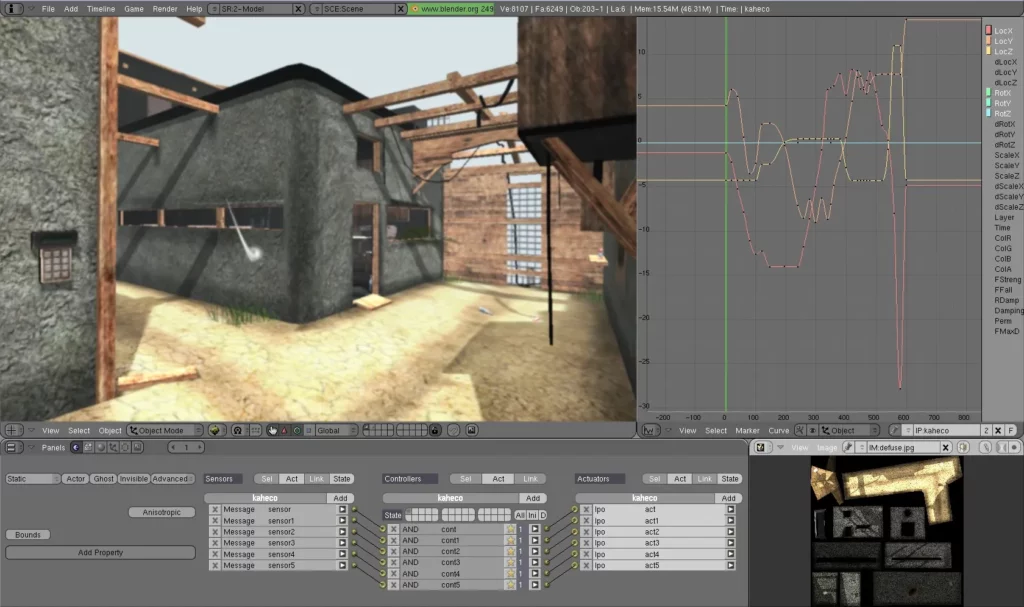
An Overview of Game Development Software
The video game industry generates $188.8 billion in 2025, with a year-over-year growth of 3.4%. Most of this growth is still being propelled by PC and console platforms, with mobile remains steady due to the increasing use of cloud gaming, cross-platform engines, and lightweight experiences. Meanwhile, VR/AR and streaming technologies are rapidly increasing by double-digit growth, and studios are forced to innovate more rapidly.
With developers, large and small teams and individuals releasing games faster than ever, the selection of the correct engine has become one of the most critical strategic choices. The right game development software tool determines how quickly you can prototype, what platforms you can reach, how much you spend on development, and how smoothly your project scales.
To assist decision-makers in making a confident decision, we assess each tool on the basis of such practical considerations. The table below provides a brief overview, but further on, we will discuss the reasons why each of the engines is special.
| Software | Best For | Pricing | Skill Level | Platform Support |
| Unity | Cross-platform & mobile games | Free to $2,200/year | Beginner to Pro | 25+ platforms |
| Unreal Engine 5 | AAA-quality 3D games | Free (5% royalty after $1M) | Intermediate to Pro | PC, Console, Mobile |
| Godot | Open-source 2D/3D indie games | 100% Free | Beginner to Intermediate | PC, Mobile, Web |
| GameMaker | 2D indie games | Free to $99/year | Beginner | PC, Console, Mobile |
| Construct 3 | Browser-based 2D games | $99/year | Beginner | Web, Mobile, PC |
| RPG Maker | Role-playing games | $79.99 one-time | Beginner | PC, Mobile |
| CryEngine | High-fidelity 3D visuals | $9.90/month | Advanced | PC, Console |
| Blender | 3D modeling & animation | Free | Intermediate to Pro | PC |
| GDevelop | No-code 2D games | Free to premium | Beginner | Web, Mobile, PC |
| Buildbox | Mobile casual games | Free to premium | Beginner | Mobile |
10+ Best Game Development Software for Your Game Making Projects
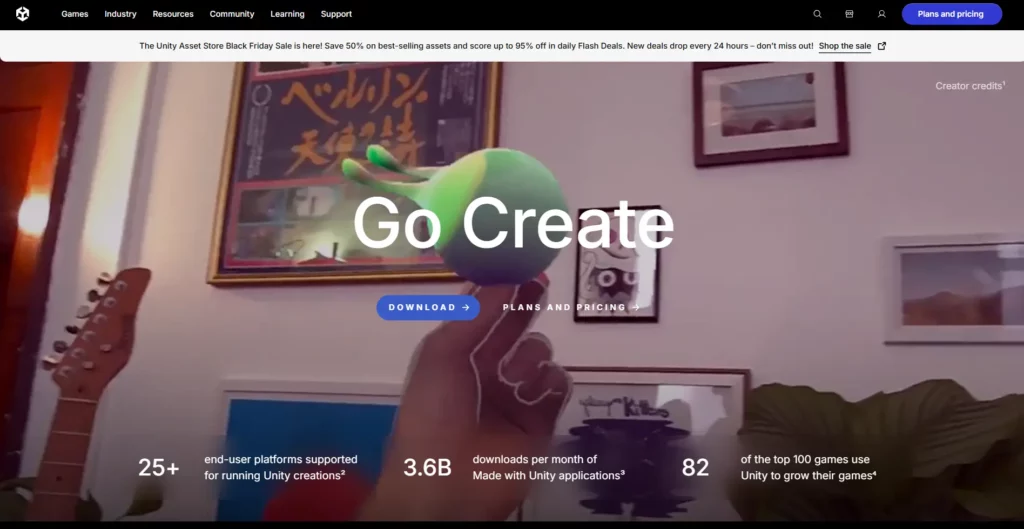
1. Unity — Best for Versatile Cross-Platform Development
Unity holds the largest market share among active studios in 2025. Unity 6 delivers stable multiplayer features, improved AI navigation, and full web export with WebGPU support. Teams deploy the same codebase to mobile, console, PC, VR/AR, and web platforms without major rework, which makes Unity the default choice when speed-to-market and platform reach matter most.
Key Features
- C# scripting with visual scripting options.
- Support for 25+ platforms including iOS, Android, PC, console, and web.
- Extensive Asset Store with thousands of ready-made assets.
- AI-assisted tools and Unity Muse for productivity enhancement.
- Built-in analytics and monetization tools.
| Strengths | Limitations |
| Most accessible learning curve among professional engines | Graphics lag behind Unreal for AAA projects without heavy customization |
| Massive community and documentation | Past pricing instability damaged trust (resolved in 2025) |
| Excellent dedicated 2D pipeline | Large projects can become unwieldy |
| Rapid prototyping and small build sizes |
Pricing (2025)
- Unity Personal: Free for revenue/funding under $200,000.
- Unity Pro: $2,200/seat/year.
- Unity Enterprise: Custom pricing for companies above $25M.
Best for: Mobile game developers who need fast iteration and wide reach. Indie studios and solo creators targeting multiple stores. VR/AR and simulation projects.
Games Made with Unity: Hollow Knight, Cuphead, Pokémon GO, Genshin Impact, Among Us.
2. Unreal Engine 5 — Best for High-Fidelity 3D Game Development
Unreal Engine 5 dominates AAA and high-end indie production in 2025 with Nanite, Lumen, and Chaos Physics now mature and performant even on mid-range hardware. Blueprint visual scripting plus full C++ access gives teams unmatched control over performance and visuals. Studios pick Unreal when photorealism and cinematic quality justify the higher hardware demands and longer development time.
Key Features
- Nanite virtualized geometry for unlimited detail.
- Lumen real-time global illumination + MegaLights system.
- Blueprint visual scripting (no code required).
- MetaHuman for photorealistic characters.
- World Partition and seamless streaming.
- Open-source C++ access.
| Strengths | Limitations |
| Best photorealistic graphics available today | Steeper learning curve, especially in C++ |
| Unmatched large-scale open-world tools | Larger build sizes |
| Strong multiplayer framework | Higher hardware demands during development |
| Free until you earn $1M |
Pricing (2025)
- Free for all developers.
- 5% royalty on gross revenue after $1M per title.
- Custom enterprise licenses available.
Best for: AAA studios, cinematic games, open-world titles, architectural visualization, film production.
Games Made with Unreal Engine 5: Fortnite, Black Myth: Wukong, S.T.A.L.K.E.R. 2, The Witcher 4 (in development), Hellblade II.
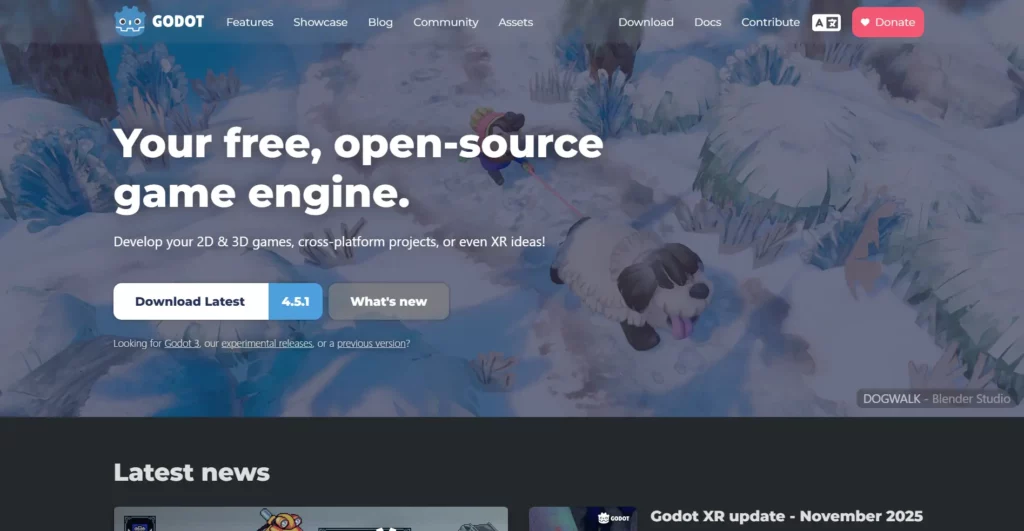
3. Godot Engine — Best Free and Open-Source Game Engine
Godot Engine reaches top-tier status in 2025 with Godot 4.3 and Godot 5 beta delivering Vulkan performance that rivals commercial engines while keeping the binary size under 50 MB. The MIT license means zero royalties and full source access forever. Indie developers and studios fleeing royalty models now choose Godot as the only open-source engine ready for commercial-grade 2D and 3D projects.
Key Features
- GDScript (Python-like) plus C# and C++ support.
- Node/Scene system for clean architecture.
- Dedicated pixel-perfect 2D engine.
- Vulkan + forward+ renderer.
- OpenXR and direct Blender import.
- Full MIT license.
| Strengths | Limitations |
| Truly free forever – no royalties or seats | 3D still trails Unity/Unreal in polish |
| Tiny download (~55 MB) | Smaller asset marketplace |
| Excellent 2D performance and tools | Console export requires third-party partners |
| Rapidly growing community and features | Fewer AAA reference projects |
Pricing (2025)
- 100% free under MIT license.
- Zero royalties.
Best for: Budget-conscious indies, 2D specialists, developers who want full ownership, learners.
Games Made with Godot: Dome Keeper, Cassette Beasts, Brotato, Cruelty Squad, Deppart.
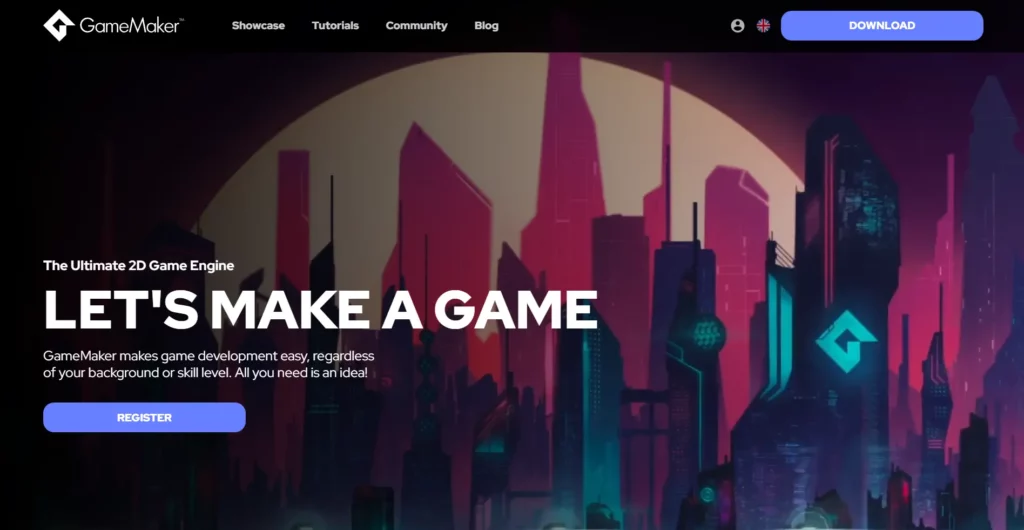
4. GameMaker — Best Engine for 2D Indie Games
GameMaker releases version 2025.x with native console export for PlayStation 5, Xbox Series, and Nintendo Switch without extra licenses. The drag-and-drop system plus GML scripting lets solo developers ship polished 2D titles in months instead of years. It remains the fastest path from idea to marketplace for pixel-art, platformer, and top-down games that dominate itch.io and Steam charts.
Key Features
- GML scripting or drag-and-drop.
- Room editor, sprite tools, particle system.
- Shader support.
- One-click export to all major platforms including consoles.
| Strengths | Limitations |
| Fastest idea-to-playable for 2D | Very limited 3D capabilities |
| Proven commercial success (multiple million sellers) | Subscription model |
| Outstanding documentation and tutorials | Not suitable for large teams or AAA scope |
Pricing (2025)
- Free tier (non-commercial).
- Standard ≈ $99/year.
- Console licenses extra.
Best for: 2D platformers, pixel-art games, solo devs, game jams.
Games Made with GameMaker: Undertale, Hyper Light Drifter, Hotline Miami, Katana Zero, Chicory.
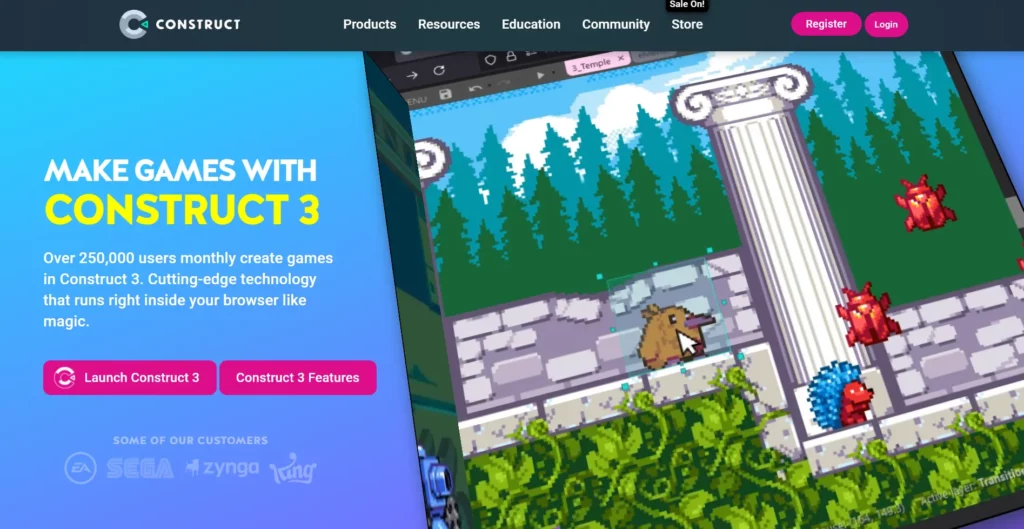
5. Construct 3 — Best Browser-Based 2D Game Engine
Construct 3 runs completely in the browser and exports to iOS, Android, Steam, and consoles with one click. The event-sheet logic system removes traditional coding barriers while still supporting JavaScript for advanced features. Rapid-prototyping teams and educators select Construct when they need playable builds in hours and instant sharing via URL.
Key Features
- Event-sheet logic (no code).
- Browser IDE with cloud saves.
- JavaScript plugin support.
- Timeline for cutscenes.
- 3D elements with Z-elevation.
- Direct export to every major store.
| Strengths | Limitations |
| Zero install – work from any device | Primarily 2D |
| Instant playtesting | Performance ceiling lower than native engines |
| Regular meaningful updates | Subscription only |
Pricing (2025)
- Free limited version.
- Personal ≈ $99/year.
- Business tier for teams.
Best for: Beginners, educators, web game devs, rapid prototyping.
Games Made with Construct 3: Many popular itch.io and mobile casual hits; strong in hyper-casual space.
6. CryEngine — Best for Stunning Visual Fidelity
CryEngine maintains its crown for raw visual quality in 2025 with real-time ray tracing, advanced SVOGI and volumetric cloud systems that surpass most competitors out-of-the-box. The engine suits open-world and simulation projects that demand cinematic realism above all else. Teams accept the steeper learning curve and higher hardware requirements because no other engine matches CryEngine’s photorealistic rendering without extensive custom shaders.
Key Features
- Real-time global illumination without baking.
- Physically-based rendering (PBR).
- Advanced AI and navigation systems.
- Sandbox editor with WYSIWYG workflow.
- Volumetric fog and advanced post-processing.
- Support for Vulkan and DirectX 12.
| Strengths | Limitations |
| Exceptional graphics quality | Steep learning curve |
| Real-time editing environment | Smaller community than Unity/Unreal |
| Strong physics simulation | Limited documentation |
| Comprehensive terrain tools | Fewer third-party resources |
Pricing (2025)
- Free download with full C++ source code.
- 5% royalty on gross revenue after first $5,000 per project annually.
- Free for non-commercial and educational use (with limits).
Best for: Studios that prioritize visual quality above all. First-person shooters and open-world environments.
Games Made with CryEngine: Crysis series, Hunt: Showdown, Kingdom Come: Deliverance, Deceit.
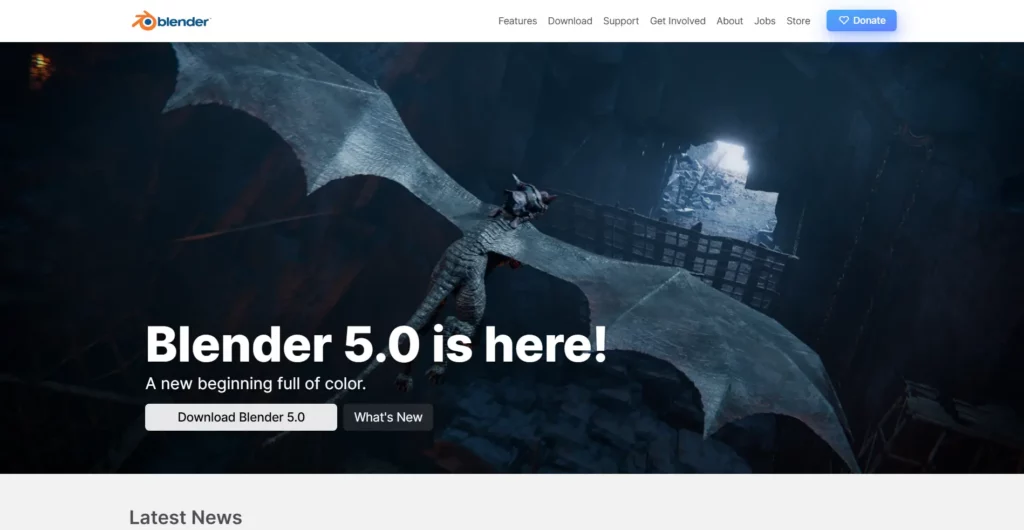
7. Blender — Best Free 3D Modeling and Animation Software
Blender serves as the industry-standard asset creation tool in 2025 with Geometry Nodes, improved Grease Pencil, and EEVEE Next rendering that rival paid software. Full Python scripting and UPBGE fork keep a viable real-time game engine inside the same package. Studios and solo developers rely on Blender because it eliminates the need for separate DCC tools while staying completely free and open source.
Key Features
- Complete modeling, sculpting, and texturing pipeline.
- Advanced animation and rigging system.
- Geometry nodes for procedural content.
- Real-time Eevee renderer.
- Direct export to game engines (FBX, glTF).
- New Blender file direct import in Godot 4.x.
| Strengths | Limitations |
| Completely free and open-source | Not a game engine itself |
| Professional-quality results | Learning curve for complete beginners |
| Extensive tutorial ecosystem | Requires integration with game engines |
| Active development with regular updates | |
| Industry adoption growing rapidly |
Pricing (2025)
- 100% free under GPL license.
Best for: Teams that create 3D game assets. Character modeling, animation, and cinematics for indies.
Games Made with Blender: Assets in ULTRAKILL, Homeworld: Deserts of Kharak; full projects like Blender Studio’s DOGWALK.
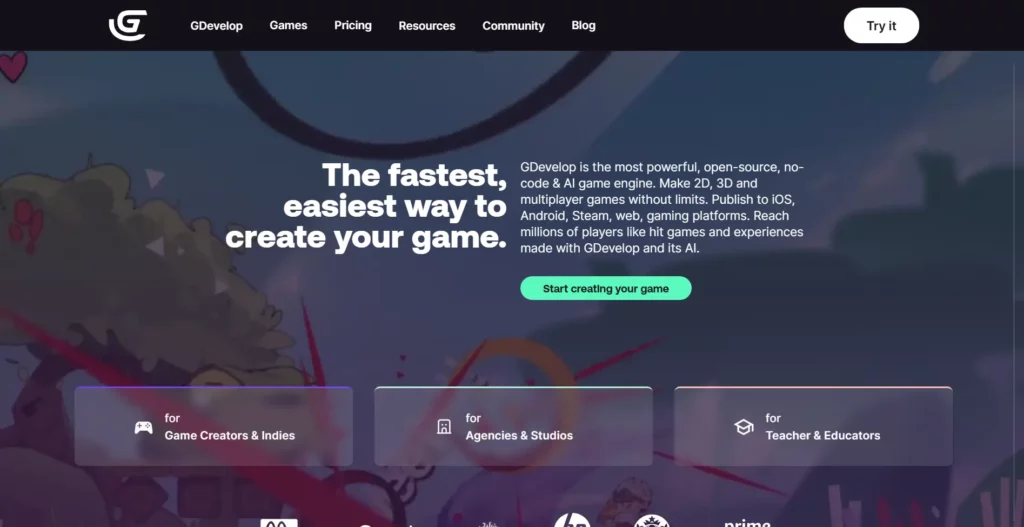
8. GDevelop — Best No-Code Game Development Platform
GDevelop ships native exports for Android, iOS, Steam, and web in 2025 with zero configuration. The visual event system plus behavior library lets non-programmers create complex mechanics that once required code. Hyper-casual and educational game creators choose GDevelop when they want professional results without writing a single line of traditional code.
Key Features
- Event-based visual logic system.
- One-click publishing to multiple platforms.
- AI agent for game iteration.
- Built-in asset store and templates.
- Desktop, web, and mobile apps available.
| Strengths | Limitations |
| Lowest barrier to entry for beginners | Limited to 2D games |
| Free and open-source | Less flexibility than coding engines |
| Quick iteration from concept | Not suitable for complex projects |
| Growing template library |
Pricing (2025)
- Free basic tier.
- Silver: Starts at $2.19/month for more publishes and AI credits.
- Gold/Pro: $4.39+ for iOS, unlimited features.
Best for: Complete beginners with no coding experience. Educational environments and game jams.
Games Made with GDevelop: Katuba’s Poacher, Bullet Bunny, Hyperspace Dogfights.
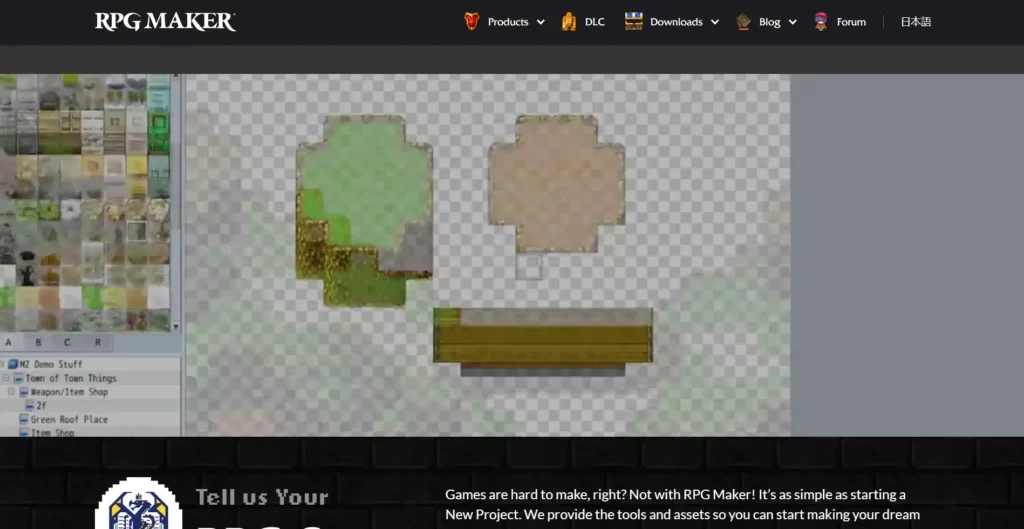
9. RPG Maker — Best Specialized Tool for RPG Development
RPG Maker MZ Plus (2025 edition) includes built-in turn-based and action battle systems, character generator, and full plugin support for modern features like online multiplayer components. The database-driven approach removes most coding needs for classic JRPG mechanics. Developers building story-heavy role-playing games pick RPG Maker because it delivers complete, polished RPGs faster than any general-purpose engine.
Key Features
- Pre-built RPG systems (battle, inventory, dialogue).
- Character generator for custom sprites.
- Event-based scripting system.
- Plugin system with JavaScript support.
- Cross-platform export to PC, mobile, and web.
| Strengths | Limitations |
| Genre-specific tools accelerate development | Limited to RPG genre primarily |
| No programming required for basic games | Default assets can make games look similar |
| Large community and plugin ecosystem | Advanced customization requires JavaScript |
| Affordable one-time purchase |
Pricing (2025)
- RPG Maker MZ: $79.99 one-time purchase.
- Frequent sales around $35.
Best for: JRPG-style creators and story-focused developers. Hobbyists entering RPG design.
Games Made with RPG Maker: OneShot, LISA: The Joyful, Haven: Secret of Caledria.
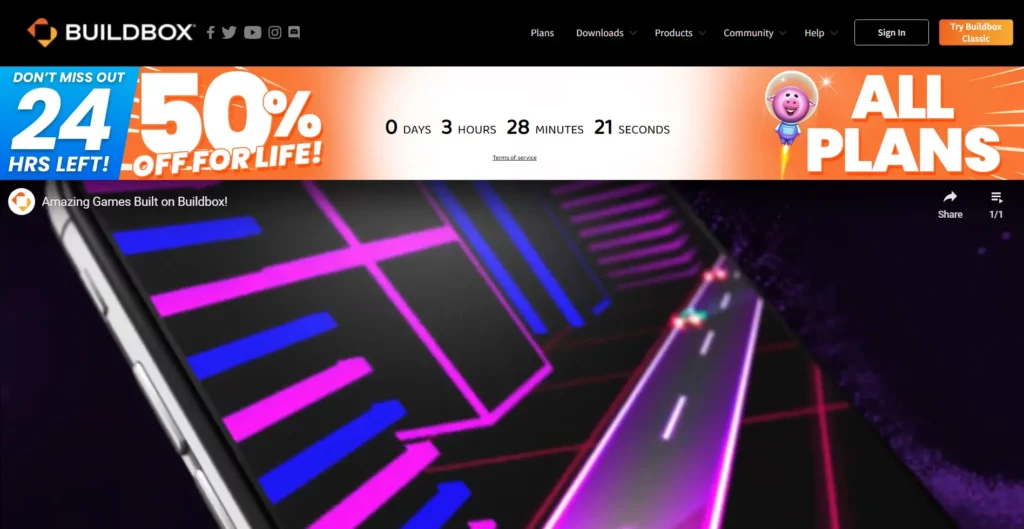
10. Buildbox – Best for No-Code Mobile Game Creation
Buildbox focuses exclusively on hyper-casual and casual mobile games with drag-and-drop 3D/2D creation and one-click Apple/Google/Samsung store exports. The engine includes monetization templates that generate chart-topping titles with minimal art assets. Mobile entrepreneurs and rapid-release studios use Buildbox when they need multiple revenue-generating games launched every month without a programming team.
Key Features
- No-code development environment.
- Drag-and-drop asset and logic system.
- Built-in monetization, in-app ads, and store solutions.
- Export to iOS, Android, and desktop.
- Built-in asset and template marketplace.
| Strengths | Limitations |
| Easiest for non-programmers to publish | Primarily focused on 2D hyper-casual mobile |
| Quick prototyping and iteration | Limited flexibility for advanced features |
| Supports advanced logic with smart assets | Exporting full features may require upgrades |
| Large community and video tutorials |
Pricing (2025)
- Free tier for basic usage.
- Paid plans from $9.99/month for Classic; higher for 3D and unlimited exports.
Best for: Mobile-first hyper-casual creators. Indies without coding experience.
Games Made with Buildbox: Color Switch, The Line Zen, Ball Jump.
How to Choose the Best Game Development Software for Your Project?
Selecting the right game development software depends on how well the tool fits your production needs, team skills, and long-term release strategy. A clear decision framework helps reduce rework and supports predictable delivery cycles. At Designveloper, we advise teams to align tool selection with project complexity, platform goals, and budget constraints to keep development focused and efficient.
Here are the core factors to evaluate:
- Project Type and Complexity: 2D or 3D scope, genre demands (RPG, FPS, casual), and team collaboration requirements.
- Skill Level and Learning Curve: Visual scripting for beginners, code-heavy engines for seasoned developers, and the availability of strong documentation.
- Platform and Export Options: Target outputs for PC, mobile, console, or web; export formats; and console certification needs.
- Budget and Pricing Models: Free or open-source alternatives, subscriptions, one-time licenses, or royalty-based revenue thresholds.
- Performance and Scalability: Rendering strength, optimization features, profiling tools, and support for large content pipelines.
- Community and Ecosystem: Asset stores, marketplace availability, plugins, extensions, and community or vendor support systems.
Tips for Getting Started with Game Development
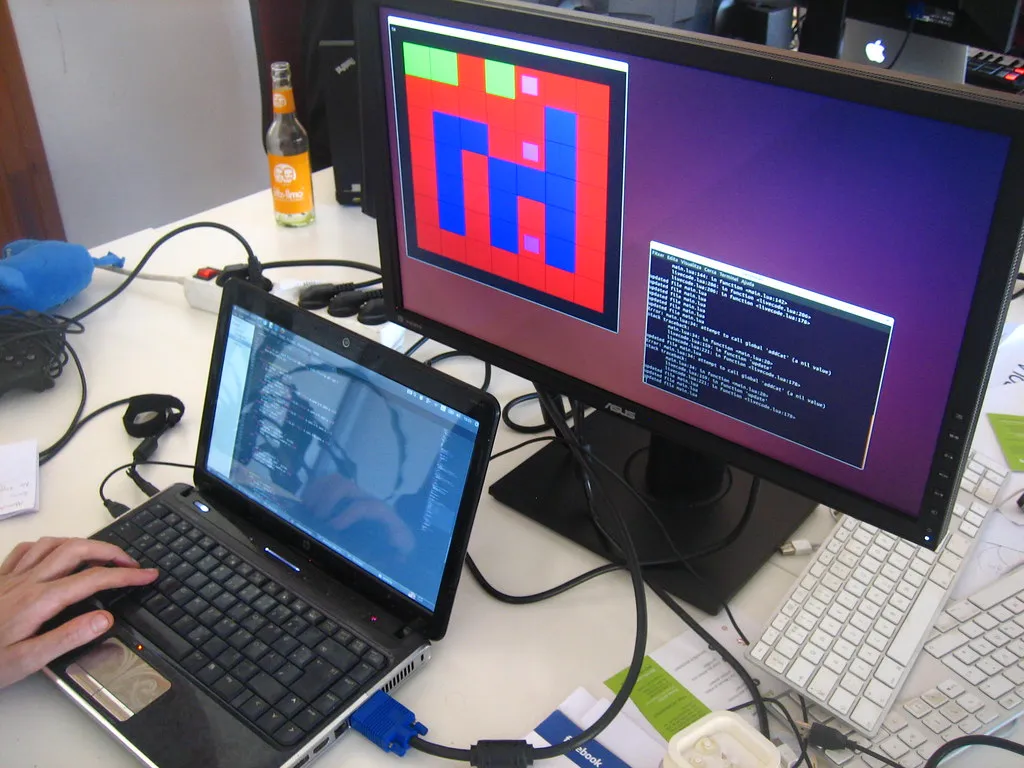
Getting started in game development requires consistent practice, small scope, and structured learning. In 2025, the rise of no-code and hybrid-code tools gives beginners more accessible entry paths. New creators benefit from focusing on quick wins rather than large, complex projects. Developers with technical backgrounds can transfer their existing skills into game loops, logic systems, and modern engine workflows.
- For Complete Beginners: Use visual scripting engines like Construct 3 or GDevelop. Build one small game before switching tools. Join active communities such as r/gamedev or Discord groups. Follow structured tutorials to avoid confusion.
- For Web/App Developers: Reuse existing languages like JavaScript (Phaser) or C# (Unity). Study how game loops differ from typical app logic. Learn core game design patterns to improve maintainability.
FAQs
What is the best game development software for beginners with no coding experience?
For absolute beginners, GDevelop and Construct 3 offer the easiest entry points with visual, event-based programming that requires no coding knowledge. GameMaker is excellent for those willing to learn basic scripting, offering both drag-and-drop and code options. Unity with visual scripting (Bolt) and Unreal Engine with Blueprints also provide visual programming alternatives for more ambitious projects.
Is Unity or Unreal Engine better for indie game development?
Unity is generally better for indie developers due to its lower learning curve, smaller build sizes for mobile, extensive asset store, and free tier for studios under $200,000 revenue. However, Unreal Engine can be compelling for indie teams wanting AAA visuals, as it’s free until $1 million revenue and games like Hellblade: Senua’s Sacrifice prove small teams can create stunning experiences with it.
What is the best free game development software in 2025?
Godot Engine stands out as the best completely free option—it’s open-source under MIT license with zero royalties, fees, or restrictions. Blender is the industry-leading free 3D modeling software. Unity offers a free tier for smaller developers (<$200K revenue), and Unreal Engine is free until $1M in revenue.
Can I create console games (PlayStation, Xbox, Nintendo Switch) with these tools?
Yes, but with varying levels of difficulty. Unity and Unreal Engine have official console support with developer partnerships. GameMaker also supports major consoles with additional licensing. Godot requires third-party services for console exports, which adds cost and complexity. Console development also requires platform-specific developer agreements and certification.
Conclusion
Selecting the right game development software tool plays a crucial role in how efficiently you build, test, and launch your game. All the tools have their own advantages, some of them are better in the 2D workflows, others have advanced 3D rendering capabilities, and most of them have strong cross-platform capabilities. The knowledge of such differences assists teams to select a solution that will fit their objectives, capabilities, and future vision.
At Designveloper, we deal with various modern technologies and development tools, which provides us with an in-depth insight into the performance of various engines in real-world projects. We have served customers in different sectors, including startups and well-established companies, and have assisted them in creating, developing, and maintaining high-performance and scalable digital products.
Although each and every project is different, we have experience that enables us to advise our clients on the selection of the tools, technical planning, and best practices in the development. Whether you are developing new game ideas, interactive applications, or immersive digital experiences, we can assist you in making the correct choice and realizing your ideas.
Also published on

Share post on










Related Articles


Top 10 NFT Game Development Companies in 2026
Top 10 NFT Game Development Companies in 2026 Published April 14, 2026
10+ Best Game Development Software Tools in 2026
10+ Best Game Development Software Tools in 2026 Published December 03, 2025
How to Make a AAA Game in 2026 from Concept to Launch
How to Make a AAA Game in 2026 from Concept to Launch Published May 23, 2025



















