








How to Get Facebook Reviews: 7 Proven Ways to Earn More Trusted Feedback


If you want more customers to trust your business at a glance, you need a steady stream of recent, authentic Facebook reviews. Here’s how it works, from setting up your page correctly to asking for reviews without feeling awkward and then turning that feedback into real revenue.
Before you ask for a single review, you need to understand what Facebook reviews and recommendations actually are. That context helps you avoid mistakes like violating policy or pushing customers in a way that backfires.
Facebook originally used a classic 5‑star review system, then shifted to a “Do you recommend this business?” model with optional text, photos, and tags. Your overall score now blends older star ratings with newer yes/no recommendations and only counts public or eligible feedback.
Where Reviews Show Up and Why They Matter
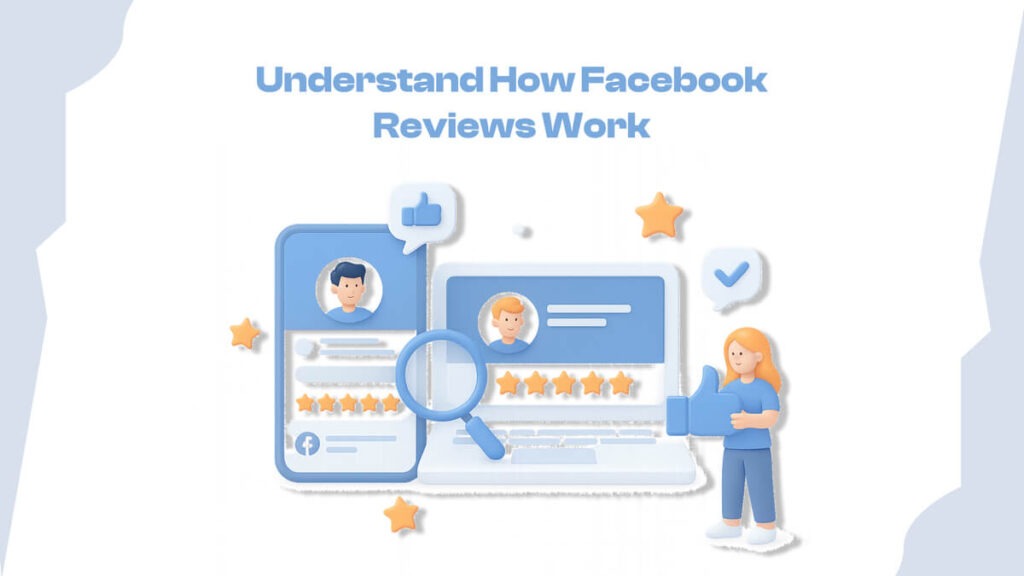
Reviews and recommendations appear on your Page’s Reviews/Recommendations tab and can also show in friends’ feeds when someone shares their experience. For local searches and “near me” discovery, a strong rating and plenty of recent feedback can be the difference between getting chosen or ignored.
Set Up Your Page to Accept Reviews
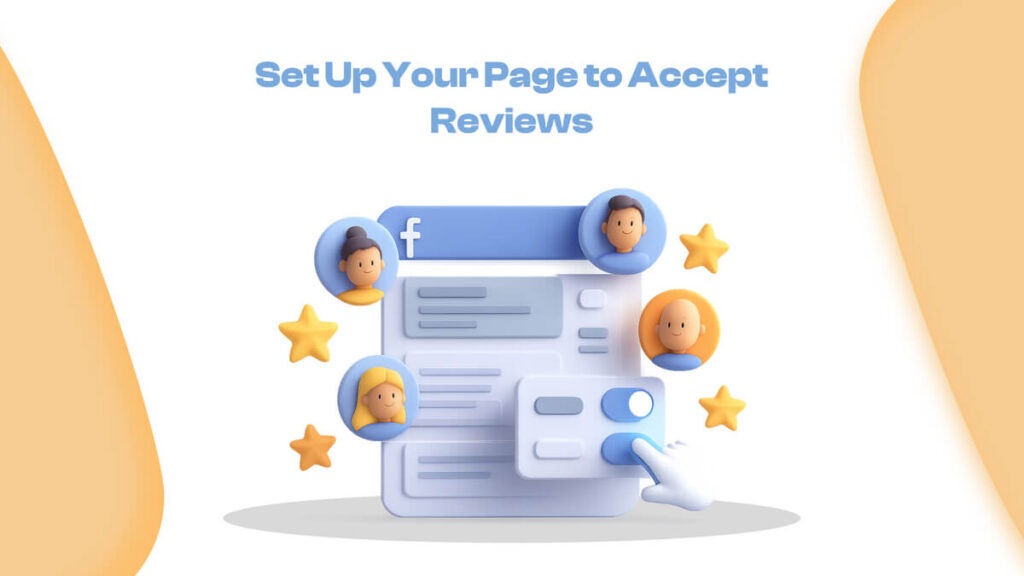
Many businesses ask, “How do I get Facebook reviews?” when their page isn’t even configured to receive them. Fixing that takes a few minutes and sets the foundation for everything else. Then you can get reviews naturally, or you can even buy fb reviews for trusted Platforms like Socialplug.
Enable Recommendations in Page Settings
To turn on reviews, go to your Page settings and locate the option that allows people to view and leave reviews or recommendations. Only pages with recommendations enabled (and at least a small number of reviews) can display an overall rating.
Quick checklist:
- Correct business category and location set
- “Allow others to view and leave reviews” is enabled
- Page information (hours, phone, website) is up to date
Create a Clean Facebook Review Link
Next, make it easy to share a direct Facebook review link with customers. In most cases, you can either copy the URL from your Reviews tab or use a standard pattern that appends /reviews to your page URL.
Save this link in your:
- Email templates
- SMS flows
- Receipts and invoices
- Website CTAs
Remove Friction: Make Leaving a Review Simple
Even happy customers won’t leave a review if it feels like work. Your goal is to cut the number of steps between “I had a good experience” and “I posted a review” down to almost zero.
Add “Leave a Review” CTAs on Your Website
Place a clear “Leave us a Facebook review” button on high‑intent pages like order confirmation, thank‑you pages, and your contact page. Link this button directly to your Facebook Reviews tab so visitors land exactly where they can rate and write.
You can also embed selected Facebook reviews on your site with a widget, then include a small CTA above the feed asking visitors to share their own experience.
Use QR Codes and Offline Prompts
For offline businesses, print QR codes that point to your review link and place them:
- Near checkout
- On tables or counters
- On flyers, receipts, or packaging
Scanning should take customers straight to your Facebook review screen. Keep any on‑sign copy short and clear, such as “Had a good experience? Scan to review us on Facebook.”
Ask at the Right Time and Channel
The fastest way to get more Facebook reviews is still the simplest: ask for them at the right moment, in the right way. You don’t need scripts that feel robotic; you need prompts that fit your customer journey.
Ask In Person After a Great Experience
If you run a brick‑and‑mortar store or service business, your team can ask customers for a review right after a positive interaction. Pair the verbal request with a small reminder card or QR code so people have the link handy once they leave.
This works well for:
- Salons and barbershops
- Cafés, restaurants, and local shops
- Clinics, gyms, and studios
Send Review Request Emails
Set up a simple post‑purchase or post‑visit email that:
- Thank the customer by name
- Asks briefly how the experience was
- Offers a single, clear CTA: “Share your feedback on Facebook” with your review link
If you don’t get a response, send one gentle follow‑up a few days later. Keep it friendly, not pushy, and avoid offering rewards that could violate Facebook’s feedback policies.
Use Chat, Messenger, and SMS
Live chat and Messenger bots can request reviews immediately after you resolve a support question or deliver great service. For some businesses, a short SMS with the review link performs best because it lands where customers are already active.
You can create simple rules like:
- “If satisfaction survey = positive → send Facebook review link”
- “If NPS ≥ 9 → send Facebook review link via email/SMS”
Use Social Content and Check‑Ins to Multiply Reviews
You can also get more Facebook reviews by piggybacking on the visibility you already earn from posts and check‑ins. This approach works especially well when you already have engaged followers.
Encourage Facebook Check‑Ins
When someone checks in at your location, Facebook can prompt them later to share a review. Those check‑ins also act as mini‑recommendations to their friends, which normalizes the idea of leaving feedback.
Prompt check‑ins by:
- Adding “Check in and tag us on Facebook” to your in‑store signage
- Running occasional check‑in promotions (non‑review‑contingent)
Publish Occasional “Review Request” Posts
Every so often, publish a post from your Page that:
- Thanks to customers for their support
- Asks them to share their experience in a quick Facebook review
- Includes your direct review link and a simple visual
If your Page is still small and you struggle to get reach on these posts, consider improving your overall visibility first. Strategic social media growth services can help you reach more real users, so review request posts don’t go unseen.
In that context, a dedicated provider of social media growth services, such as Socialplug (for example, their platform‑specific services like targeted Facebook engagement packages), can support broader visibility for your ongoing content and review‑driven campaigns when used ethically and paired with a strong customer experience.
Respond to Every Review Like It’s Public Marketing
Once reviews start flowing in, how you respond can either build trust or quietly hurt it. Treat each review as a public conversation that other prospects will read before deciding whether to contact you.
Handling Positive Reviews
For positive reviews:
- Reply promptly
- Thank the customer by name
- Mention a specific detail they shared
- Reinforce one of your key strengths (service, speed, quality)
This makes happy customers feel heard and shows prospects you care about service, not just sales.
Handling Negative or Unfair Reviews
Negative reviews are unavoidable, but they can become assets if handled correctly. Good responses are usually short, calm, and focused on resolution:
- Acknowledge what happened
- Apologize when appropriate
- Offer to move the conversation to private channels (DM, phone, email)
- Explain the steps you’ll take to fix the issue where relevant
If a review is clearly fake or violates community standards, you can report it through Facebook’s reporting tools instead of arguing in public.
Table suggestion (summary only):
| Situation | Poor Response Style | Better Response Style |
| Legit negative review | Defensive, blaming | Empathetic, solution‑oriented |
| Mixed review | Ignored | Thank positives, address issues briefly |
| Obvious fake/spam | Public fight in comments | Short note + report through Facebook |
Automate and Scale Your Review System
Manually managing every request and response works when you have a few customers, not when you grow. A simple layer of automation keeps the quality high without consuming all your time.
Build Trigger‑Based Review Requests
Use your CRM, email platform, or booking system to send review requests automatically after key events. Example triggers:
- Order delivered
- Appointment completed
- Support ticket closed with a positive CSAT score
Each trigger fires a short sequence: thank‑you message → one review request → optional reminder.
Centralize and Auto‑Moderate Feedback
Social inbox tools or dedicated review platforms let you monitor all Facebook reviews in one place, assign them to team members, and even set basic auto‑replies. Some advanced tools use AI to propose personalized replies that you can approve in seconds.
Agencies and brands that manage many locations sometimes juggle multiple dashboards and geo‑restricted logins. In those cases, secure proxy services can help teams safely access different regional accounts and dashboards without raising account security flags. Services like dedicated residential or ISP proxy solutions (e.g., a focused provider such as Floxy’s residential proxy services or similar) are commonly used in more complex, multi‑account environments.
Turn Facebook Reviews Into a Reputation Flywheel
Reviews shouldn’t just sit on your page; they should power your marketing, sales, and product decisions. If you treat them as a data source and not just a vanity metric, they become a real moat.
Track the Metrics That Matter
Keep an eye on:
- Total number of reviews and recommendations
- Average rating and its trend over time
- Review recency (last 30–90 days)
- Response rate and response time
- Common themes in praise and complaints
This tells you whether your review strategy is working and where to improve.
Use Reviews Across SEO and Marketing
Use your best Facebook reviews as:
- Social proof on landing pages and product pages
- Content for carousel posts on Instagram or LinkedIn
- Trust signals in ad creatives and email campaigns
For long‑term growth, combine strong Facebook reviews with other authority‑building tactics. High‑quality backlinks from relevant, trustworthy sites increase your visibility when customers search for what you offer, especially in competitive niches.
A specialized backlink marketplace, such as Linkscope’s SEO link building services (for example, curated guest posts or backlink packages with transparent metrics), can support your off‑page SEO, helping more people discover your business before they even look at your Facebook Page.
If you often struggle writing review request posts, bios, or captions, lean on social media content guides that give you ready‑to‑adapt hooks and phrasing. Resources like Socialmelo’s social media content and bio guides for creators and brands are useful here; you can adapt those ideas to write review requests that sound natural and consistent with your brand voice.
FAQs About Getting Facebook Reviews
Can I pay people to leave Facebook reviews?
You should not pay or directly incentivize customers to leave positive reviews. Facebook’s community feedback rules require that reviews are based on real experiences and not manipulated by rewards or discounts tied to positive feedback.
Should I turn reviews off if I get some bad ones?
Turning reviews off usually hurts more than it helps, because it removes social proof entirely and can look like you’re hiding something. A better approach is to welcome more reviews, respond professionally, and treat negative feedback as a chance to show how you fix issues.
How many reviews do I need to look credible?
There’s no magic number, but a steady flow of recent reviews matters more than a huge count from years ago. Aim for at least a handful each month so visitors see that you’re active and consistently serving customers well.
Conclusion
Use these steps to build a simple, repeatable system: configure your page, remove friction, ask at the right times, respond well, and lean on lightweight automation. Over time, your Facebook reviews become one of your most persuasive sales tools, working 24/7, even when you’re not online.
Also published on

Share post on